Video editing outsourcing can give you back the hours you’d otherwise spend trimming and captioning clips. For busy podcasters, coaches, and YouTubers, the best fit depends on whether you need a steady batch of short clips or broader editing support. Here are three named services, followed by a quick way to compare service models.
1. PenguinClip
PenguinClip is a done-for-you clipping service for podcasts, webinars, courses, and YouTube videos. You share long-form content, then our team selects moments and edits them into captioned vertical clips. It’s built for creators who want a steady weekly workflow without managing an editor.
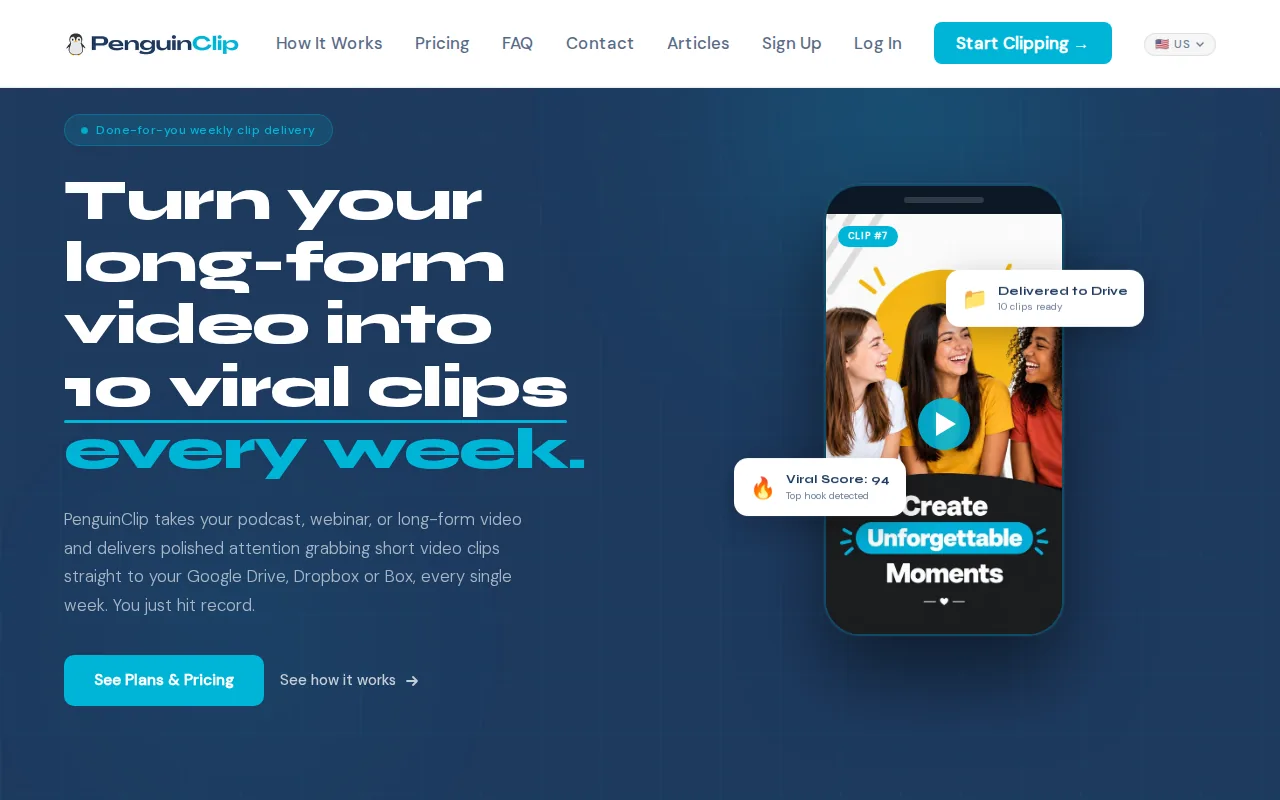
Plans include 12, 24, or 40 clips per month, with weekly delivery to Google Drive, Dropbox, or Box. Each clip is made in 9:16 format and includes captions, a title, and a viral score. The score is based on factors such as hook strength and pacing, so you can use it to help decide what to post first.
Our team handles the clipping and delivery. You keep recording, teaching, or hosting. If you’re weighing this workflow against other repurposing approaches, our roundup of video repurposing services for busy creators explains the difference between finished clips and tools that leave more work with you.
PenguinClip’s plans start at $449 per month, with higher monthly options at $849 and $1,349. The plans have different clip volumes, so match the one you choose to your posting schedule. The service has no contracts, and you can cancel anytime.
Choose PenguinClip when the task is recurring short-form clipping, not a one-off custom edit. You can see the current plan details on PenguinClip’s official website.
2. Hype Clippers: Short-form clipping with distribution
Hype Clippers turns long-form content into short-form clips and runs multi-platform distribution. It’s a possible fit for a creator or team that wants help with both clip production and getting clips out across platforms.
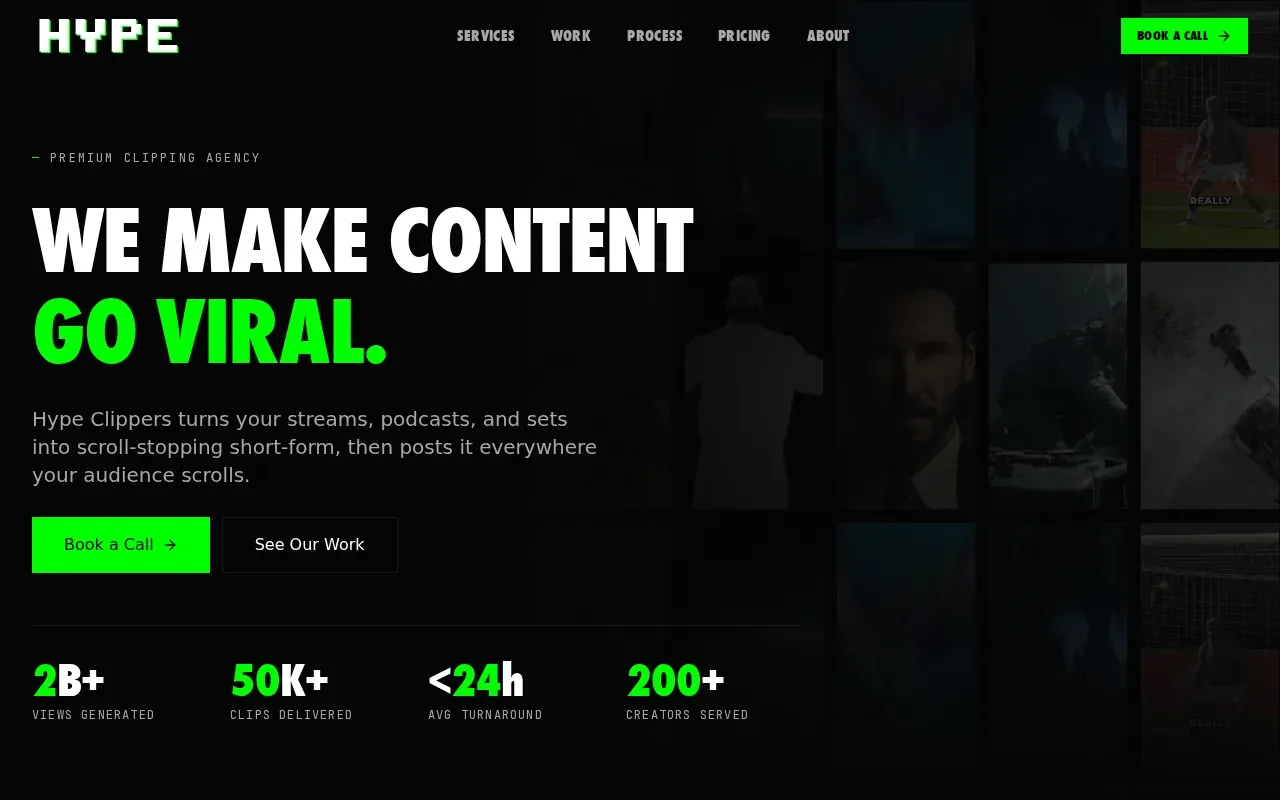
The added distribution work is the key distinction from a clipping-only workflow. If your team already has a posting plan and mainly needs edited clips delivered, compare how much of the service you’ll use. If you want someone to handle distribution as part of the arrangement, that may be a better match for your day-to-day needs.
Think through what happens after a recording ends. Do you want a folder of ready-to-post clips for your own team to schedule, or help pushing content across several platforms? Be clear about that before you choose a service. It affects who needs to review posts and who owns the publishing calendar.
Hype Clippers is a Hype Company brand. Its short-form clipping and distribution focus makes it worth comparing when distribution is part of your outsourcing brief. For a weekly clip workflow where your team wants to control posting, PenguinClip keeps the handoff focused on finished clips delivered to your cloud storage.
3. Editvideo.io: Dedicated editing for YouTubers
Editvideo.io is a subscription video editing service for YouTubers and other creators. It provides a dedicated editor, unlimited revisions, and flat monthly subscription pricing, with plans starting at $295 per month.
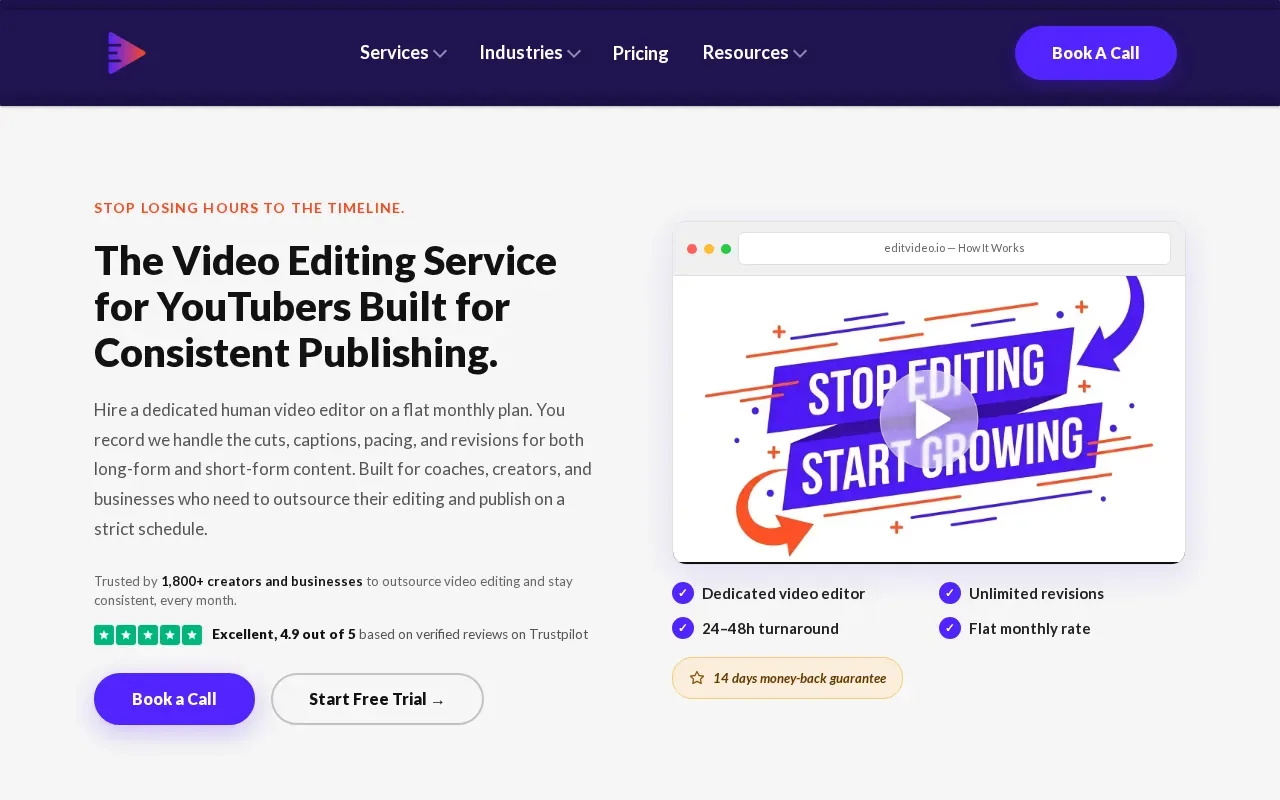
A dedicated editor can suit a creator who wants an ongoing working relationship for video edits. The unlimited-revision promise may also appeal if you expect to give feedback as the editor learns your style. Before signing up, define what you mean by a finished edit. A long YouTube upload and a batch of short clips are different kinds of work.
Keep the scope in writing. Note the type of content you’ll send, the edits you expect, and how you’ll share feedback. A short brand guide can show your preferred pacing, caption look, and examples of past videos. That gives an editor a clearer brief than a note that says “make it feel like our channel.”
If you’re comparing monthly editing plans, our overview of video editing subscription services for creators can help you separate dedicated editing from a fixed weekly clip service. Editvideo.io’s starting price makes it an option to consider when you want a dedicated editor and revisions within a subscription model.
Compare Video Editing Outsourcing Options and Check the Fit
The right model depends on how often you publish, how much oversight you want, and whether you need clips or full edits. A subscription service gives you a recurring monthly setup. A freelancer can fit smaller or irregular projects, while an agency may suit teams that need broader strategic support. Hiring in-house brings the most direct control, along with the work of managing a role.
DeskTeam360 estimates freelance editors may charge $25 to $100 per hour or $150 to $500 for a simple edit. It also estimates subscriptions at $500 to $4,000 per month for 10 to 40 videos. Treat these as broad market estimates, not quotes for the three services above. Scope and editing complexity affect the cost.
| Model | Good fit when | What you manage |
|---|---|---|
| Weekly clipping service | You publish long-form content on a regular schedule and need short clips | Send the source video and choose what to post |
| Subscription editor | You need ongoing edits and prefer a recurring monthly arrangement | Set the scope, give feedback, and plan requests |
| Freelancer | Your projects are occasional or vary in scope | Find the editor, brief each job, and check the work |
| Agency | You need wider support beyond routine editing | Coordinate the brief, reviews, and handoffs with the agency |
| In-house editor | Your workload is steady enough to support a staff role | Hiring, onboarding, priorities, and ongoing feedback |
Before choosing, write down what a normal month looks like. Include the number of source videos, the number of clips or full edits, and your target delivery rhythm. Then spell out how the work should look. A short guide with links to past content can help set expectations for pacing, captions, and framing.
For a freelance hire, describe the task and ask for a short paid trial based on real footage. Review whether the opening is clean, captions are accurate, and the edit follows your brief. Agree on file sharing, feedback, payment terms, and revision expectations before work starts. These basics make it easier to judge the editor’s work without turning every round into a new brief. Our guide to outsourcing video editing services covers more hiring and handoff details.
Remember that outsourcing has a cost beyond the invoice: your time spent briefing, reviewing, and organizing files. A recurring clipping service can keep that handoff small when your need is narrow and repeatable. For more complex work, a dedicated editor or agency may give you a closer working process.
Frequently Asked Questions
What is the best video editing outsourcing service for podcasts?
PenguinClip is designed for podcasters who need regular short clips from long-form episodes. It delivers captioned vertical clips each week, with titles and viral scores included. If you need broader episode editing or a dedicated editor for varied work, compare the service scope and feedback process before you choose.
How much does it cost to outsource video editing?
Costs depend on the type and volume of work. PenguinClip’s plans start at $449 per month. Editvideo.io lists a starting price of $295 per month. DeskTeam360 gives broader estimates for freelancers and subscriptions, but those figures aren’t specific quotes from the named services in this shortlist.
Should I hire a freelance editor or use a subscription service?
Choose a freelancer when you have occasional work or want to hire for a specific edit. A subscription can suit recurring work that needs a steady monthly flow. Compare the time you’ll spend briefing and reviewing each option, not just the fee. For weekly clips from a podcast or interview show, a fixed clipping workflow may take less management.
How do I test a video editor before hiring?
Share a short brief and ask for a paid trial using a small piece of your footage. Include one example of the style you want, plus notes on captions and pacing. Review whether the editor follows instructions and responds well to feedback. Agree on file sharing, payment terms, and revision expectations before ongoing work begins.
Conclusion
If you need polished clips from a podcast, sermon, webinar, or interview show every week, start with a service built around that repeat task. PenguinClip handles the editing and delivery so you can focus on recording. Check the plan volumes against your publishing schedule, then choose the monthly setup that fits.