
Your best podcast moment can get buried in a full-length episode, and editing it yourself takes time away from making the next one. The best video repurposing services turn long recordings into short social clips, but they differ in how much work they leave to you. Here are eight options, with PenguinClip first for creators who want polished clips delivered each week.
1. PenguinClip
PenguinClip is a done-for-you video repurposing service for creators who want short clips without taking on the editing. It’s best for podcasters, interview-style YouTubers, coaches, course creators, webinar hosts, agencies, and people repurposing sermons.
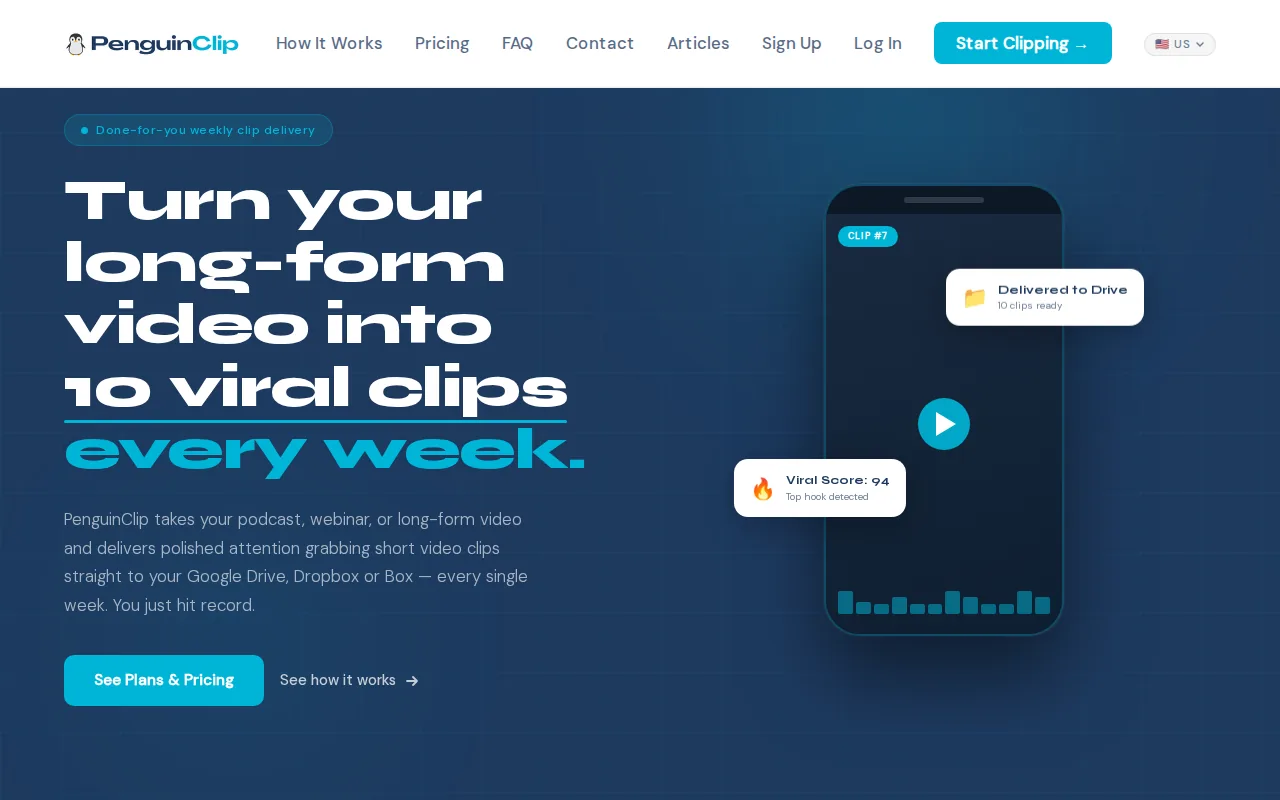
Our team selects moments from your long-form video, edits and scores the clips, then delivers ready-to-post files to your cloud storage each week. That weekly rhythm is a useful difference for busy creators. You can plan posts around a steady handoff instead of waiting for a batch with no clear delivery schedule.
PenguinClip works with podcasts, webinars, courses, and YouTube videos. The clips are captioned and formatted as vertical short videos. You don’t need to edit each cut or manage a handoff through a separate editor. Your role is to record and share the source content. Our team handles the clipping.
For an interview show, that can mean receiving a set of clips from an episode, then choosing which one fits each day’s post. A viral score helps you decide what to review first. Delivery to Google Drive, Dropbox, or Box keeps the files in a familiar place. The service uses recurring plans that you can cancel anytime.
If you want the work handled end to end, PenguinClip’s done-for-you weekly video clipping service is the clearest fit on this list. The tradeoff is that it’s a service, not a self-serve editing workspace where you make every cut yourself.
2. Clipping Culture: campaign clipping for brands and artists
Clipping Culture is a clipping agency for brands, artists, labels, and product companies. It’s a better match for campaigns built around reach than for a solo creator who simply needs a regular folder of episode clips.
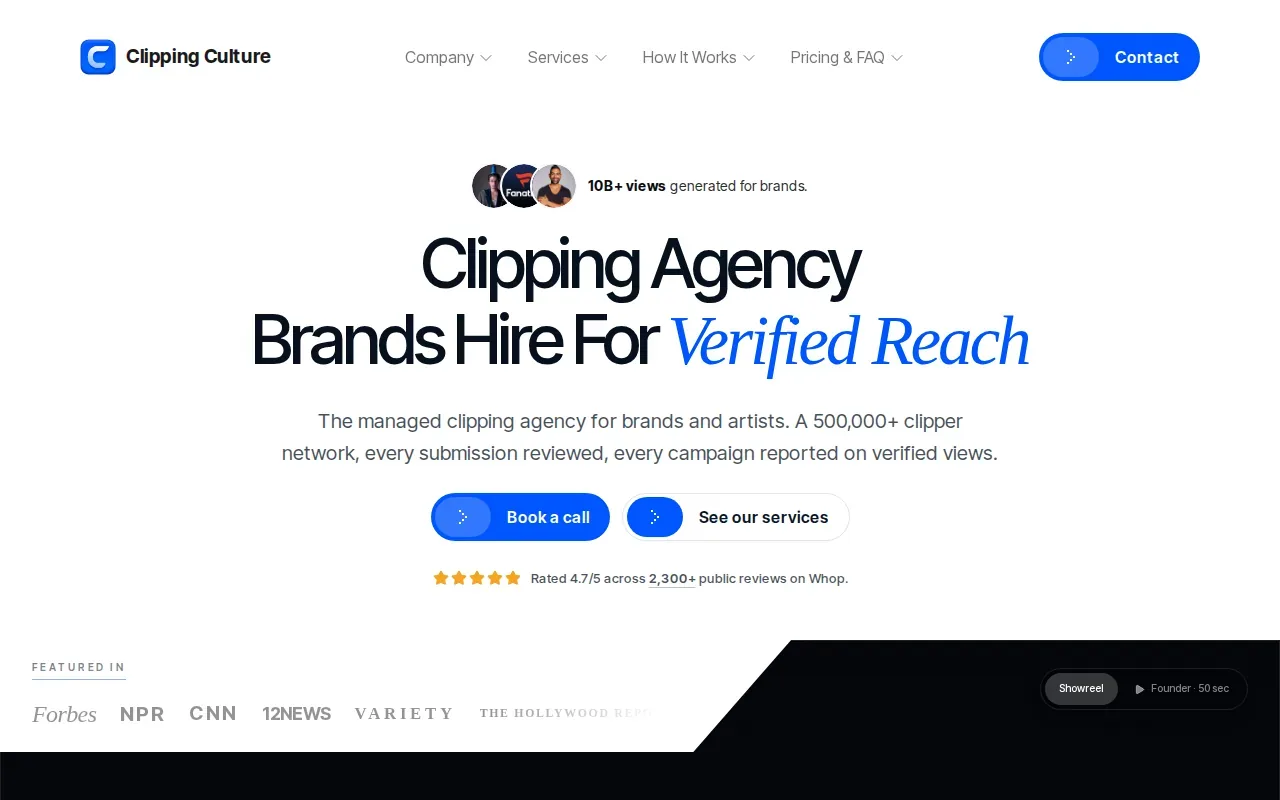
The service turns one video into many short clips, which are posted by a network of creators across TikTok, Reels, and Shorts. Clipping Culture reports more than 10 billion views across campaigns for artists, brands, and products. Those figures are its campaign claims, not a promise of results for a new project.
The listed source formats include podcasts, livestreams, product demos, interviews, and brand shoots. That mix makes the service relevant when a company has a campaign or launch to promote. A product demo, for example, may contain several short moments that can be shared as separate clips.
Its model is distinct from a weekly editing service: it is built around campaign clipping and creator distribution. Ask how campaign timing, clip selection, and posting are handled before you choose it for an ongoing podcast workflow.
3. Hype Clippers: clipping with multi-platform distribution
Hype Clippers turns long-form content into short-form clips and runs multi-platform distribution. It’s aimed at creators or teams who want help with both making clips and getting them out across social channels.
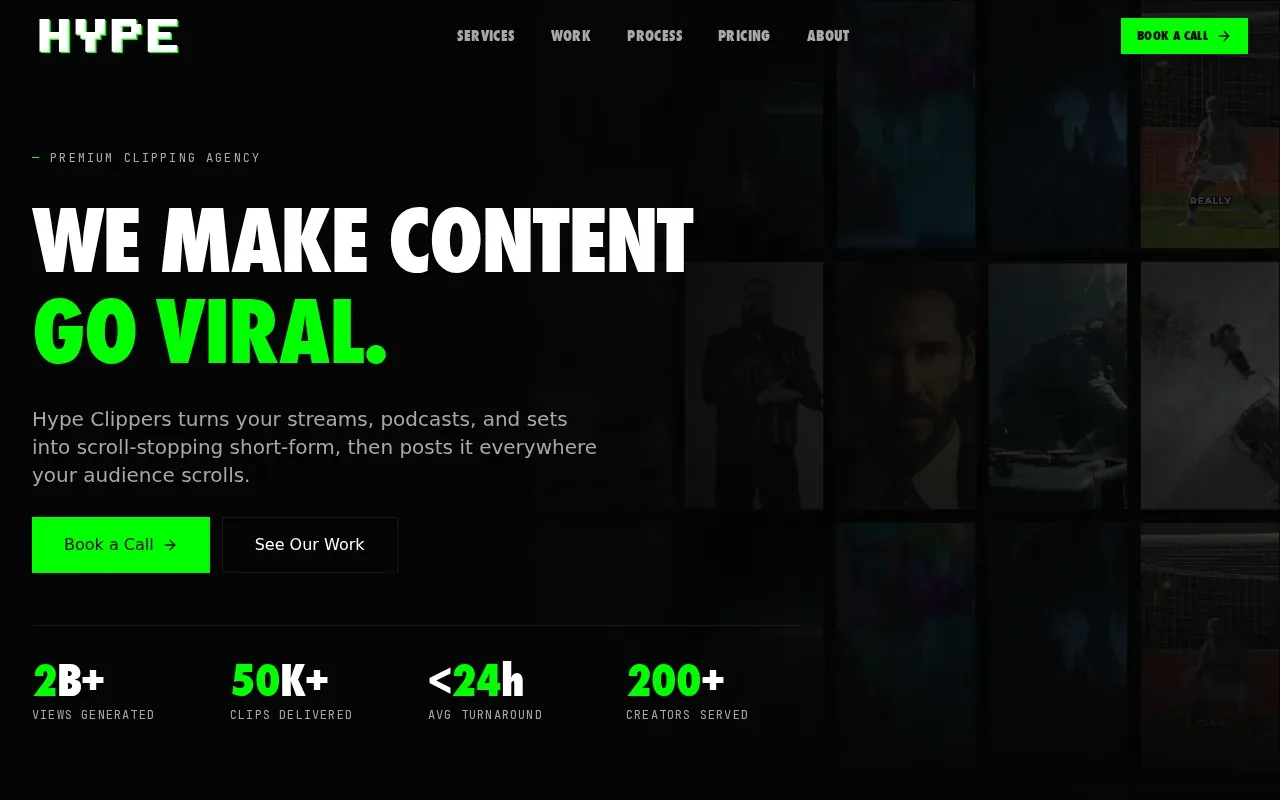
Distribution is the key detail here. Editing a clip is one task; arranging for it to reach more than one platform is another. If your team records a long interview and wants short versions shared in several places, a service with distribution in its workflow may reduce the number of separate handoffs you manage.
Before choosing Hype Clippers, ask what counts as distribution, which channels are included, and whether you approve clips before they go live. Those answers will help you compare its hands-on scope with a service that sends you ready-to-post files.
4. Vizard.ai: guided editing for small teams
Vizard.ai turns video inputs into short-form social assets with guided editing. It’s a fit for small teams that want an editing tool to help shape clips rather than a general-purpose video editor.
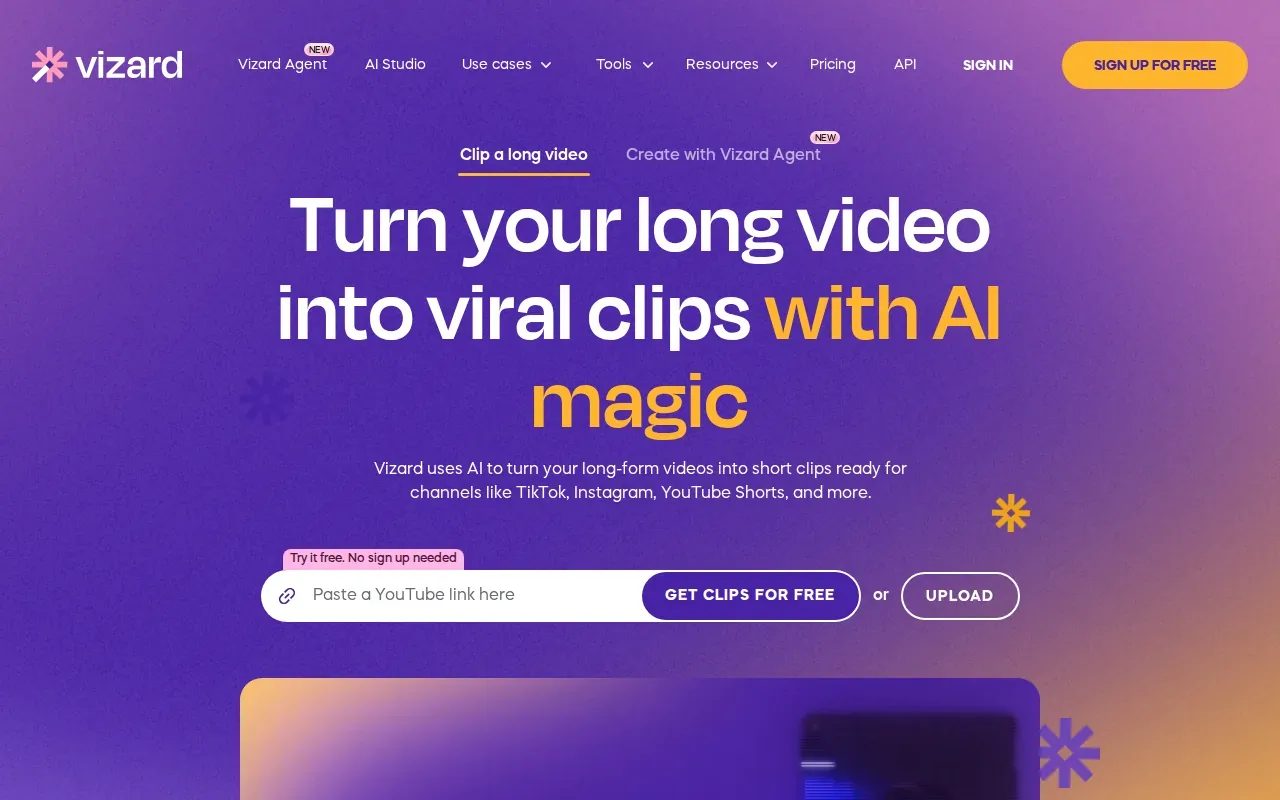
A guided workflow can help a small team move from a long recording to a set of shorter pieces without starting each edit from scratch. You provide the video, review the suggested social assets, and make the edits needed before export. That keeps the work focused on short-form content.
Plan for someone on your team to review the output and prepare the clips for publishing. A person still needs to check that a cut begins and ends in the right place.
Vizard.ai may suit a small team that wants guided editing and can keep the final review in-house. If your main need is to get editing off your plate every week, look for a service that states how files are delivered and how often.
5. Klap: captioned clips from recorded talks
Klap centers on captioned video editing, so it fits creators and marketing teams who start with a recorded talk. Its listed inputs include YouTube videos, podcast audio, webinar recordings, and interviews.
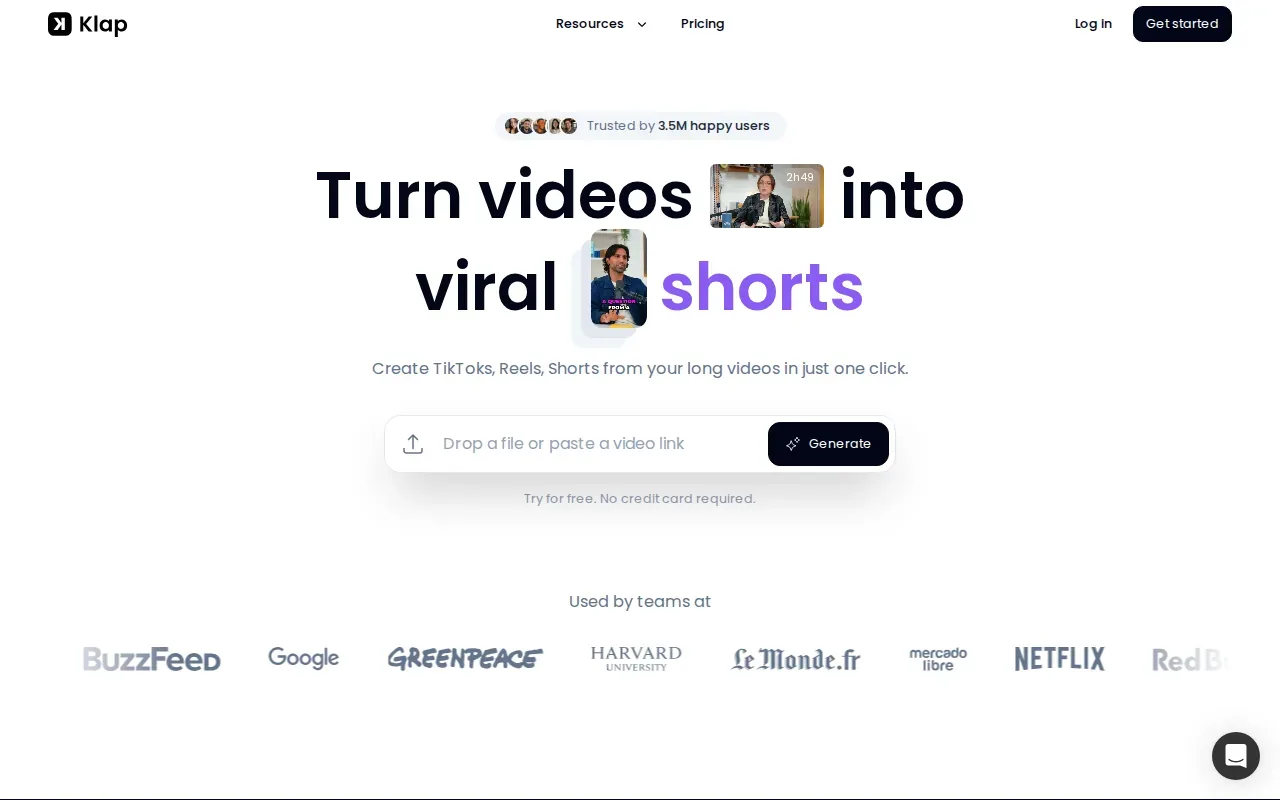
Captions are included in its workflow. That can help viewers follow a clip when sound is off, while a recorded interview or webinar gives the editor source material to shape into shorter posts. If your team already records talks, you can keep the source content at the center of your social plan.
Check whether Klap offers a set delivery schedule or a cloud-storage handoff, and how exports fit your team’s process. Think about who will review the caption text, choose the final clips, and move them into the right publishing queue.
Klap is worth considering if you want captioned clips from recorded content and prefer an editing workflow. It may be less suited to a creator who wants a partner to select, edit, score, and deliver clips on a regular cadence.
6. Submagic: transcript-led social video formatting
Submagic turns video transcripts into formatted social posts using brand-styled text blocks and layout controls. It’s aimed at teams that want a consistent look across their short videos.
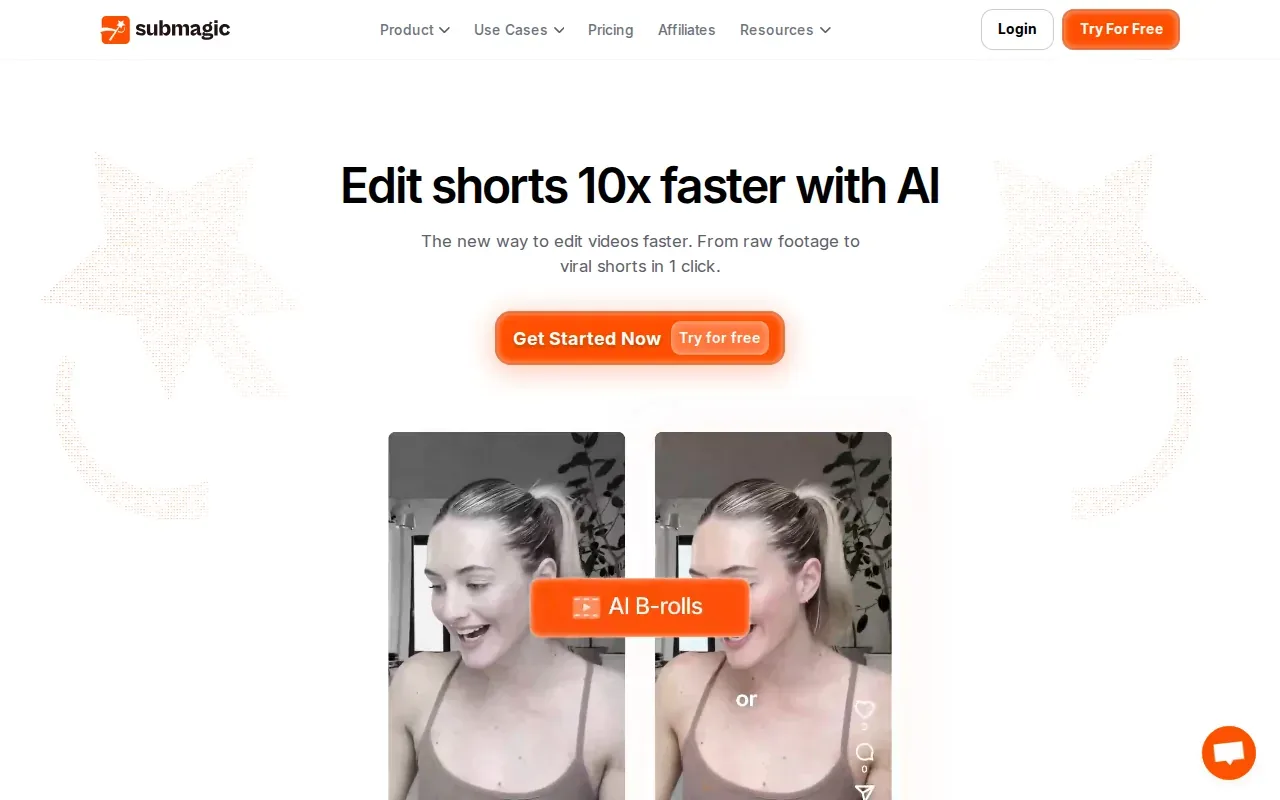
Its transcript-led approach gives the edit a text-first starting point. Brand styling and layout controls can help a team keep caption blocks in line with its chosen visual style. Captioning is included.
A team should allow time to review the transcript and the formatted result before publishing, especially when a clip includes names or specialist terms.
Submagic is a reasonable option for teams that want control over how transcript text appears on screen. If your goal is less hands-on work, compare that editing role with a done-for-you service before deciding.
7. Castmagic: clips and social copy from recorded content
Castmagic takes recorded video or audio and extracts spoken content to make social posts and short clips. It’s best suited to marketing teams looking to reuse what was said in a recording, not only the video itself.
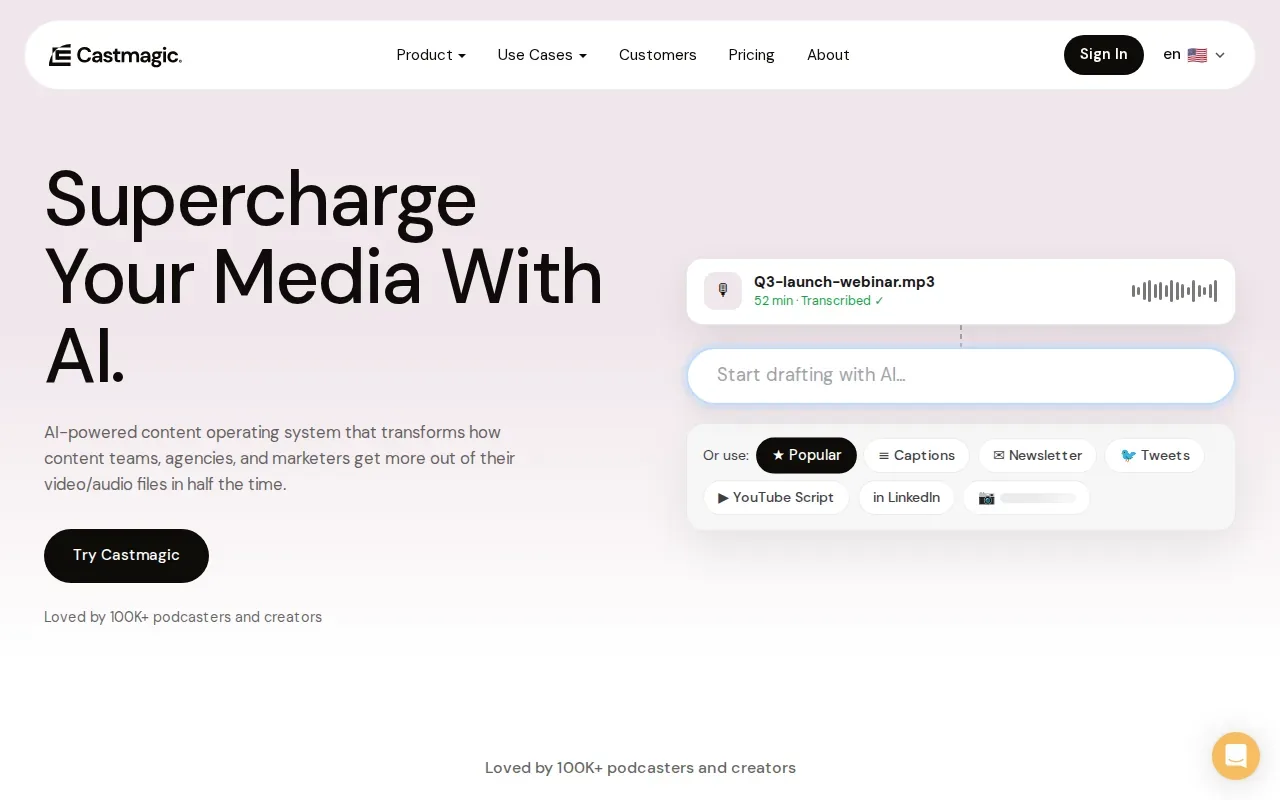
That mix can help when one interview needs to support more than a short-video post. The spoken material can become platform-ready text alongside short clips. Captioning is included, and the service supports both video and audio.
For a podcast team, the audio support may matter when the source recording isn’t a finished video. A marketing team can review the extracted content and decide which pieces fit its social plan. Keep a human review step for wording and context, since a short excerpt can sound different from the full conversation.
If you need regular files in a shared folder, confirm that Castmagic supports weekly delivery or a cloud-storage integration before making it part of your content calendar.
8. Spikes Studio: automated short-form content workflow
Spikes Studio converts video assets into social-ready posts and short-form versions through an automated content workflow. It’s positioned for creators who want a tool-based way to make clips from existing video.
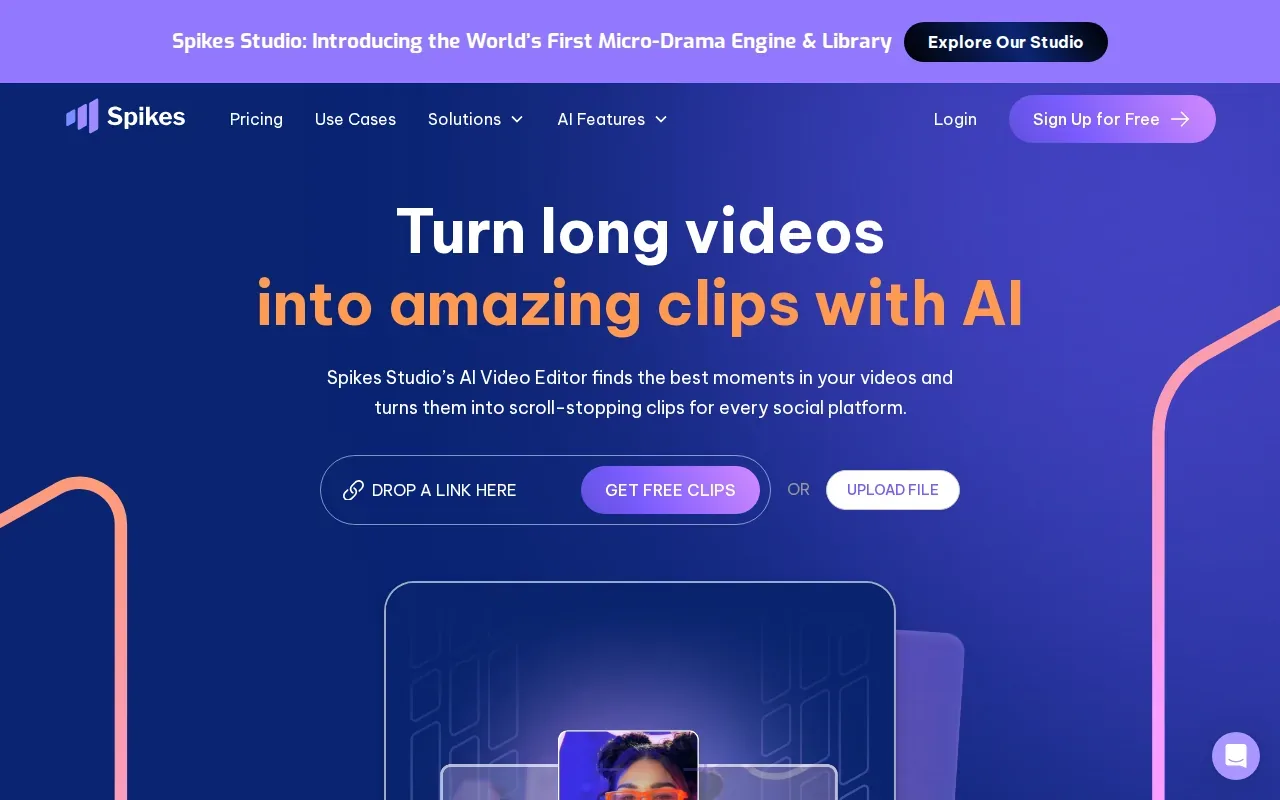
Captioning is included. That gives creators a starting point for short videos without adding a separate captioning step. The workflow may suit someone who wants to work through video assets and prepare short-form variants, while keeping a hands-on role in review.
Check how the tool handles exports and what parts of the process remain yours. You’ll want to know whether you’re responsible for selecting the final moments and getting each file ready for its destination.
Spikes Studio is a tool-led option for creators who want an automated workflow. If you’re short on time and want the editing handled for you, prioritize a service that clearly spells out its delivery cadence and handoff.
Frequently asked questions
What is a video repurposing service?
A video repurposing service turns long-form recordings into shorter content for social channels. Some services edit clips for you, while others give you tools to make and review the edits yourself. The best video repurposing services for your workflow depend on whether you want a hands-on editor, a self-serve tool, or help with distribution.
Which video repurposing service is best for podcasts?
PenguinClip is a strong fit for podcasters who want captioned clips delivered every week without doing their own editing. Klap also lists podcast audio as a supported input, while Castmagic supports audio and can extract spoken content for social posts. Choose based on whether you want a done-for-you service or a tool-led workflow.
Do video repurposing services add captions?
Some do, but captioning isn’t included in every service. PenguinClip’s clips are captioned, and captioning is listed for Klap, Submagic, Castmagic, and Spikes Studio. Before choosing among video repurposing services, confirm how captions are created and whether your team can review the wording before a clip is posted.
Can one long video become posts for several platforms?
Yes, one recording can be cut into short videos for social channels, then adapted to suit each channel’s format. The exact platforms and publishing steps depend on the service. Some focus on creating clips, while Hype Clippers also describes multi-platform distribution. Ask which destinations are included before you build a posting plan around them.
What should I compare before choosing a video repurposing service?
Compare who selects and edits the clips, whether captions are included, how often finished work arrives, and how files are handed off. Also check whether distribution is part of the service or whether you’ll publish the clips yourself. For busy creators, a stated weekly schedule can make planning much easier.
For busy creators who want polished clips without weekly editing work, start with PenguinClip.