A video editing subscription can keep your show moving without adding editing to your weekly workload. The right fit depends on what you need back: ready-to-post clips on a steady schedule, or editor time for a wider mix of projects. Here are six services, starting with PenguinClip for creators who want weekly short-form clips.
1. PenguinClip
PenguinClip is a done-for-you clipping service for long-form videos. Our team selects highlights, edits vertical clips, adds captions and titles, then delivers the files to your cloud storage every week. You keep recording and publishing. We handle the editing work in between.
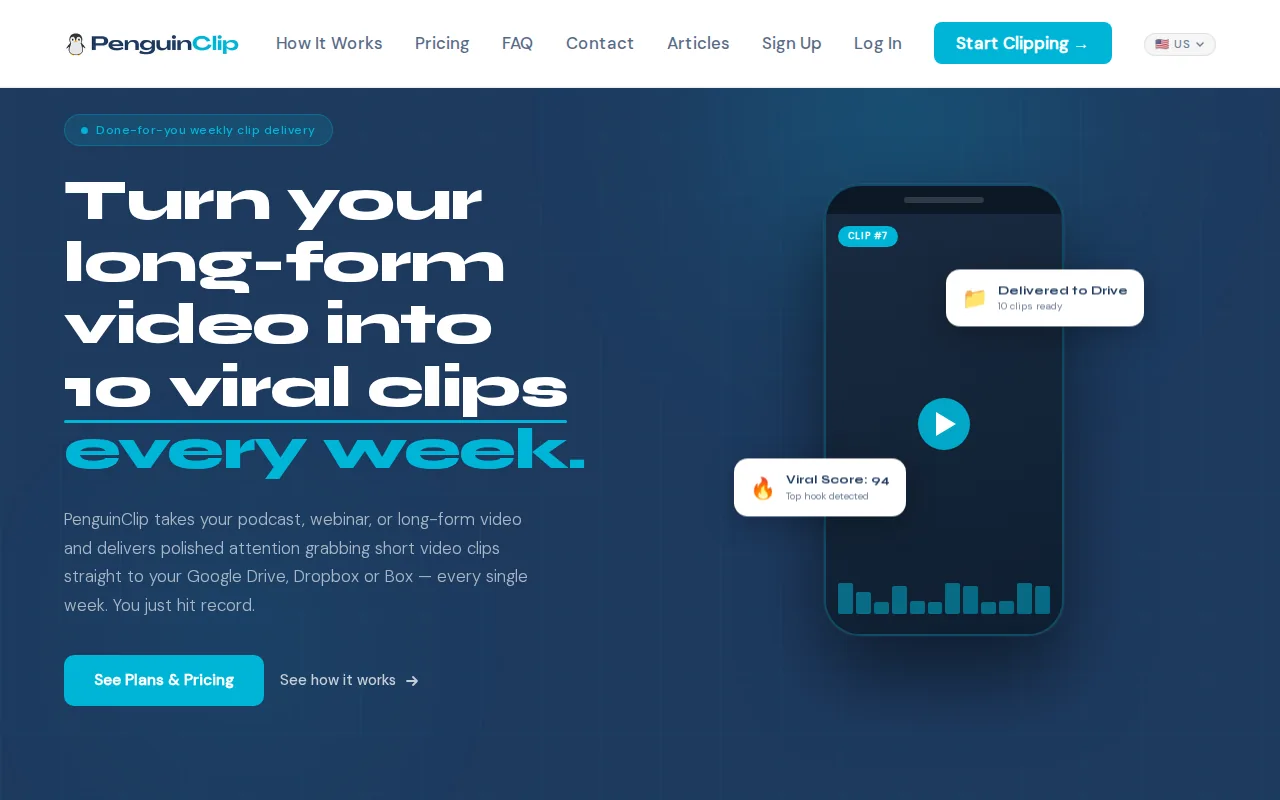
It’s a strong fit for interview-style podcasters, YouTubers, preachers, coaches, course creators, and webinar teams. If your main source is a podcast or talk-style video, you don’t need to turn each clip into a new production project. Send a video link. Our team returns polished clips in 9:16 format, ready to post to short-form platforms.
PenguinClip plans start at $449 per month for 12 clips. The $849 plan includes 24 clips each month, while the $1,349 plan includes 40 clips. The Business plan also supports two input videos per week. All plans include captions, titles, viral scores, and weekly delivery to Dropbox or Box. A score can help you decide which clip to post first, rather than treating every cut as equally strong.
One key difference is the rhythm. PenguinClip is built around weekly delivery, so a busy creator can plan a recurring posting schedule instead of waiting on a one-off edit. You submit a YouTube link for a video up to 60 minutes. Once it’s sent, our team handles the clip selection, captioning, formatting, scoring, and delivery.
Captions matter when people watch with the sound off. Closed captions can make a clip easier to follow in silent viewing.
For a growing show, the decision is simple: match the monthly clip count to your posting pace. If you publish a few short clips each week, start with the plan that fits that output. You can compare PenguinClip plans and pricing before choosing a monthly volume.
2. Vidchops: weekly editing with a published starting price
Vidchops has a published starting price of $495 per month for Vidchops Weekly and is listed as best for content creators. If you’re comparing editing services, consider how the monthly cost fits your workload and the editing support you need.

Before signing up, make a list of the edits you expect to request and ask whether the plan you’re considering covers them. Clarify how to submit requests, how revisions are handled, and what happens when your workload changes. These details can help you decide whether a service suits your regular production needs.
Vidchops states a turnaround time of one to two days, with revisions handled in one business day. That can be useful when you’re planning around an active editing queue. Consider whether that stated turnaround matches your deadlines, especially if you publish recurring podcast episodes, interview-style videos, sermons, or clips.
For busy creators, it helps to compare the service’s published starting price and stated turnaround with your own schedule. Think through how often you need editing support and what kinds of work you want to hand off. Then ask any questions you need answered before choosing a plan.
For creators weighing recurring clipping against a broader editing workload, our overview of video editing services to outsource looks at several common arrangements.
Consider this option if its published price and stated turnaround fit your needs. If weekly social clips are your main priority, confirm that the plan you’re considering covers the work you need before you sign up.
3. Vidpros: daily editor hours for active teams
Vidpros uses a daily-hours model, with two hours of editor time per workday. It’s best suited to YouTube teams and businesses that can keep a part-time editor busy across the workweek. The offer is based on access to an editor’s time rather than a set number of finished clips.
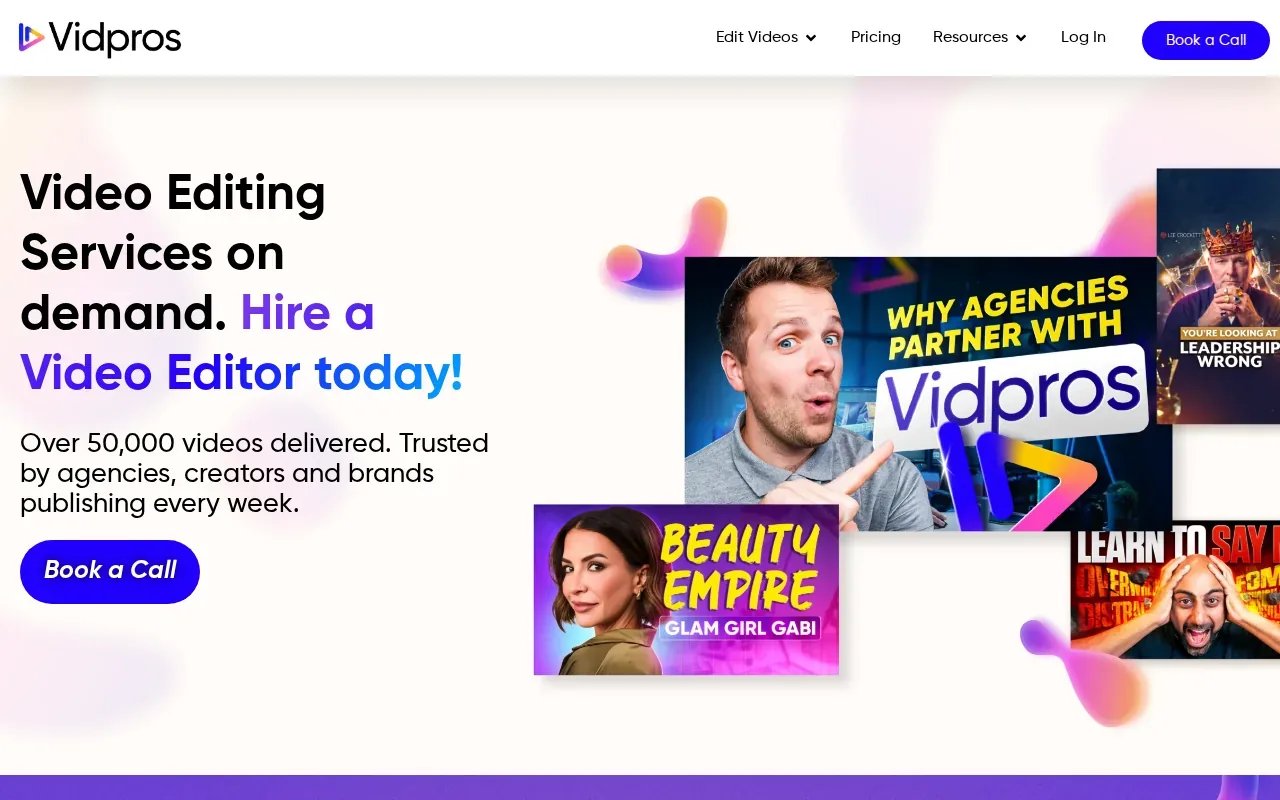
That difference shapes the day-to-day workflow. If your team has a steady stream of edits, daily hours can give you a regular block of production capacity. You may have a long-form episode in progress while other edits wait in the queue. The key question is whether your team has enough work ready to make use of those hours.
For a YouTube team, this could suit a busy schedule with ongoing editing needs. For a podcaster who mainly wants a small weekly batch of captioned highlights, an hours-based arrangement may be more capacity than the core task calls for. Compare what you need delivered with what you’re buying: time or a defined output.
That distinction also affects how you brief work. With an hours-based service, set priorities clearly. Let the editor know which project needs attention first and what counts as a finished edit. For recurring short clips, agree on the expected format and review process before work begins.
Vidpros is a clearer fit when your production team needs day-to-day editing time and can keep an editor occupied. It’s less useful to compare it against a fixed clip count without first estimating how many editor hours your projects need.
Ask how time is tracked, how work moves from one request to the next, and how the team handles busy periods. Those details help you judge capacity in a way a monthly fee alone can’t.
4. Edit Crew: a path from shared editing to dedicated capacity
Edit Crew is a managed editing team with published weekly editor-hour amounts. Its Essentials plan includes 15 editor hours per week, while Pro includes 40. It’s a fit for creators and businesses that want to move from shared editing capacity toward a dedicated editor as their workload grows.
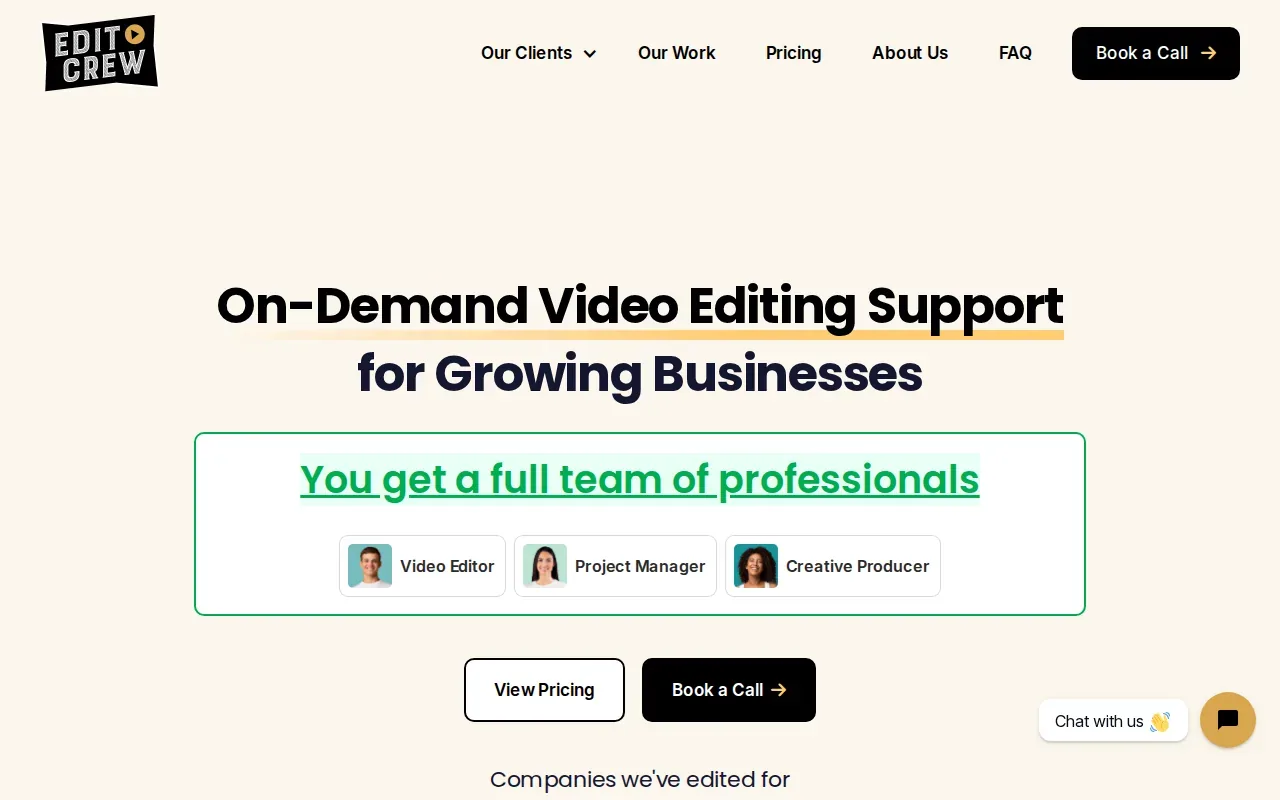
This sits between hiring one editor directly and working with a traditional creative agency. A shared service can be a sensible place to start when work is steady but not yet enough to fill a dedicated role. If the volume rises, the larger weekly allowance gives a team more room to plan edits without changing the basic service model.
Hours don’t tell you how many clips you’ll receive. Edit length, review time, and the work itself can change how much an editor finishes in a week. A simple talking-head clip may take a different amount of time from a video that needs extra graphics or more detailed edits. Ask how your regular requests fit into the weekly hours before you estimate output.
It helps to bring a real sample week to that discussion. Count the long-form uploads you need edited, then note the short clips or other tasks that follow. That gives both sides a more useful picture than saying you need “more editing.”
Edit Crew makes sense when your main need is managed editing capacity that can grow with the work. It may suit a growing business better than a fixed output package if the mix of projects changes often. The trade-off is that you’re planning around editor hours, not a promised count of clips.
If your work is mainly one interview or sermon each week, compare that flexible capacity with a service built around repeated clipping. If you have varied projects that fill a larger weekly schedule, editor hours may be easier to manage.
5. Video Husky: an outsourced editing department for larger workloads
Video Husky works more like an outsourced editing department than a per-video service. You subscribe to editing capacity, with its St. Bernard package starting at $2,749. It’s best for creators who want a traditional editing retainer and have enough ongoing work to use a larger monthly commitment.
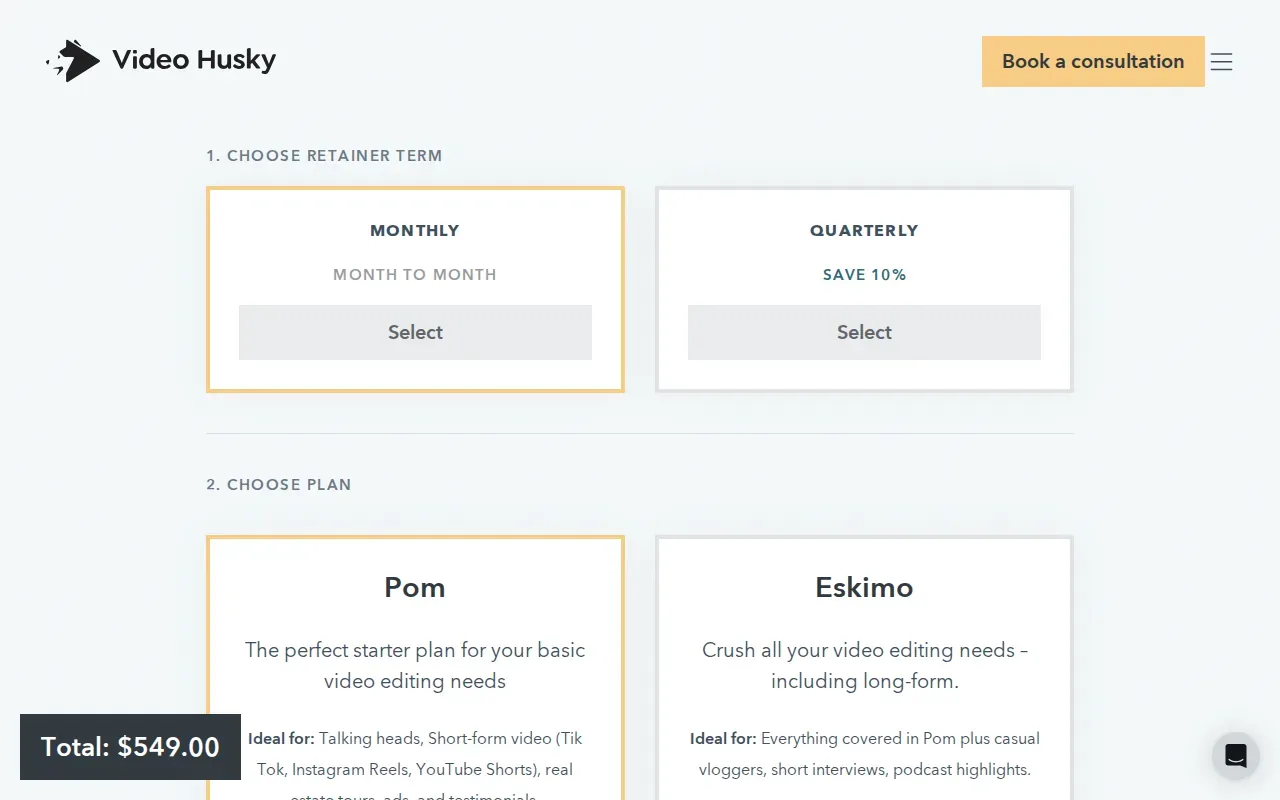
The department-style model can make sense when editing is a regular part of how your business produces content. Instead of pricing each video on its own, you’re paying for ongoing capacity. That may fit a company with a busy publishing schedule or a creator whose requests extend beyond occasional short clips.
It’s a different scale from a focused weekly clipping service. If the goal is to turn one podcast recording into a handful of vertical clips, compare the size of that task with the full monthly commitment. If you need a wider stream of editing work, a retainer may better match the load.
Before choosing a retainer, define what work should take priority. Write down the kinds of videos your team expects to submit and how often they come up. Then ask how requests are queued and how the service handles a week when several projects land at once.
Video Husky’s starting price gives you a clear reference point for a larger subscription. The more useful question is whether your expected volume will keep that capacity in use. A high-capacity plan can be a poor fit if most weeks bring only one source video and a small clip batch.
Pick this model when you need an outsourced editing department, not only recurring podcast highlights. The service structure should match the workload you can send each month.
6. Editvideo.io: a dedicated editor with flat monthly pricing
Editvideo.io describes its service as a dedicated editor with unlimited revisions and flat monthly pricing. Its starting price is $295 per month. It’s aimed at YouTubers who want an editor assigned to their ongoing work rather than paying separately for each edit.
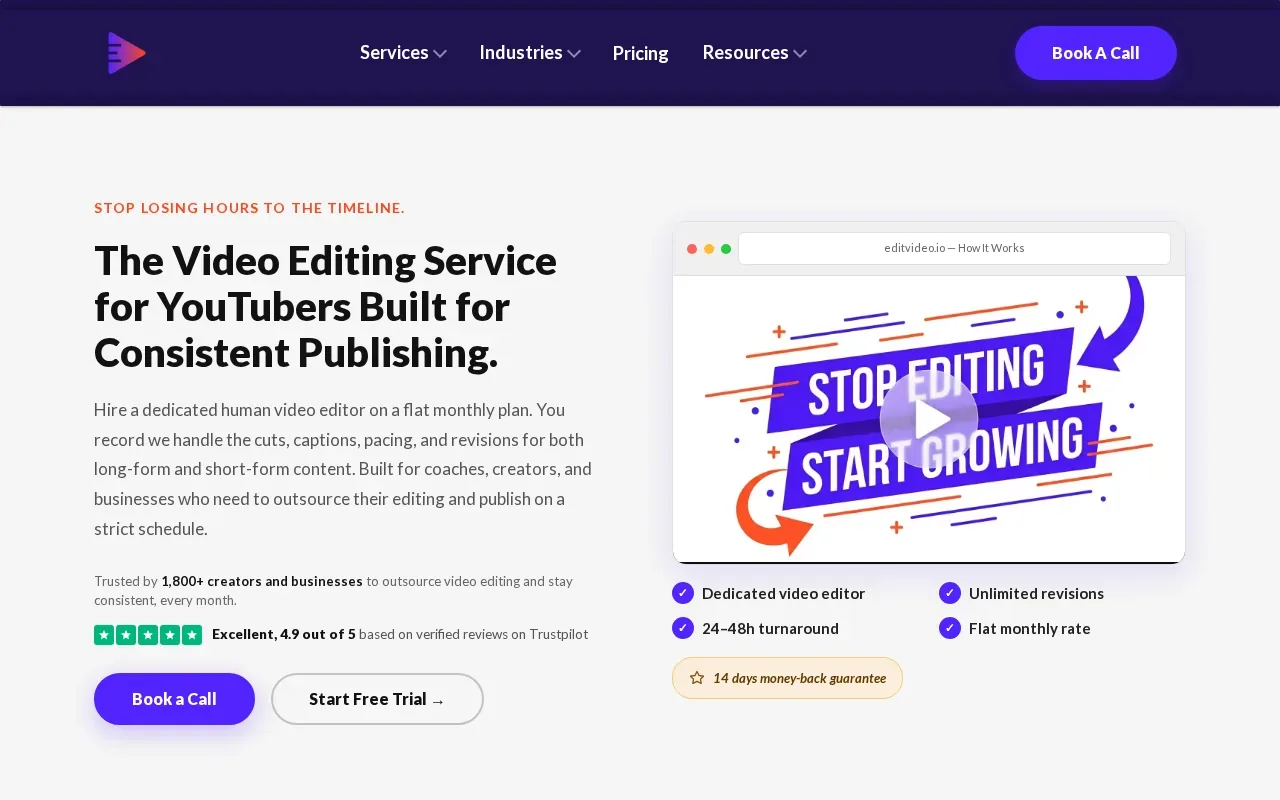
A dedicated editor can make sense when the same person needs to learn your show’s style and handle recurring requests. The flat monthly setup can also make budgeting easier when you have a steady workload. But “unlimited revisions” doesn’t tell you how quickly each new request enters production, so ask how the team handles new edits and feedback.
That detail matters for weekly shows. If you record an interview every week, your workflow needs a clear handoff: where to send footage, how to brief the editor, how to review a draft, and when the finished clip batch is due. A subscription is easier to use when those steps are clear before the first edit starts.
At the starting price, Editvideo.io may appeal to a creator looking for a dedicated editor on a flat monthly plan. The service description also includes unlimited revisions. Compare the offer with your own pace of work, especially if you need a fixed weekly delivery date rather than ongoing editing access.
If your priority is short clips from long-form interviews, ask whether the service handles highlight selection and captioned vertical exports as part of your workflow. Make sure the monthly structure lines up with the exact work you plan to send.
Compare the Six Video Editing Subscription Services—and Check the Fine Print
The main choice is what the subscription measures: finished clips, credits, editor hours, or broader monthly capacity. Those models can’t be compared by price alone. A low starting price may cover a different workload from a large editing retainer.
| Service | What the plan is based on | Known starting price | Best fit |
|---|---|---|---|
| PenguinClip | Monthly clip count with weekly delivery | $449 per month | Captioned vertical clips from recurring long-form content |
| Vidchops | Monthly credits for long-form or short-form work | $495 per month | Creators and agencies with a changing mix of edits |
| Vidpros | Two editor hours per workday | — | Teams with regular daily editing work |
| Edit Crew | 15 or 40 editor hours per week | — | Businesses that want managed capacity to grow |
| Video Husky | Monthly editing capacity | $2,749 per month | Creators seeking a larger editing retainer |
| Editvideo.io | Dedicated editor with flat monthly pricing | $295 per month | YouTubers with ongoing editing needs |
Use the table as a first filter, not a final verdict. A subscription is only valuable if its capacity fits your real schedule. If you publish one interview a week, a fixed clip package may be easier to plan around than a large block of editor hours. If your team has several ongoing projects, hours or a broader retainer may fit better.
Also check what “unlimited” means in practice. Ask how many active projects can be in progress, whether unused hours or credits roll over, and how revisions affect the queue. Don’t assume that an unlimited label means unlimited simultaneous edits or unlimited output each week. Get the working limits in writing.
Turnaround needs a clear definition, too. Find out when the clock starts, what happens when you request a revision, and whether the stated timeline is a target or a firm service commitment. For a weekly publishing calendar, a fixed delivery day may matter more than a fast first draft.
Ask how footage and feedback move through the service. A simple process should tell you what file or link to send, where to leave notes, and where the final exports arrive. If you publish clips to YouTube Shorts, Instagram Reels, or another channel, confirm the aspect ratio and export format you need. A 9:16 frame is a common vertical format; aspect ratio describes the proportional relationship between an image’s width and height.
Finally, confirm who owns the finished work and how the provider handles your source footage. Read the agreement for confidentiality terms and any limits on how materials can be used. If the service uses AI for transcription, smart cuts, or B-roll, ask which parts rely on automation and which parts an editor reviews. Don’t pay for a feature you don’t need, and don’t assume an AI tool is included unless the plan says so.
For a closer look at services focused on weekly clips for YouTube and podcasts, PenguinClip’s shortlist of done-for-you clipping services covers that narrower use case.
Frequently Asked Questions
What is a video editing subscription?
A video editing subscription is a recurring plan that gives you editing work or editing capacity for a monthly fee. Some plans count finished videos or clips. Others use credits, editor hours, or a monthly retainer. Check what the plan includes and how work moves through its queue before comparing prices.
How much does a video editing subscription cost?
Prices vary by service model and capacity. The options here include monthly starting prices from $295 for Editvideo.io to $2,749 for Video Husky’s St. Bernard package. PenguinClip starts at $449 per month for 12 clips. Compare each price with the output or editor time included, not just the monthly total.
Are video editing subscriptions really unlimited?
Some services use “unlimited” to describe ongoing access, but the work still follows a queue and a service capacity. Ask how many projects can be active at once, how revisions affect turnaround, and whether unused hours or credits roll over. Get those terms in writing so you know what your plan can handle.
Is a subscription better than hiring a freelance video editor?
A subscription can be easier when you have repeat work and want a set monthly arrangement. A freelancer may suit a one-off project or a highly specific brief. Compare the time you’ll spend finding, briefing, and reviewing an editor with the service’s monthly output, revision process, and delivery schedule.
Which service is best for weekly podcast clips?
PenguinClip is built for weekly captioned vertical clips from podcasts and other long-form videos. Its plans include a monthly clip count, with weekly delivery to cloud storage. If you need full-length episode edits or a dedicated block of editor time instead, compare the other services’ credit or hours-based models.
Conclusion
If your main goal is a steady flow of polished, captioned short clips, PenguinClip is the clearest fit in this shortlist. Our team handles the editing; you stay focused on recording and publishing. Check the clip volume that matches your schedule, then review PenguinClip’s plans to choose your next step.