A great episode can still get lost if listeners don’t see it. The right podcast promotion services can help your show reach people through clips, search, guest sharing, and more. Here are 10 options, starting with a hands-off weekly clipping service and moving through agencies and AI tools.
1. PenguinClip — weekly done-for-you short-form delivery
PenguinClip is a done-for-you service that turns long-form video into polished vertical clips. Our team selects moments, edits and captions clips, adds titles and viral scores, then delivers the files to your cloud storage each week.
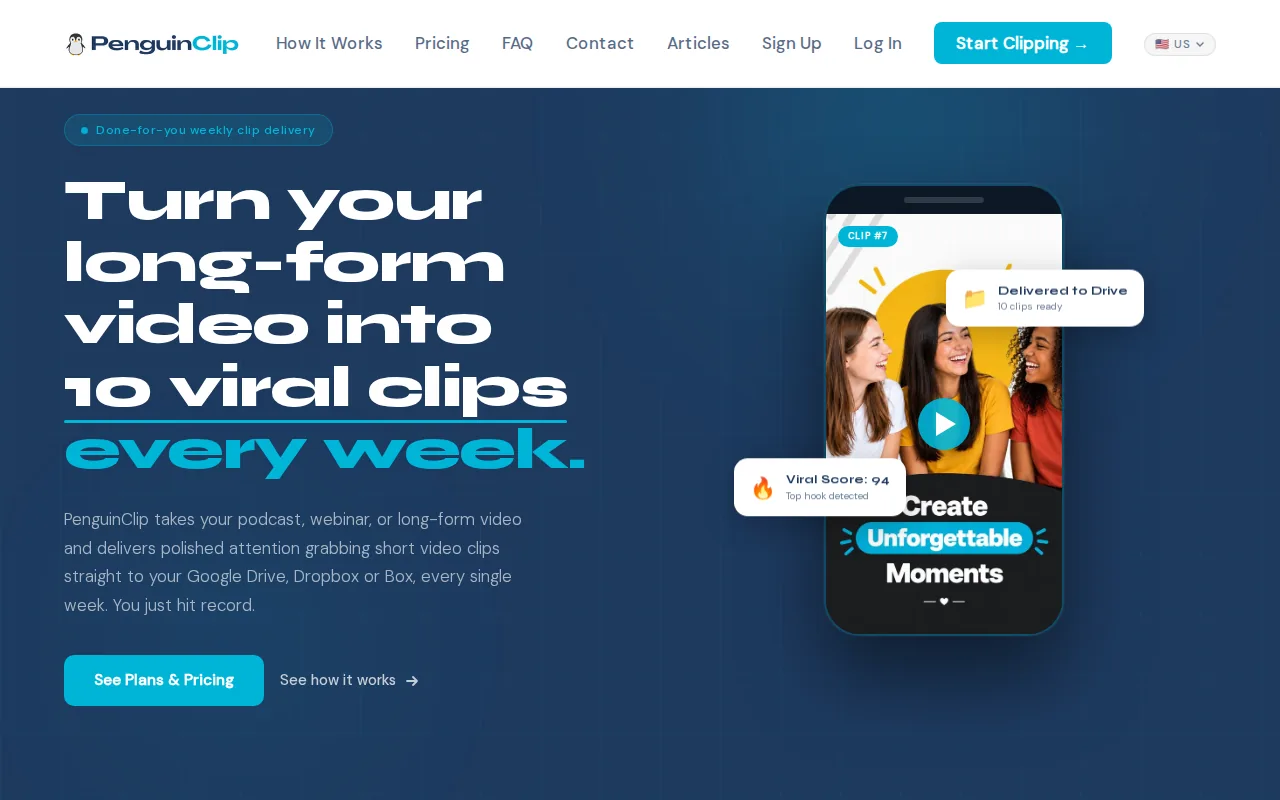
It’s a fit for busy podcasters, interview-style YouTubers, coaches, course creators, webinar teams, and sermon creators. You send a video link. Our team handles the clipping, so you can focus on recording and decide which files to post.
Plans include 9:16 clips with captions, titles, viral scores, and delivery through Google Drive, Dropbox, or Box. The monthly plans shown on our site start at $449 for 12 clips. There are no contracts, and you can cancel anytime. See the PenguinClip weekly clip plans if you’re matching volume to your posting schedule.
One detail matters for creators with little editing time: a weekly batch arrives ready to review and post, rather than as a queue of rough AI picks. Our team handles the editing. You keep creating.
2. Hype Clippers: clips paired with multi-platform distribution
Hype Clippers turns long-form content into short-form clips and runs multi-platform distribution. It’s a Hype Company brand.
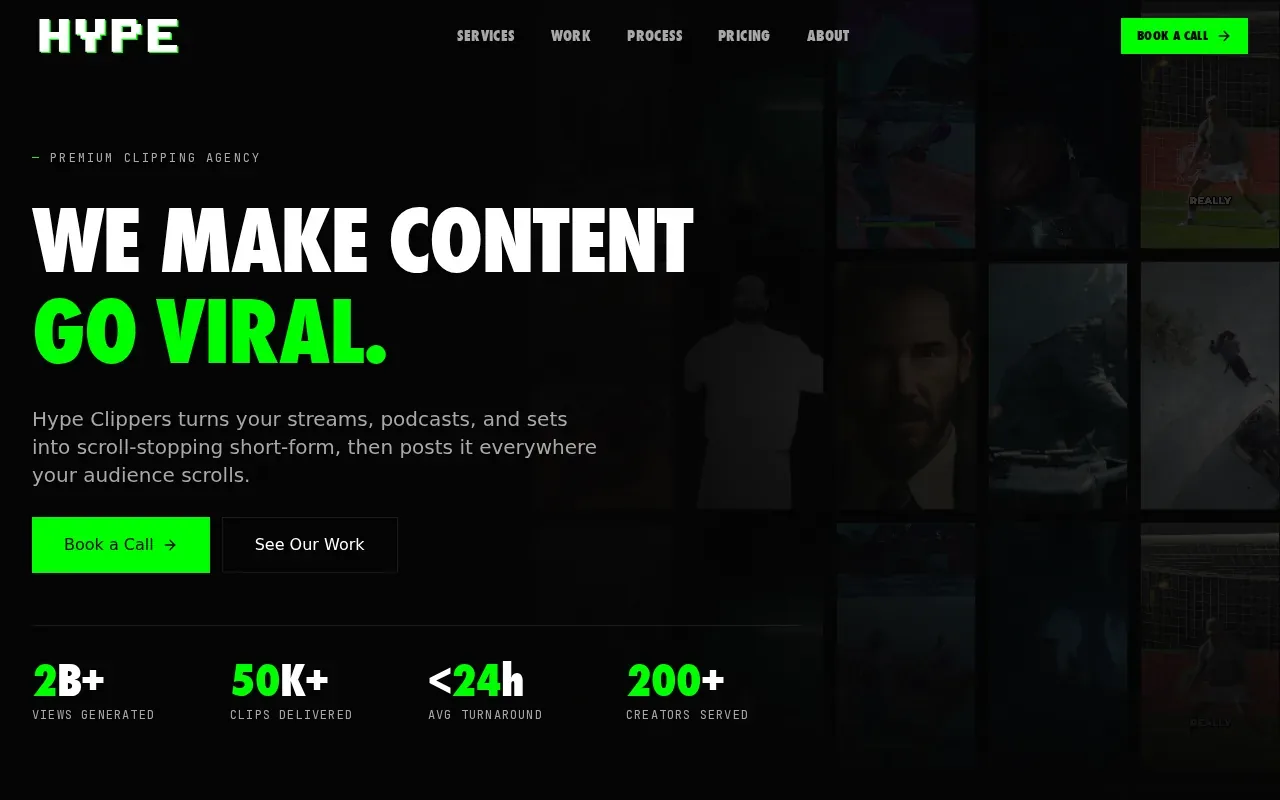
This option may suit a creator who wants help beyond clipping. Distribution is part of the stated service, so the work can extend past getting clip files ready. That distinction matters when you have a solid episode but no routine for sharing its best moments across social channels.
Think about the handoff before choosing: do you want someone to distribute the clips, or do you already have a scheduler and want a weekly batch of files? The answer can help you tell a distribution service apart from a clipping partner.
3. Lower Street: end-to-end podcast strategy and audience growth
Lower Street works with brands on podcast strategy, production, and audience growth. It’s a fit for a company building a show as part of its broader brand or marketing work, rather than a host who only needs weekly social clips.
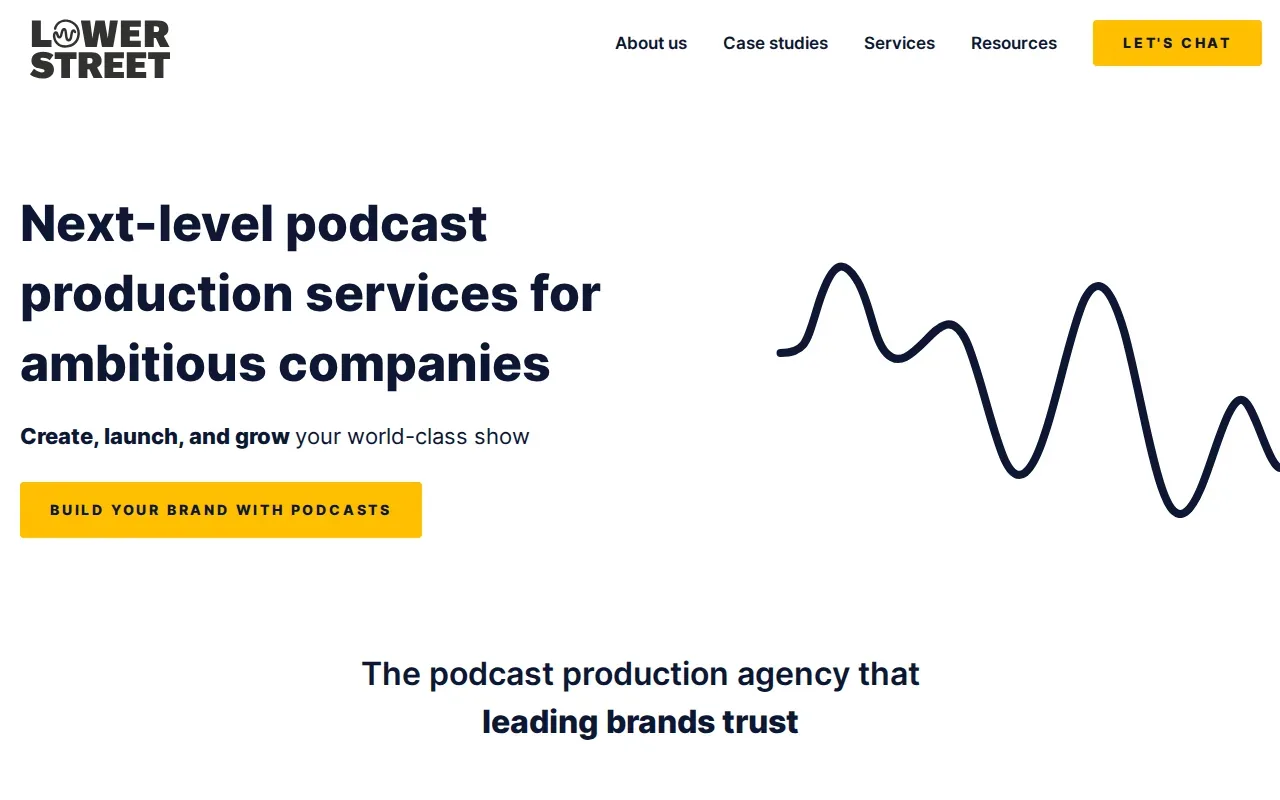
The service covers show development and production along with promotion. Its stated growth work includes PR, paid promotion, and search optimization. Lower Street also plans video podcast work, including YouTube-focused episodes and repurposed social clips.
That broader scope can be useful when a team needs help shaping the show and reaching its intended listeners. If you’re weighing a full marketing partner against a clip service, you can also compare podcast marketing agency options by scope and fit.
4. Content Allies: branded podcasts with promotion support
Content Allies is a podcast production agency for companies and brands. It says it supports podcast strategy, recording, production, and promotion, with the aim of tying the show to business goals.
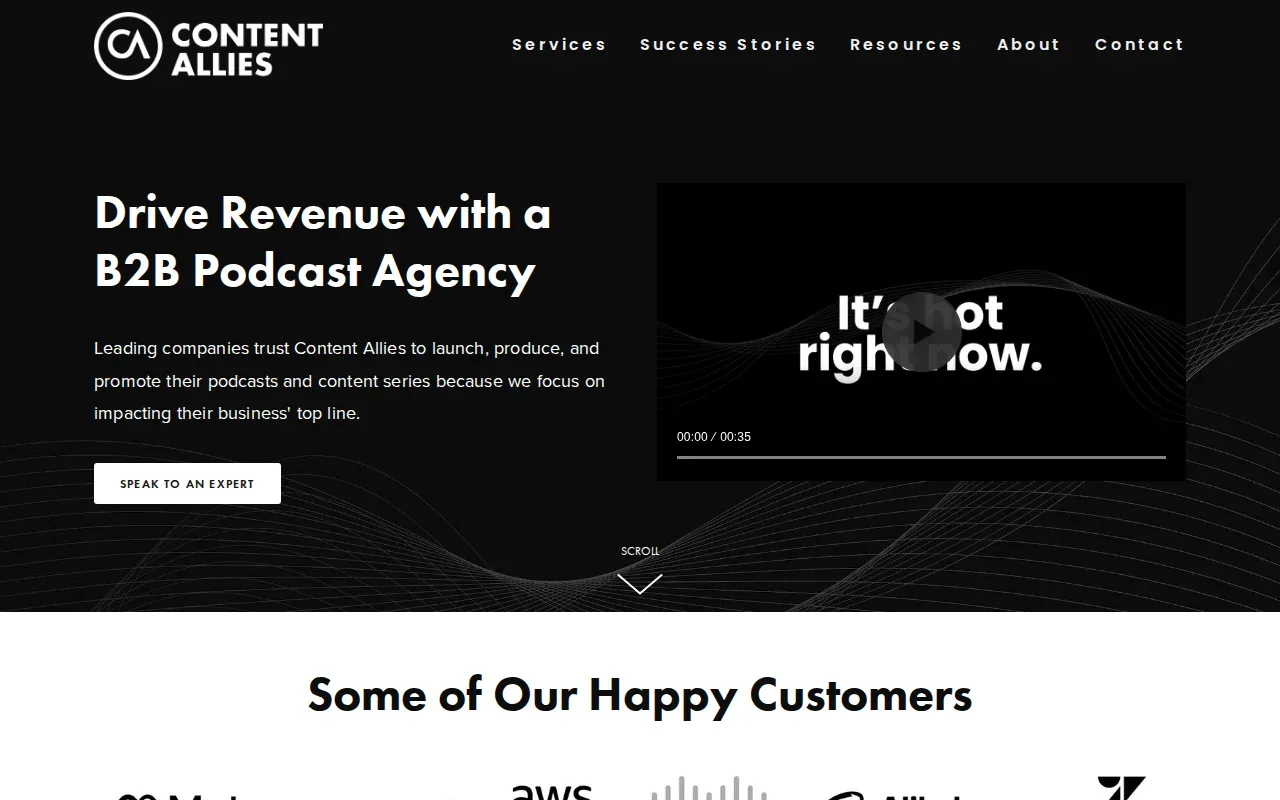
Its promotion work includes social content repurposing, podcast SEO, and paid ads. The team also handles guest outreach and publishing, so this option may fit a company that wants one partner across much of the podcast workflow.
It’s a broader service than short-form clipping alone. Before you commit, work out whether you need a team to build and promote the whole show or mainly to turn existing episodes into post-ready clips.
5. Fame: podcast growth for B2B brands
Fame works with B2B businesses on podcasts, creators, and AI search. Its approach is to place a brand alongside voices its buyers already trust, using Fame OS.
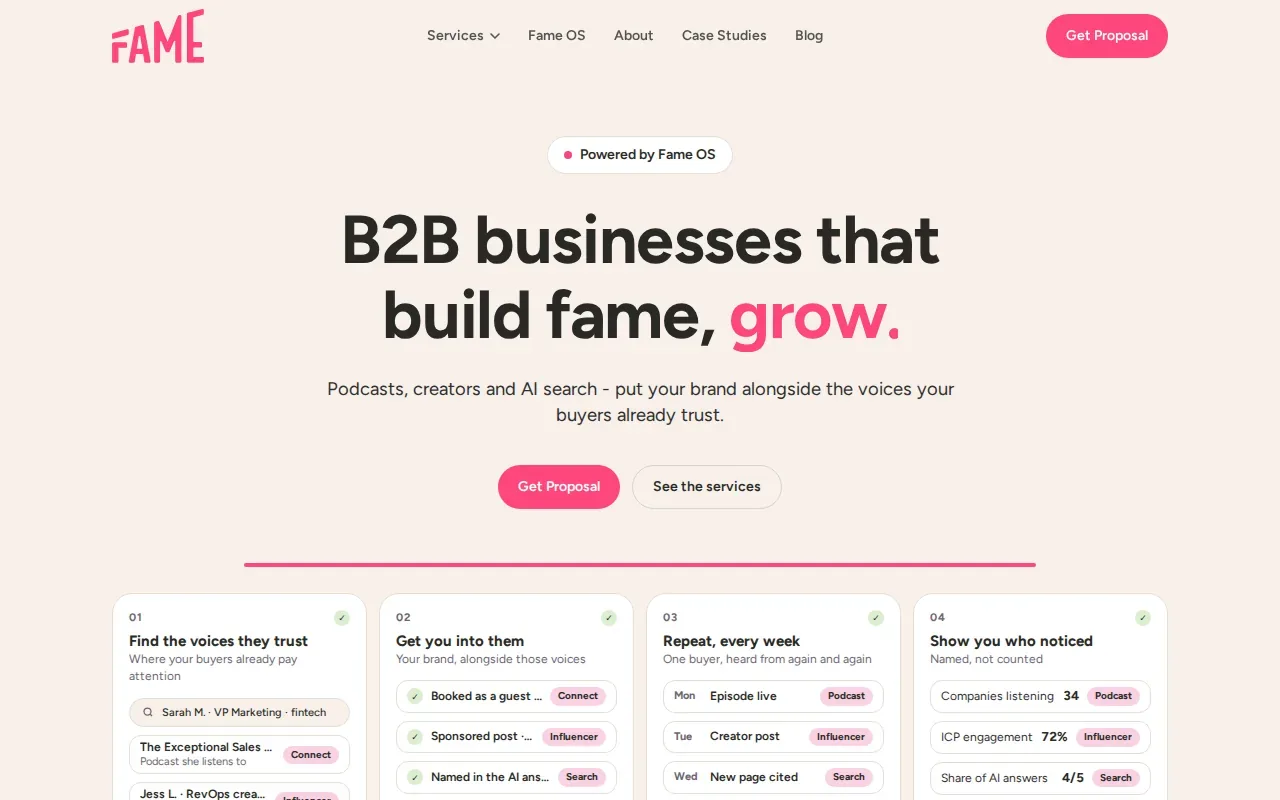
This may be a fit for a business podcast tied to buyer awareness and brand presence. It’s less directly aimed at a solo host looking for a regular set of vertical clips from each episode.
For a B2B team, define the goal before comparing providers. Is the show meant to build buyer trust, support a sales process, or feed a steady stream of social posts? A clear aim makes a growth service easier to assess.
6. Choppity: podcast-focused AI clip discovery
Choppity is an AI clipping tool made for podcast conversations. Its approach uses semantic understanding to spot story beats, punchlines, and quotable insights.
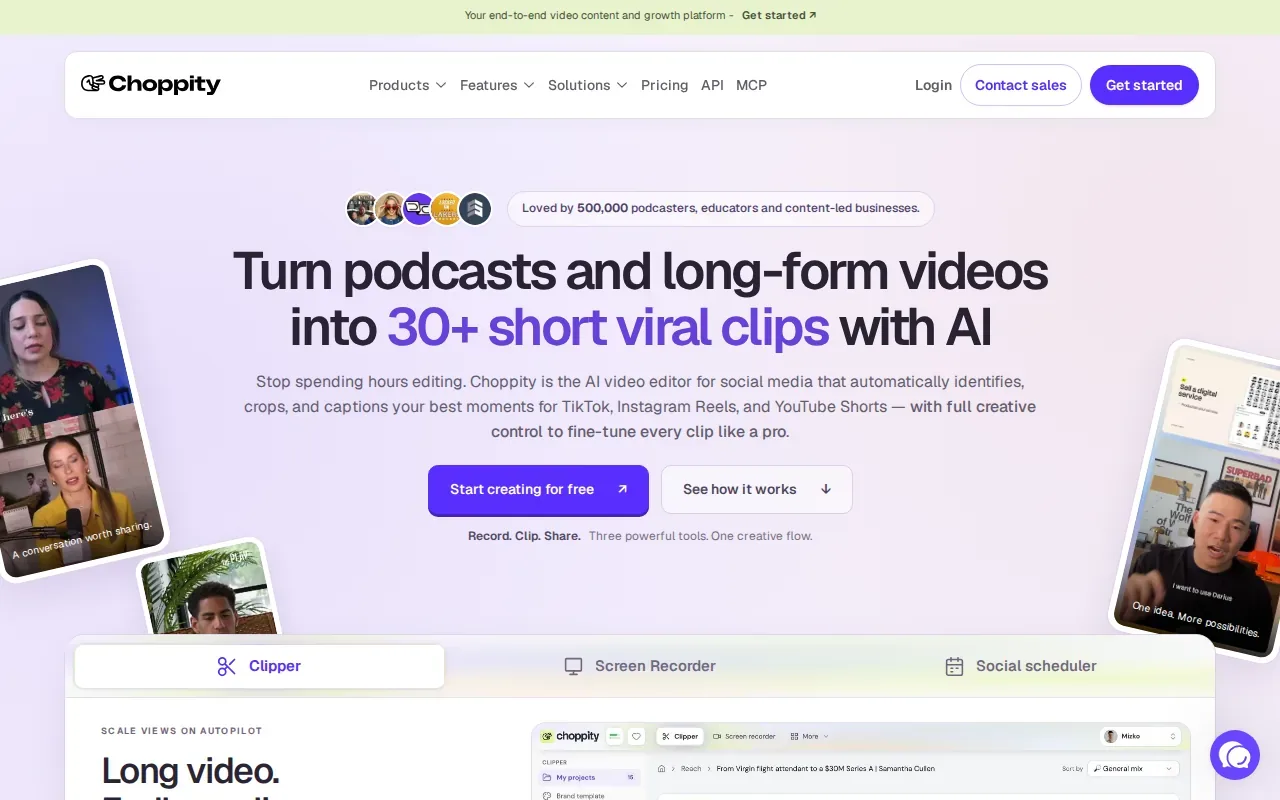
It may suit independent podcasters, podcast agencies, and B2B hosts who want software to find possible clips in talk-heavy recordings. The focus on conversational moments gives it a different angle from tools that frame clipping as a general-purpose video task.
Paid tiers start at about $19 per month. As with any automated clip workflow, plan time to review the picks before posting. A clip can be easy to watch on its own yet still need the right context from the full episode.
7. Riverside Magic Clips: clips inside a recording workflow
Riverside Magic Clips lives inside the Riverside recording platform. After a recording, its AI surfaces clip candidates from that same session.
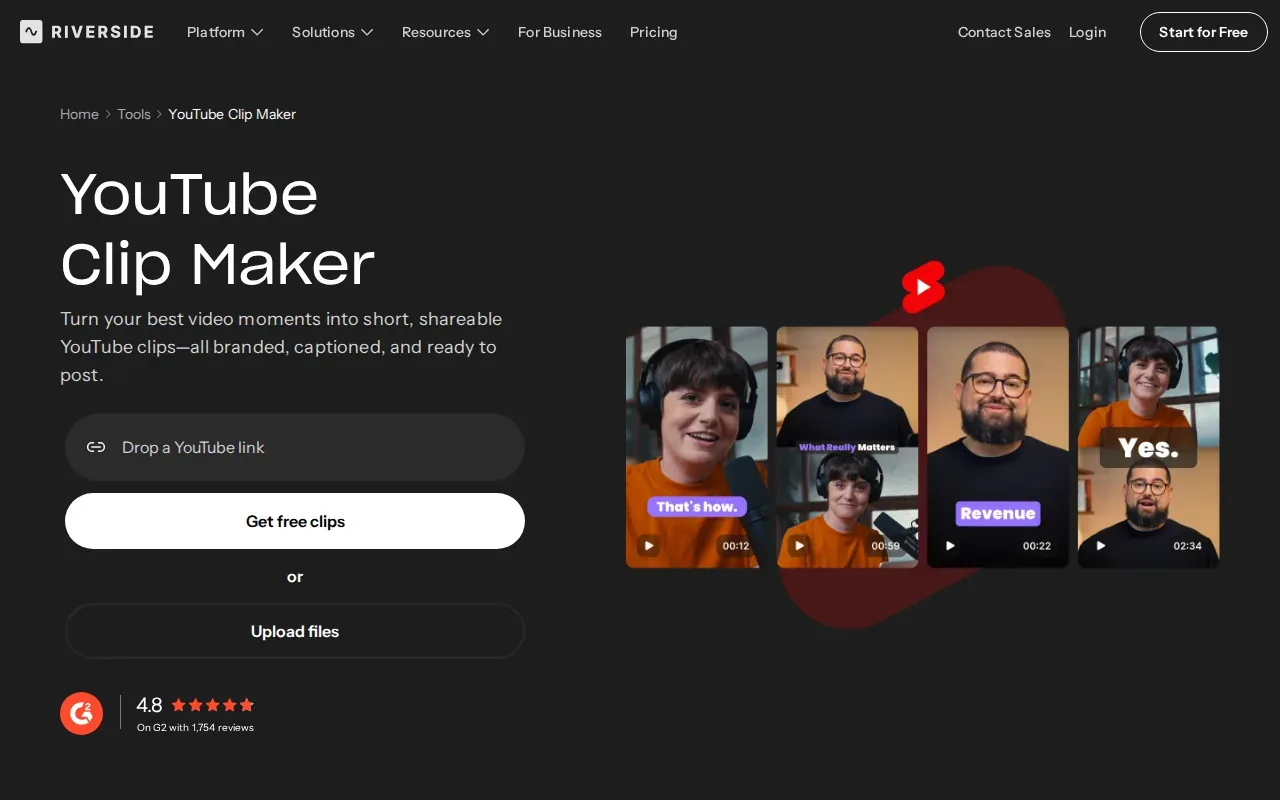
This can suit podcast hosts, livestream interviewers, and B2B virtual-event marketers who already record in Riverside. The main workflow benefit is fewer handoffs: you can find clip candidates in the tool used to record the conversation.
Magic Clips access is limited on Riverside Free, with Riverside Pro around $15 per month and Business around $24 per month. Pick it when keeping recording and clip discovery together matters more than handing the editing to a separate team.
8. Vizard: automated repurposing with caption and plan trade-offs
Vizard turns talk content, such as podcasts, webinars, and interviews, into short clips. Captions are burned into its video output.
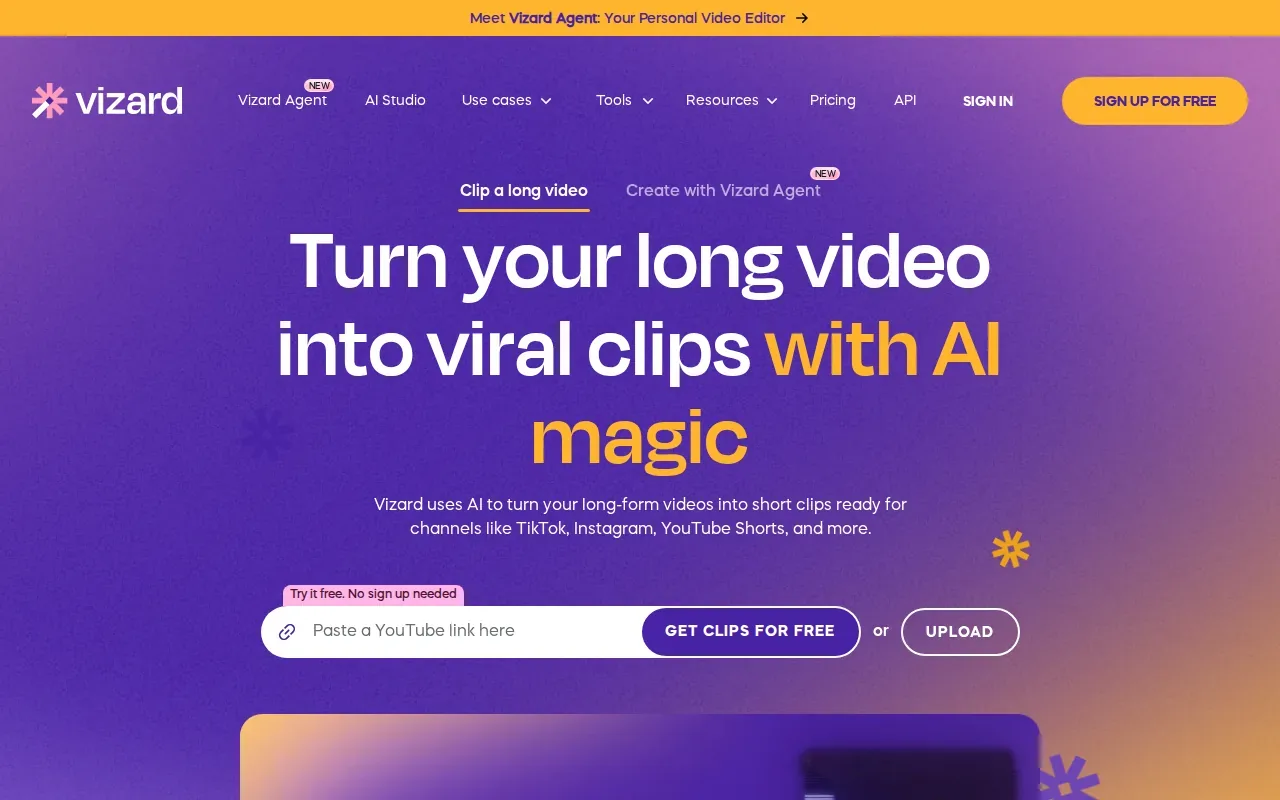
It may work for creators who want an automated repurposing tool and are willing to review each result. Vizard uses credit-based pricing by the minute. Its free tier adds a watermark and caps exports at 720p, while projects expire after three days.
Those limits make it worth checking how much source video you’ll process and how long you need to keep projects. Vizard has limited translation support and requires manual cleanup, so allow time to proofread captions and adjust clips.
9. Klap: automated podcast clips for a self-serve workflow
Klap is a self-serve tool built around a short URL-to-clips process. Paste a YouTube link, run the clip maker, and it generates vertical clips with captions.
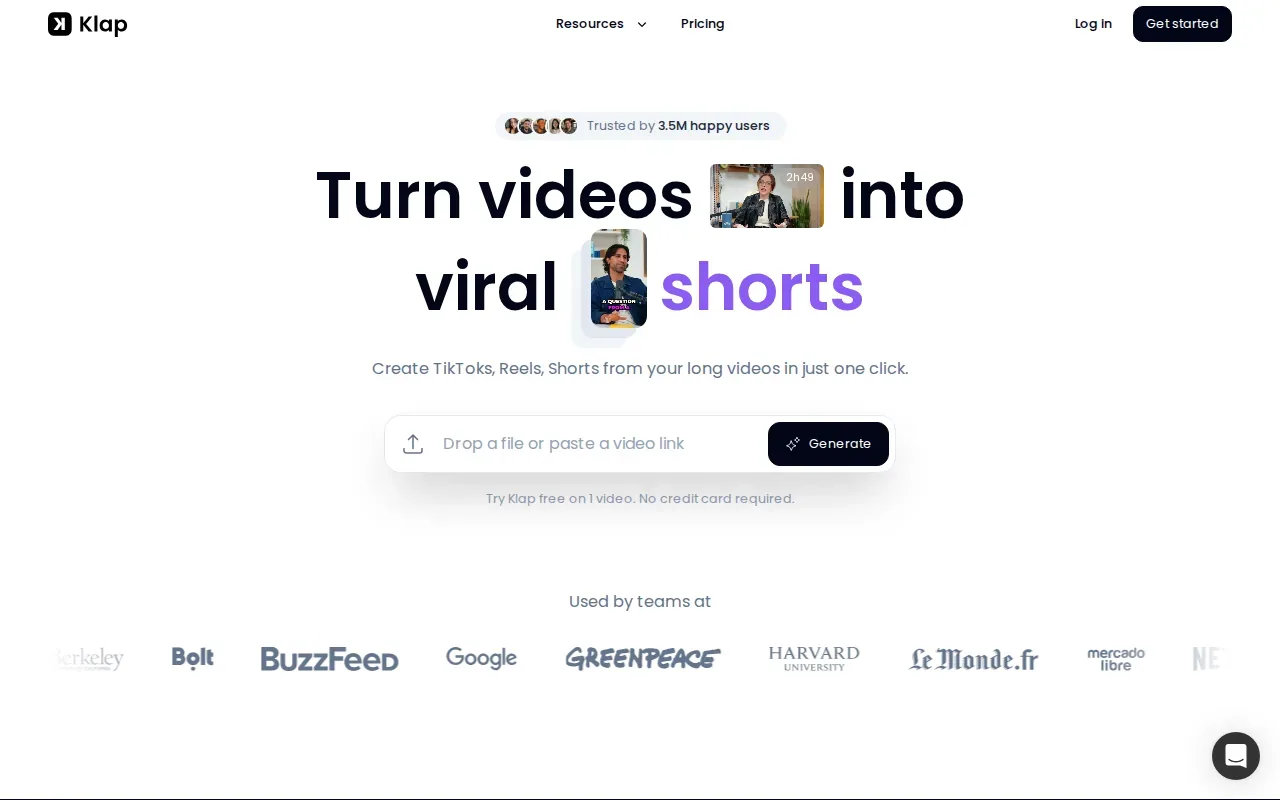
This suits a creator who wants to pick up a video link and make clip candidates without hiring an editor. The quick path is handy when you’re comfortable checking the cuts and choosing which moments match your show.
Klap’s captions are burned into the clips. Klap exports a locked MP4 rather than an editable sequence. If you expect to adjust the cut later, check whether a finished video file will work for your workflow.
10. Munch: automated content repurposing for podcast video
Munch is an AI content repurposing tool for podcast video. Its stated pitch is to make on-brand social content with less hands-on work, and its captions are burned into the clips.
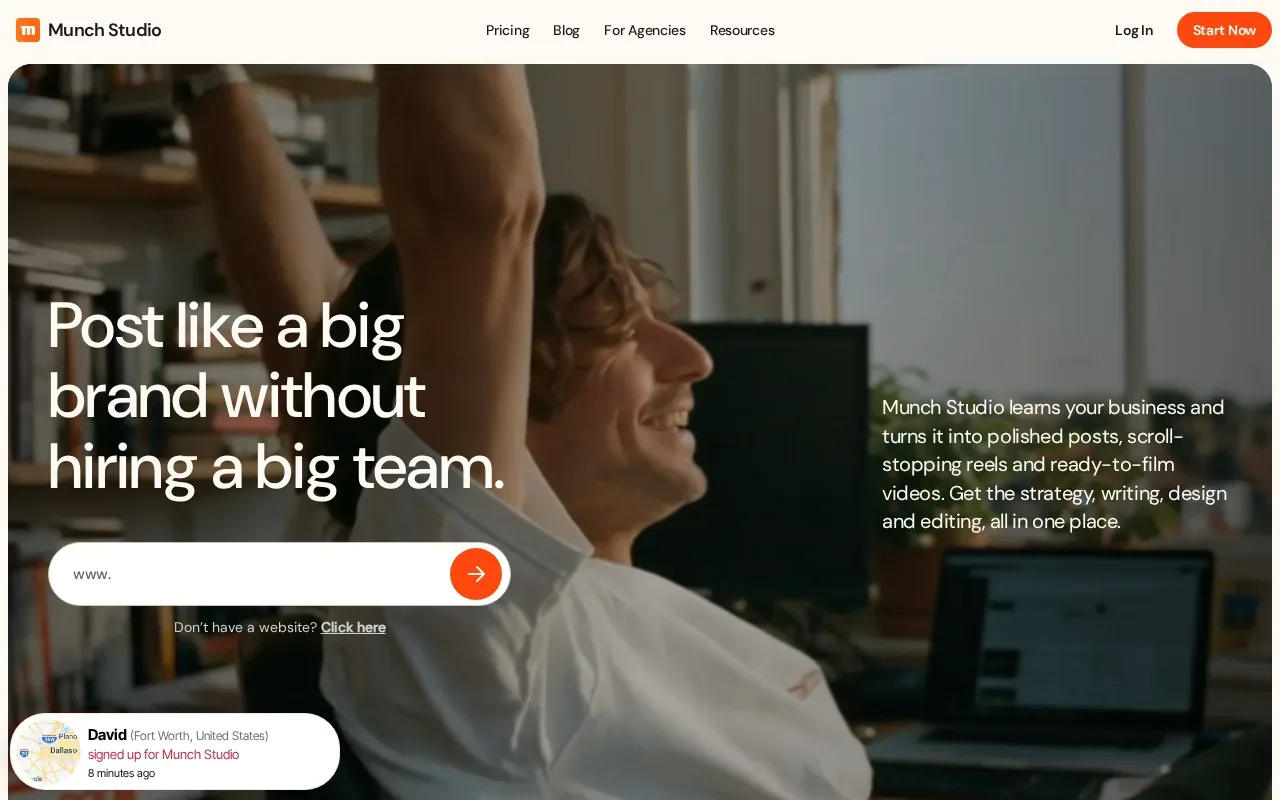
It may fit a creator who wants software to help turn long video into social assets, then review and publish the results. Keep the editing handoff in mind: Munch exports a locked MP4, not an editable sequence.
| Option | Best fit | How clips or promotion are handled |
|---|---|---|
| Munch | Self-serve video repurposing | AI-generated social clips with burned-in captions |
| PenguinClip | Busy creators who want weekly editing handled | Team-selected, edited, captioned clips delivered to cloud storage |
| Hype Clippers | Creators who want distribution paired with clipping | Short-form clips plus multi-platform distribution |
Choosing a promotion partner and tracking results
Start with the work you want to hand off. A clipping service, an automated tool, and a full podcast agency solve different problems. List what you need done each week, then compare the scope, review steps, delivery method, and level of control.
- Set a clear audience: Name the kind of listener you want, then shape episode titles and descriptions around the questions they search.
- Plan the release: Share a short teaser before launch, then send a clear episode link when it’s live. A useful guest quote can give a guest an easy asset to share.
- Reuse the episode: Post clips on social channels, include a link in your newsletter, and ask listeners to take one clear next step.
- Track the outcome: Watch downloads or plays alongside listener location and other audience details your host provides. For a business show, compare promotion effort with leads or sales you can tie to the show.
For search work, make episode pages useful to people first. Clear page content can help search systems understand what a page is about. If a guest or creator shares an endorsement in exchange for a benefit, disclose that connection.
Review results on a set schedule, not after every post. If clips earn attention but few people visit the full episode, improve the call to action. If listeners arrive but don’t stay, look at the episode promise and content before increasing promotion spend.
Frequently asked questions
What do podcast promotion services do?
Podcast promotion services help a show reach more potential listeners. Their work may include making social clips, improving search visibility, sharing episodes through other creators, or managing paid promotion. The right fit depends on what you need done. A clipping service handles a different part of the job than an agency that helps plan and grow an entire branded show.
How can I promote a podcast on a small budget?
You can start by making each episode easier to find and share. Use clear episode titles, create a few useful clips, send the episode to your email list, and ask guests to share a ready-to-post asset. Track plays and audience details through your podcast host. If you pay for help, compare the recurring cost with the editing time or results you need.
How do I measure podcast promotion results?
Measure results against the goal of each campaign. Track downloads or plays to see if reach changes, then review audience details provided by your host. For a business podcast, also note qualified leads or sales linked to the show. Keep the time period and promotion method consistent when you compare results, so a change in numbers has useful context.
Should I use an AI clip tool or a done-for-you service?
Choose an AI tool if you want to generate clip candidates yourself and can review the cuts, captions, and context. Choose a done-for-you service if you want a team to select and edit moments and deliver finished files. Your choice comes down to how much control you want and how much weekly editing time you can spare.
Conclusion
If your main need is a reliable weekly batch of finished social clips, PenguinClip is a strong fit: our team handles the editing, and you keep your time for recording and publishing. Look at the PenguinClip service FAQs to check the workflow, then choose a clip volume that matches your posting pace.