The right Instagram Reels editing app can make a quick clip easier to finish, but it won’t always handle the weekly work of finding moments in a long video. Here are five picks for different editing needs, plus a done-for-you option from PenguinClip for creators who’d rather spend their time making content.
We analyzed 40 comments from Reddit and YouTube about editing apps for Instagram Reels and found that 20% mentioned simple beginner-friendly editing tools.
1. Edits by Meta: Best for Instagram-first editing and direct posting
Edits by Meta is a video editing application for Android and iOS. It suits creators who make Reels on their phone and want to edit and post from one place. For busy podcasters, coaches, course creators, and webinar hosts preparing short clips, it is a mobile editing option with direct posting to Instagram or Facebook.
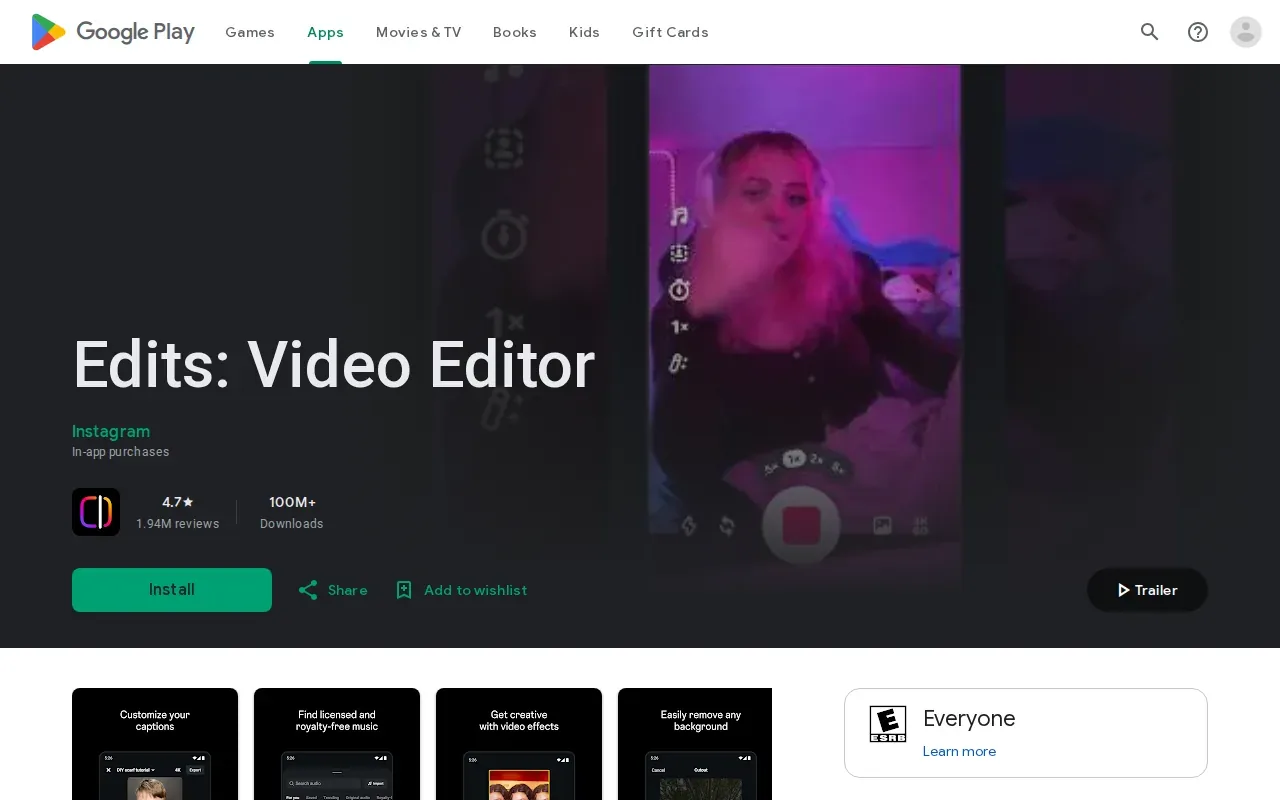
Edits includes some AI features and lets you post directly to Instagram or Facebook. For a talking-head clip, you can use the app to edit the video on a mobile device, then post it to either platform. Edits is available on Android and iOS, so it can fit a workflow centered on editing and sharing from a phone.
| Editing task | How Edits helps | Useful when |
|---|---|---|
| Edit a clip | Use Edits as a mobile video editing application | You want to work on a clip on Android or iOS |
| Use AI features | Edits includes some AI features | You want an editor with AI features |
| Post to social | Post directly to Instagram or Facebook | You want to share directly to either platform |
Edits is a strong fit for Instagram-first work. If you want deeper control over sizing and safe text placement, see our Instagram Reel dimensions and specs guide before posting.
2. CapCut by ByteDance: Best for flexible, multi-platform timeline editing
CapCut by ByteDance is a timeline editor for creators who publish on more than one platform. Its free tier includes full timeline editing.
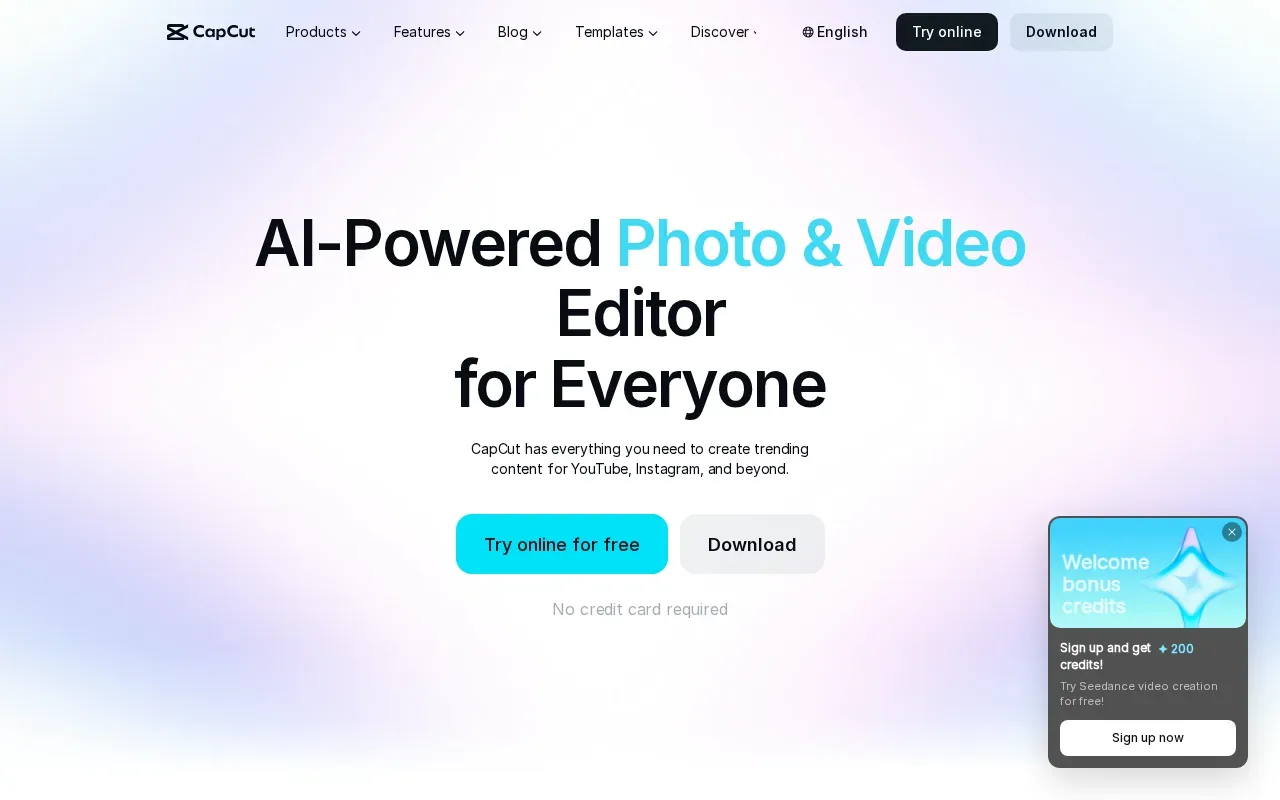
That makes it an option when you want to prepare clips for multiple platforms. The timeline gives you a place to arrange the edit.
Instagram Reels are short-form videos on Instagram. If your clips also go to other platforms, plan to check the exported file in each app before posting. A caption or title that looks fine in one feed may sit differently beside another app’s controls.
CapCut is a sensible pick when you’re willing to edit the footage yourself and want a no-cost starting point. It doesn’t replace the work of choosing the best moments from a full podcast or sermon, so allow time for that review.
3. Captions.ai: Best for talking-head creators who want automated captions
Captions.ai automates parts of the talking-head editing process rather than centering the work on a manual multi-track timeline. It’s aimed at coaches, personal brands, and other creators who speak to camera.
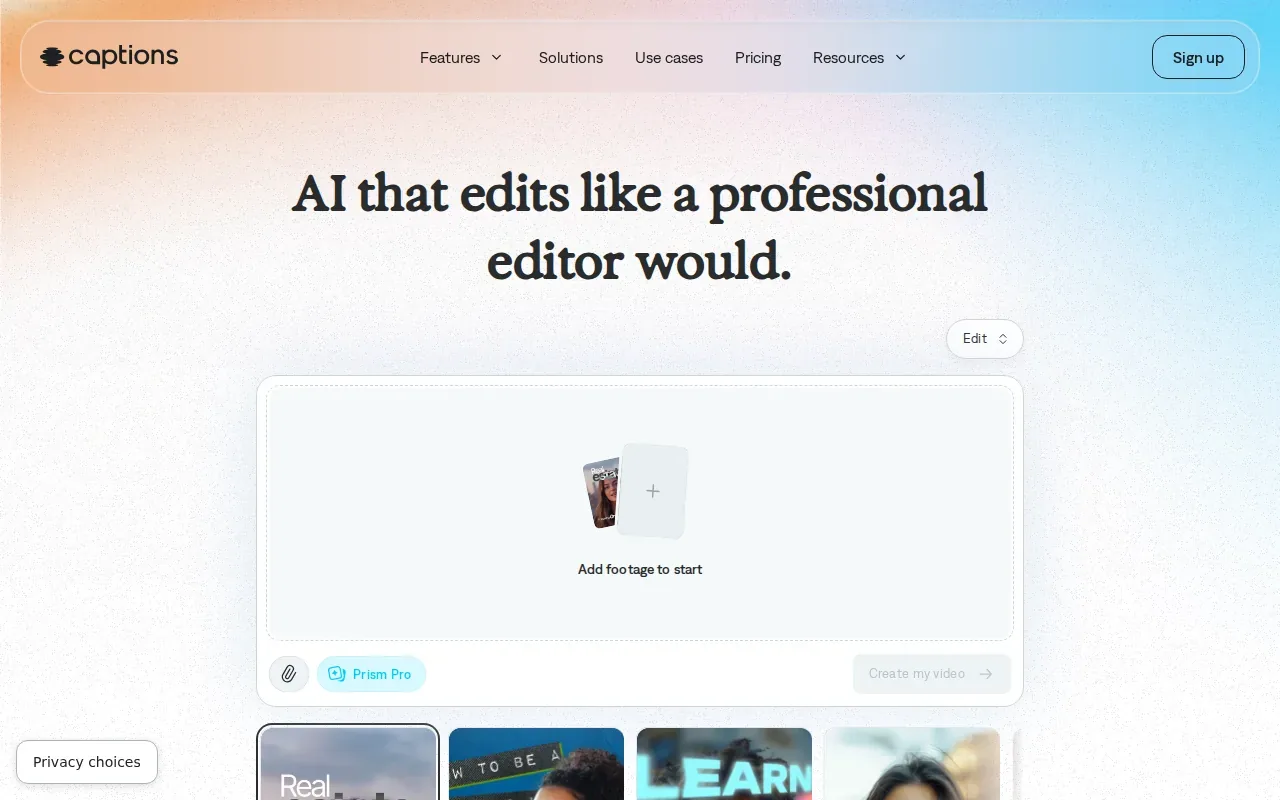
Captions.ai includes styled auto-captions in more than 100 languages, a teleprompter, and eye-contact correction. The AI Edit feature can add B-roll, music, and sound effects. AI Translate can also create lip-synced translated versions, while AI avatars and digital twins support other kinds of generated video.
The free plan includes auto-captions, the teleprompter, eye-contact correction, and watermark-free exports. More advanced AI tools require the paid Max plan. For a short coach tip, the teleprompter may help you keep your delivery on track; captions can then make the message easier to follow without sound.
Automatic captions still deserve a read-through. Names, niche terms, and sermon references can be transcribed incorrectly, so check the text against the speaker’s words before you post. Our guide to adding captions to Reels explains how to review caption text and keep it readable.
Choose Captions.ai when you want help polishing a direct-to-camera clip. It’s less suited to a workflow where a person needs to sift through a long recording and choose the strongest moments for you.
4. Descript: Best for editing podcast and webinar clips from transcripts
Descript is a transcription and video-editing tool with a free basic plan. Its text-based editing can suit podcast and webinar creators who would rather work from a transcript than hunt through a long timeline.
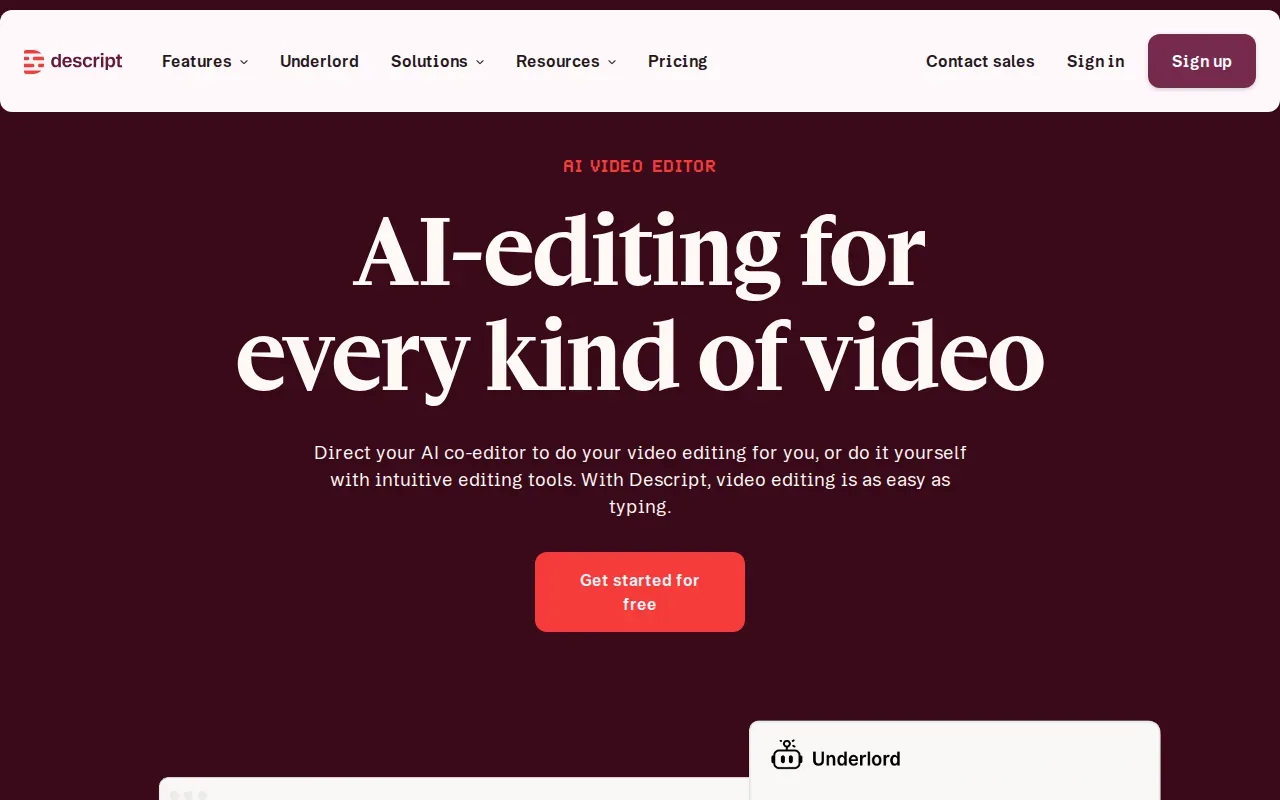
Descript includes automated transcription and subtitle generation. It also has screen recording and audio tools for removing filler words or adjusting levels. That can help when you’re cleaning up a recorded interview or preparing a section of a webinar for a short social clip.
Paid plans start at $12 per month. The key difference from a simple mobile edit is the transcript-based workflow: find a line in the text, edit the related video, then check the result as a clip. You’ll still need to decide which parts of the conversation deserve to become posts.
For a marketing team, a transcript can help staff find a useful answer inside a webinar before they edit it into a short clip. Agencies that plan social campaigns for clients work in a broader marketing setting where clear video assets can fit a campaign.
Descript is a fit when transcript search and audio cleanup matter to your work. If your priority is receiving finished clips each week with less editing effort, a service such as PenguinClip handles the clipping and captioning for you.
5. KineMaster: Best for layered edits and picture-in-picture overlays
KineMaster is a mobile video editor for creators who want hands-on control over layers. It suits vloggers or video makers who need picture-in-picture, text overlays, and effects in the same edit.
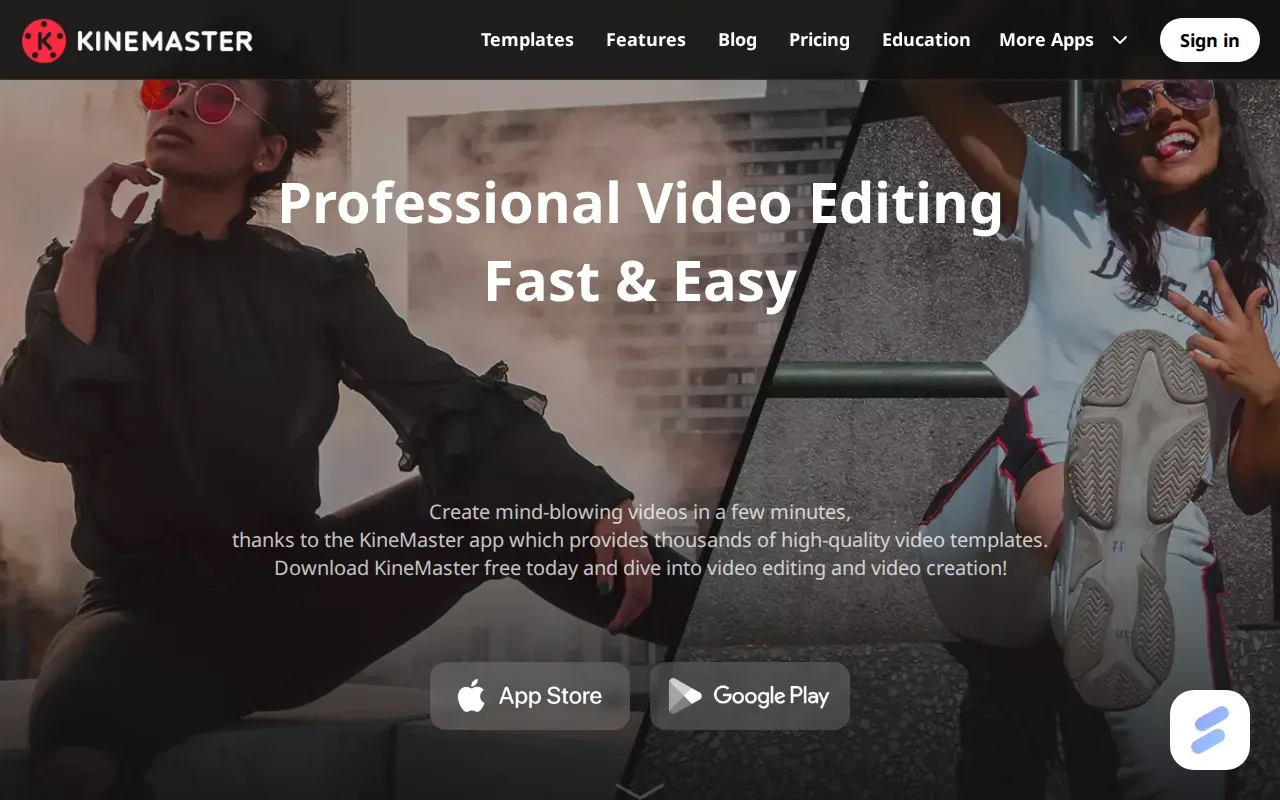
KineMaster includes multi-layer editing, transitions, royalty-free music, and high-quality output. Layers can help when you want a second video visible beside the main speaker, or when a title needs to appear over a specific part of the clip.
The free version includes a watermark. The Premium plan starts at $4.99 per month. That makes the free version useful for trying the editing workflow, while a finished post without a watermark requires the paid plan.
For example, a creator could place a supporting video over a sermon excerpt, then add text where it helps explain the point. The extra control comes with a tradeoff: you still manage the edit yourself, including the cuts and the final check.
If your main goal is to publish polished clips every week without opening an editor, PenguinClip is a different kind of option. Our team selects highlights from long-form videos, edits and scores clips, then delivers ready-to-post files each week. You keep creating while we handle the clipping work.
Frequently asked questions
What is the best Instagram Reels editing app for podcasts?
Descript is a good fit if you want to find and edit podcast moments through a transcript. CapCut can work if you prefer a timeline and want auto-captions in its free tier. If you want someone else to select and finish clips every week, PenguinClip is a done-for-you service rather than an editing app.
Which Reels editor can post directly to Instagram?
Edits by Meta supports direct sharing to Instagram and Facebook. That can shorten the handoff between finishing your video and posting it. Other choices here focus on editing features or exports, so check the app’s current sharing flow before you build your process around direct posting.
Can I make Reels with captions for free?
Yes. CapCut’s free tier includes auto-captions, and Captions.ai’s free plan includes auto-captions with watermark-free exports. Edits by Meta also lists automatic captions. Whichever app you use, review the finished text before publishing, especially for names and terms the app may not recognize.
Which app is best for picture-in-picture Reels?
KineMaster is the clearest fit in this shortlist because its features include multi-layer editing and picture-in-picture. That gives you room to show a second image or video over the main shot. Before posting, watch the full clip to make sure the overlay doesn’t cover the speaker or key captions.
Is an editing app the same as a video clipping service?
No. An editing app gives you tools to make the edits, while a done-for-you video clipping service takes on the selection and editing work. With PenguinClip, our team selects highlights from long-form videos, edits and scores clips, then delivers files weekly. The better fit depends on whether you want hands-on control or less weekly editing work.
Choose the app that fits your weekly workflow
Pick Edits for direct Instagram sharing, CapCut for a flexible free timeline, or Descript for transcript-based podcast edits. If you’d rather not handle clipping week after week, PenguinClip can prepare and deliver polished vertical clips. Start by deciding which task you want to stop doing yourself.