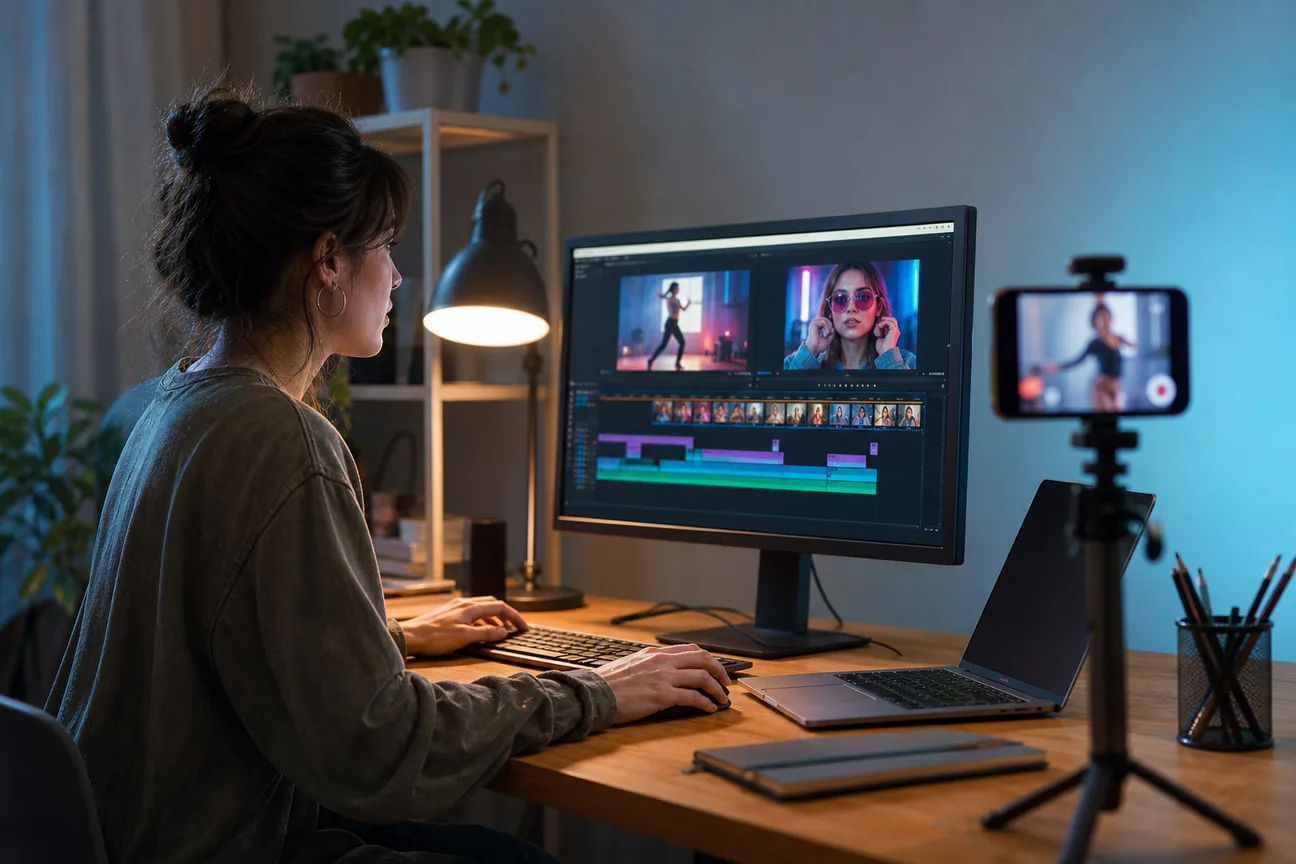
A weekly stream of TikTok clips can keep your podcast or course in view, but editing each one takes time away from making content. Here are six named services and tools, plus PenguinClip, so you can choose between done-for-you weekly clipping, faster editing plans, and hands-on apps.
1. PenguinClip
PenguinClip is a done-for-you video clipping service that turns podcasts, webinars, courses, and YouTube videos into captioned vertical clips. It suits busy creators who want a steady weekly batch without handling the edit queue themselves.
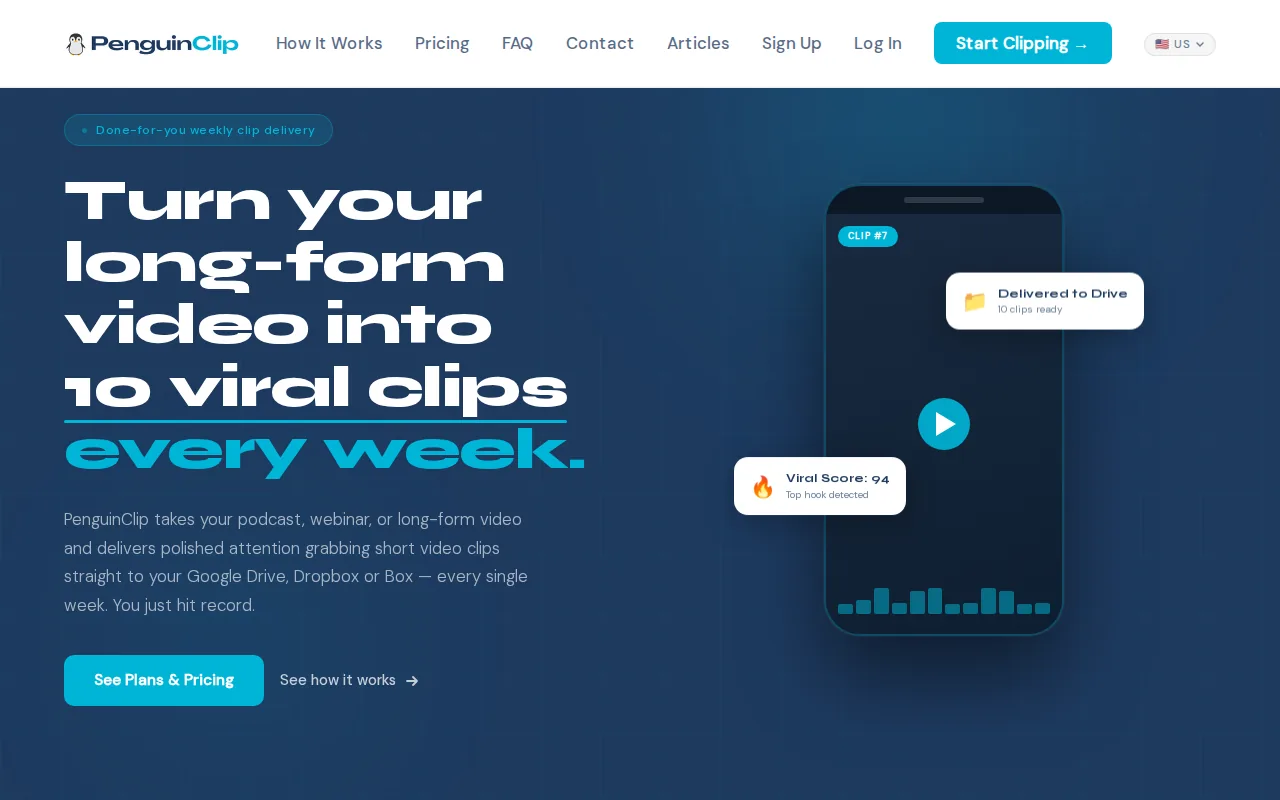
Our team selects highlights from your long-form video, edits and scores the clips, then delivers ready-to-post files to your cloud storage each week. That gives you a repeatable handoff: share the source content, review the finished clips, and choose what to post first using the viral score.
If you’re weighing outsourcing against doing every edit yourself, start with this overview of what a video clipping service does. PenguinClip keeps the recurring work in one place, so your weekly process doesn’t depend on finding editing time between recordings.
The subscription is recurring and cancel-anytime. Pricing depends on the plan, so check the current PenguinClip plan and pricing details before you decide. Weekly delivery is a different trade-off from rush editing: it gives you a regular content supply, but it isn’t meant for a clip you need back tomorrow.
That weekly rhythm works well for interview podcasts, coaching sessions, course lessons, webinars, and sermons. You stay focused on recording and teaching. Our team handles the clipping, captioning, and vertical formatting.
PenguinClip is a strong fit when your main need is reliable weekly output with minimal editing effort. If you need a single video edited urgently, ask about turnaround before choosing any recurring service.
2. Hooked: high-volume TikTok output with AI-generated visuals
Hooked is an AI video creation tool for creators who want to generate TikTok-style videos quickly. It may suit someone who needs a high volume of short posts and is comfortable using AI-generated visuals rather than sending footage to an editor.
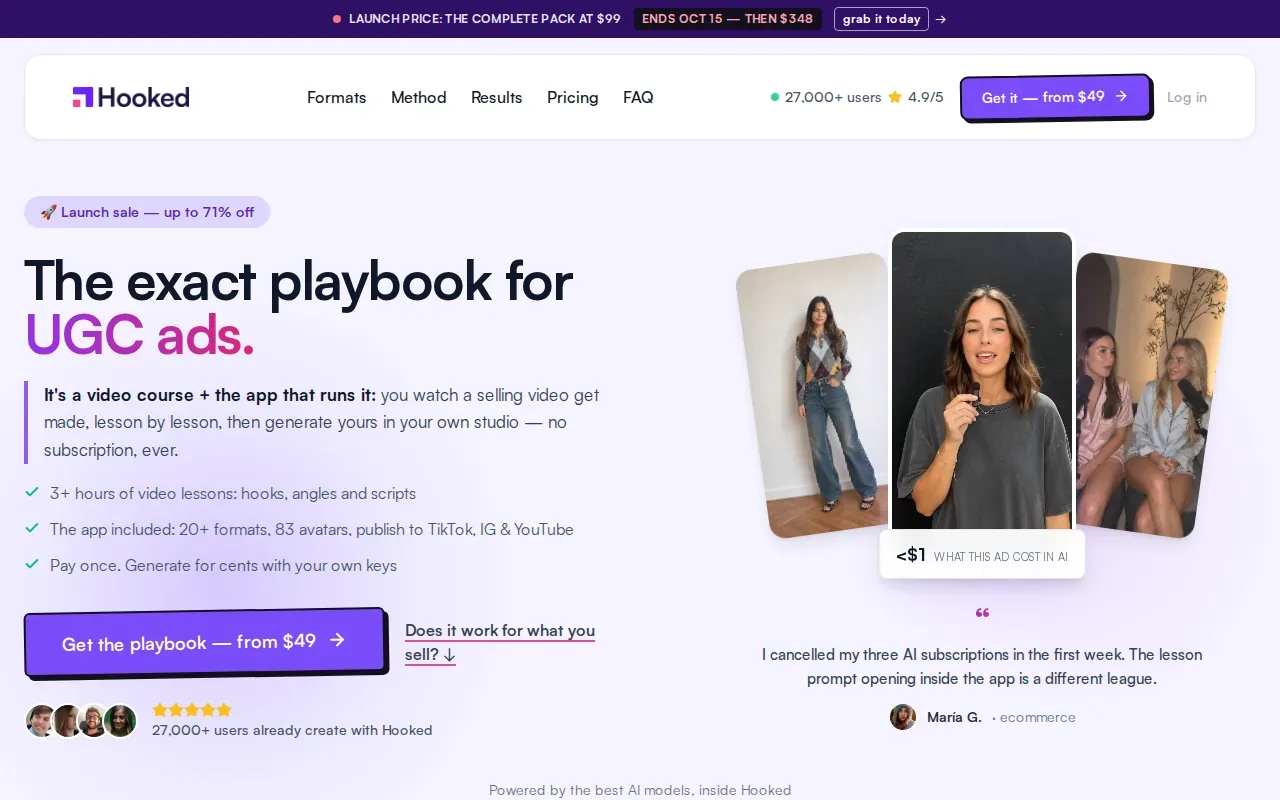
That can help when you need to test a topic without filming a full segment. For example, a creator could draft a short lesson idea and use generated elements as the basis for a post.
AI can reduce some production steps, but it doesn’t make every video fit your voice automatically. You’ll still need to check the wording, visual choices, and captions before publishing. Generated content may also feel less personal than a real moment from a podcast guest or sermon.
If you’re comparing ways to make AI-led short videos, this roundup of AI video generators for TikTok gives you another angle on that workflow. Treat generated posts and repurposed clips as separate formats, each suited to a different source of content.
Choose Hooked when your goal is rapid AI-assisted output and you want to start from a prompt. Choose a clipping service when the value lies in your actual long-form recording and the moments already inside it.
3. Visugu: flexible monthly plans for varied video editing
Visugu is a video editing service with monthly plans and a stated five-day turnaround. It may suit creators or teams whose workload includes more than one kind of video and who want a service rather than a do-it-yourself app.
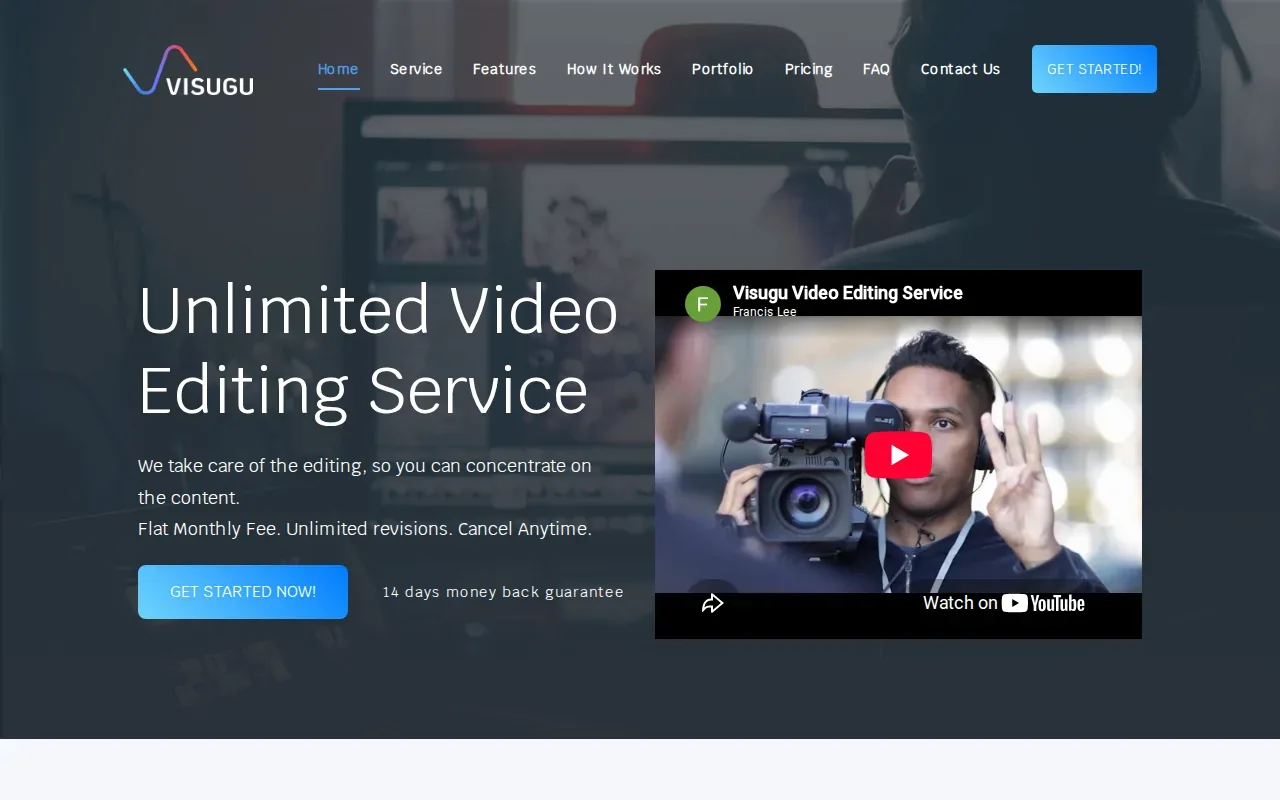
The listed monthly starting points are $249 and $699. Those figures give you a broad sense of the two stated plan levels, but they don’t tell you how much work, how many edits, or which revision terms apply to your project. Confirm the details before you compare the price with another provider.
Visugu’s stated differentiator is that it can edit varied types of video. That may be useful for a team producing different content formats across a month. Its five-day turnaround also gives you a planning window: submit source footage early enough that the finished edit is ready before the day you intend to post.
For a podcaster, the main question is whether that general editing scope includes the recurring short-form workflow you need. Ask how the service handles highlight selection, vertical framing, captions, revisions, and delivery. Those details determine whether you’re getting a ready-to-post clip or a cut that still needs work on your side.
A service with broad editing scope can be a fit when your projects change from week to week. If your priority is a set weekly batch of captioned vertical clips, compare the exact deliverables rather than the monthly price alone.
4. Hype Clippers: short-form editing with multi-platform distribution
Hype Clippers turns long-form content into short-form clips and handles distribution across multiple platforms. It may suit a creator or team that wants clipping paired with a wider publishing workflow.
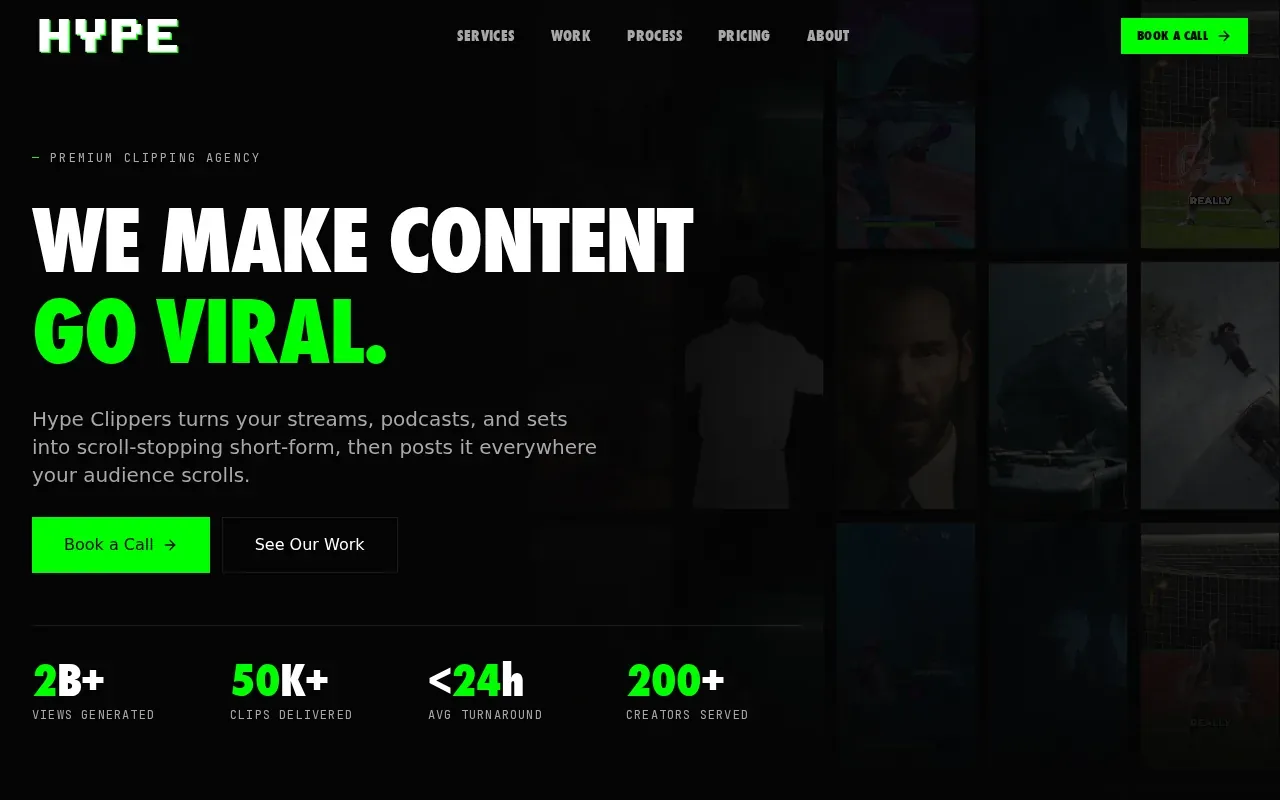
The service is described as a Hype Company brand. Its central fit is clear: start with long-form content, then use short clips to carry key moments onto more than one platform. That can be useful for an interview show whose full episodes already provide a steady source of material.
Before signing up, ask what distribution includes. Does the service prepare files for you, publish posts directly, or handle another part of the handoff?
The same questions matter for consistency. If you have a set caption style or a preferred way to frame guests, share examples and ask how those preferences carry across future clips. A clear approval path can prevent a fast clip schedule from creating more review work than it saves.
Hype Clippers is worth considering when multi-platform distribution is part of the job you want done. If TikTok-ready weekly files are the main need, compare the exact deliverables and who handles publishing before making your choice.
5. Editvideo.io: dedicated-editor subscription for YouTubers
Editvideo.io is a monthly video editing subscription aimed at YouTubers, with a dedicated editor and unlimited revisions. It may suit a creator who values an ongoing editor relationship and expects a regular stream of editing requests.
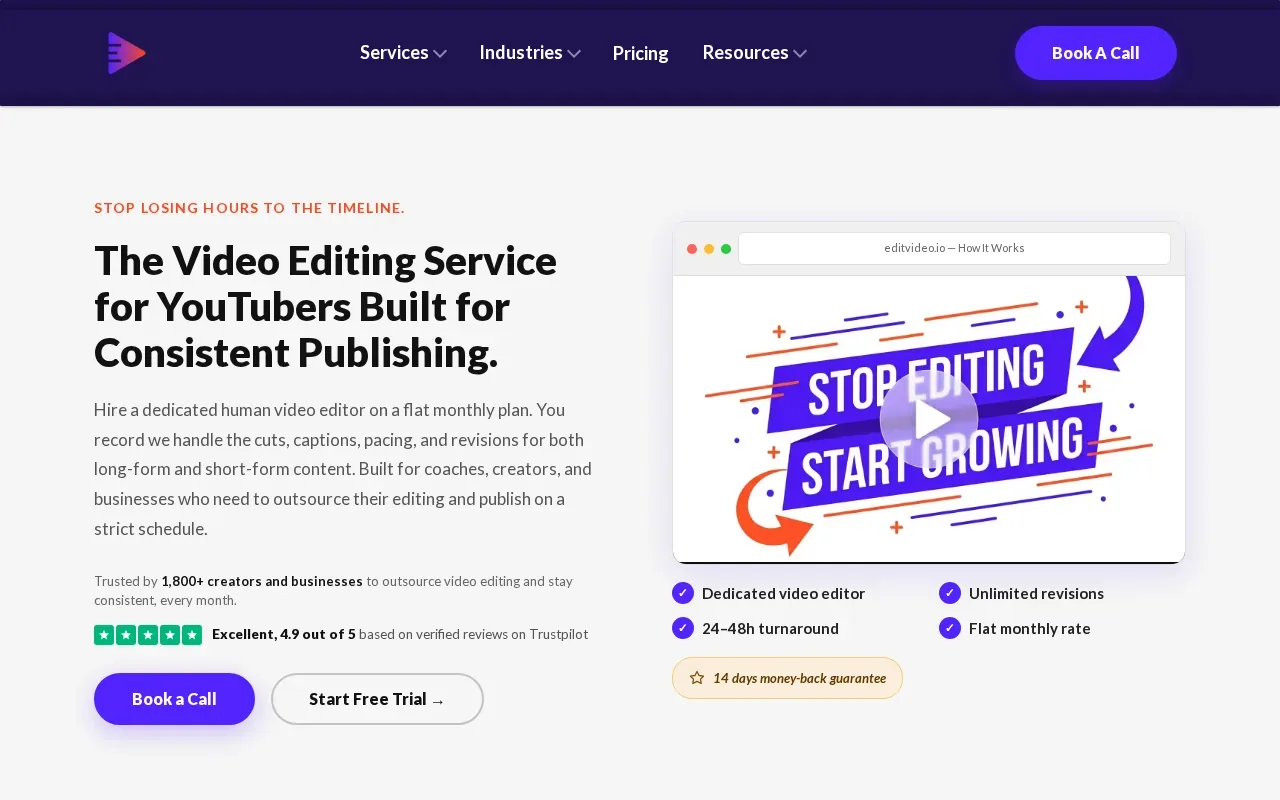
The listed starting price is $295 per month, with flat monthly subscription pricing. “Unlimited revisions” can sound simple, but it’s still worth asking how requests are queued and how many active projects the editor handles at once. An unlimited revision policy doesn’t necessarily mean every change is returned instantly.
A dedicated editor can help keep a channel’s style consistent as the editor learns your preferences. To make that work, provide clear notes on pacing, captions, framing, and examples of videos you like. An editor can only match a style well when the brief gives them something specific to follow.
If you’re deciding between a subscription and hiring an individual editor, this comparison of a clipping service and hiring an editor can help you think through the handoff and ongoing workload. Keep the question focused on your own process: do you need broad YouTube editing, or a predictable weekly supply of vertical clips?
Editvideo.io’s listed details don’t specify TikTok-specific captions, short-form clip selection, or turnaround time. Ask about those items if TikTok is the main destination. The dedicated-editor model may be a better match when full YouTube edits are central to your workload.
6. BeCreatives: a higher-priced subscription option to investigate
BeCreatives is a video editing subscription with a stated Scale plan priced at $1,199, or $999 when paid quarterly. Its listed turnaround is one to two days, and vertical editing expertise with default reformats is its stated differentiator.
That shorter turnaround may suit teams with frequent deadlines or content that needs to move through review quickly. The default reformatting detail is also relevant if you want vertical versions of existing video. Ask which aspect ratios and deliverables the plan includes before you rely on it for a specific social schedule.
Quarterly billing lowers the stated monthly price compared with paying month to month, but it also means committing to a longer billing period. Make sure the plan’s expected volume and workflow match your calendar before choosing that option.
For a podcast team, fast delivery can help when a clip needs to be ready soon after an episode goes live. But speed isn’t the only factor. Confirm how the service handles caption styling, clip selection, brand notes, feedback, and what counts as a revision.
BeCreatives is the option here to investigate when quick turnaround and vertical expertise matter enough to justify a higher monthly cost. If your content can run on a weekly schedule, weigh that speed against a more hands-off recurring clipping workflow.
7. CapCut: a DIY alternative for hands-on TikTok editing
CapCut is a do-it-yourself editor with a large template library, auto captions, and TikTok integration. It may suit creators who want to edit their own clips and keep direct control over the final post.
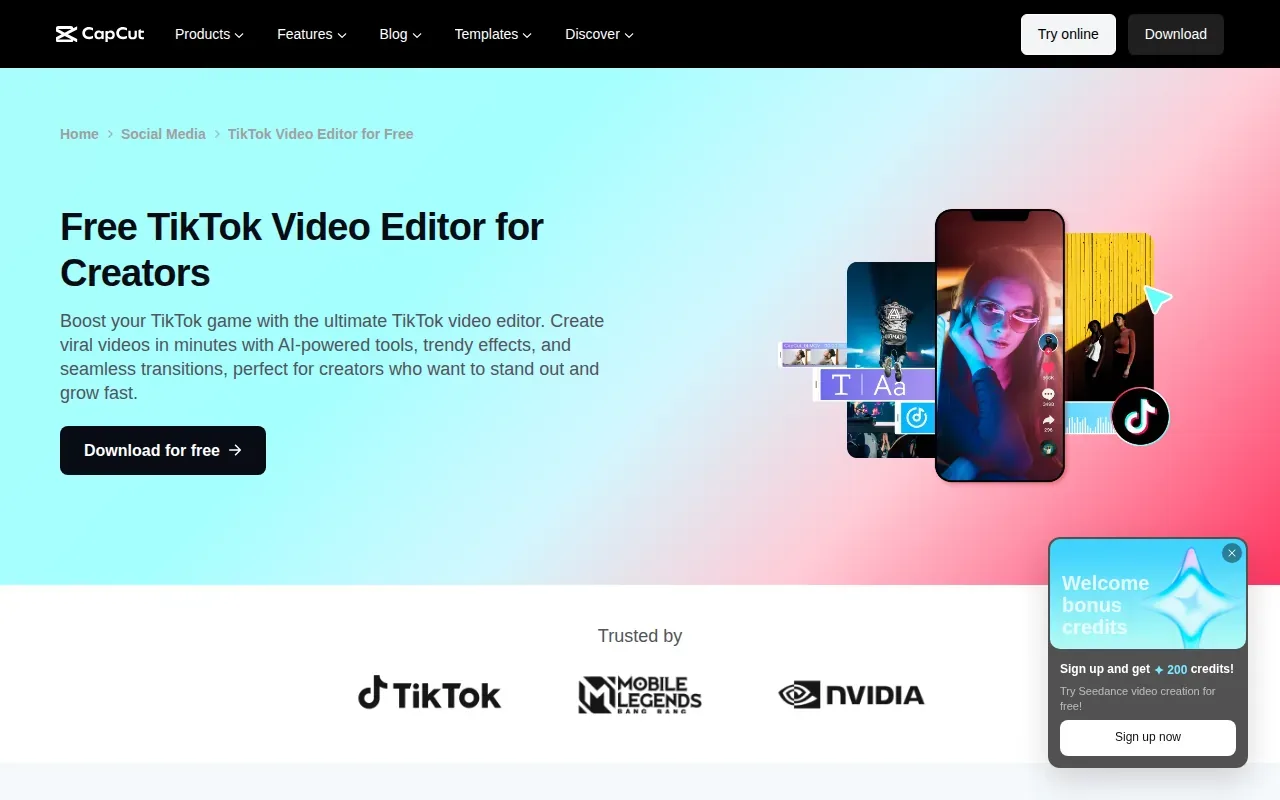
The listed pricing is free, with Pro plans starting at around $9.99 per month in the United States. That makes it a lower-cost route than hiring an editing service, but the trade-off is time: you still need to pick the moments, edit each clip, check captions, and prepare the final post.
Templates can help you begin with a familiar layout. Auto captions can cut down on typing, but you should review the transcript for names, technical terms, and words spoken quickly. A caption error can change the meaning of a sermon or a guest’s point, so a quick proofread is part of the job.
CapCut fits creators who enjoy editing or only need a few clips at a time. It’s also a sensible way to test a format before deciding whether to outsource regular production. This overview of PenguinClip’s done-for-you clipping service explains the alternative when you’d rather hand off the editing work.
| Decision point | CapCut | PenguinClip |
|---|---|---|
| Who does the clipping? | You edit the video yourself. | Our team selects and edits highlights. |
| Caption workflow | Auto captions are available; you review the result. | Captioned vertical clips are delivered ready to post. |
| Delivery rhythm | You export when your edit is complete. | Finished clips arrive weekly in cloud storage. |
| Best fit | Hands-on creators who want direct control. | Busy long-form creators who want less weekly editing work. |
CapCut gives you control at a low starting cost. PenguinClip costs more than a free DIY editor, but removes the recurring clipping work from your week. If editing has become the part that keeps your podcast or course clips from getting posted, compare the time you’ll spend against a done-for-you plan.
For another look at short-form creation tools, see this overview of multi-shot short video creator tools. It’s a useful adjacent resource if you’re exploring generated or assembled video rather than repurposing recorded conversations.
Frequently asked questions
What does a TikTok video editing service do?
A TikTok video editing service edits footage into short vertical videos suited to TikTok. Depending on the provider, that can include choosing highlights, cutting footage, adding captions, and preparing files for posting. Check the deliverables closely: some services edit videos you select, while a clipping service may also select moments from long-form recordings.
How much does a TikTok video editing service cost?
Costs range from free DIY editing apps to paid monthly services. In this shortlist, CapCut is free with Pro plans starting around $9.99 per month, while named service plans range from $249 monthly for Visugu to $1,199 for BeCreatives’ Scale plan. Confirm current prices and what each plan includes before you commit.
How long does TikTok video editing take?
Turnaround depends on the service and the kind of work. The details listed here include five days for Visugu and one to two days for BeCreatives; PenguinClip delivers clips weekly. Ask how the clock starts, whether review time is included, and how fast revisions are handled if your posting date is fixed.
What files should I send to a TikTok video editing service?
Ask the provider which file types and sharing methods it accepts before you upload. For a podcast or webinar, you’ll usually want to share the source recording and any notes that point to moments you want considered. Also ask how the finished vertical clips are delivered and whether captions are included in the final files.
Can an editing service make a TikTok video go viral?
No editing service can promise that a video will go viral. Editing can help a clip get to its point sooner and make spoken content easier to follow with captions, but viewers still decide whether to watch and share. Treat each post as a chance to learn which topics and moments connect with your audience.
Conclusion
If you publish podcasts, interviews, webinars, sermons, or course content every week, PenguinClip is the clearest fit for handing off recurring clipping and captioning. Our team handles the edits; you keep creating. See how PenguinClip’s weekly clipping service works and decide whether it fits your publishing rhythm.