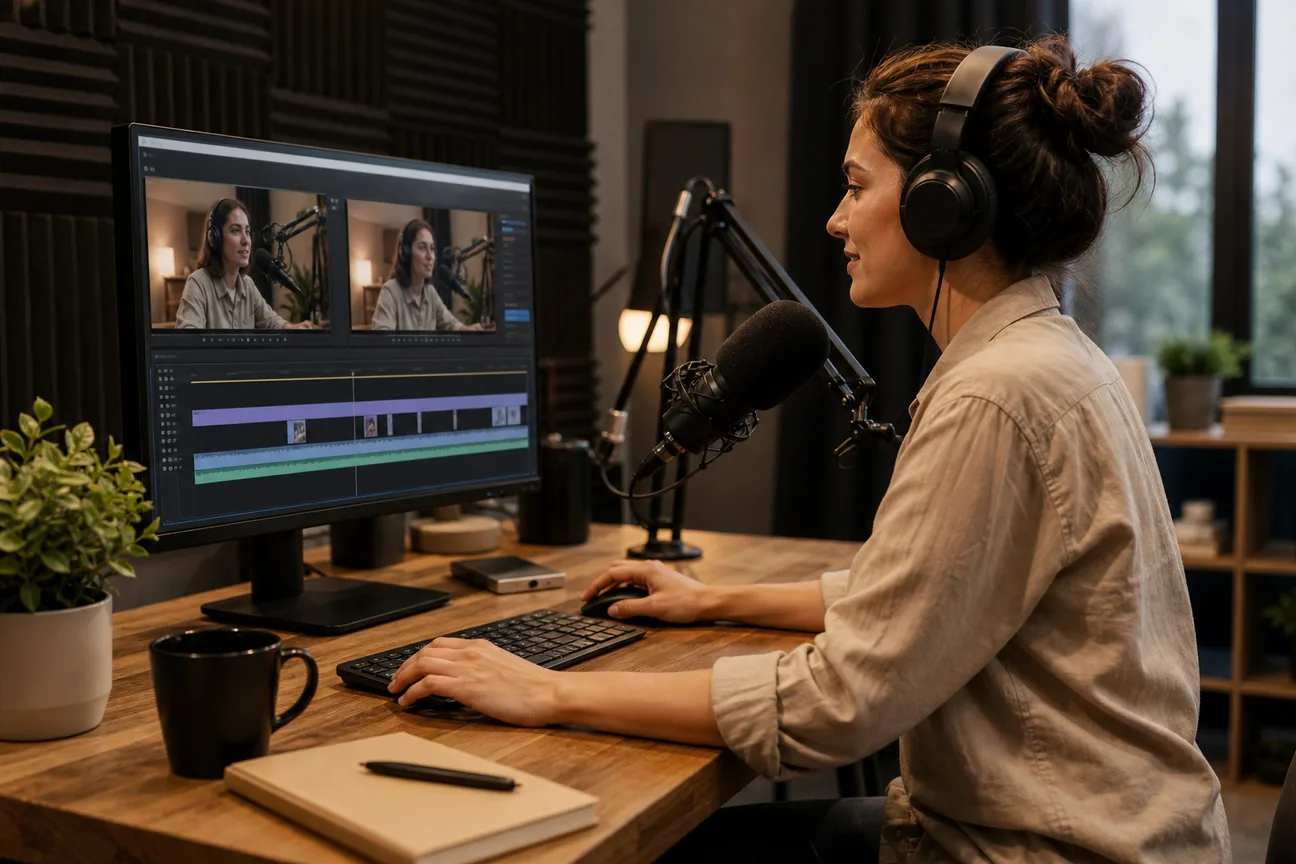
Editing a podcast video eats up the time you could spend on new episodes. Here are five podcast video editor tools that let busy creators cut, caption and publish short clips fast.
We analyzed 60 comments and questions from Reddit, YouTube and Quora about podcast video editing and found that 20% mentioned tedious editing tasks.
1. Riverside: a recording‑first choice for interview podcasts
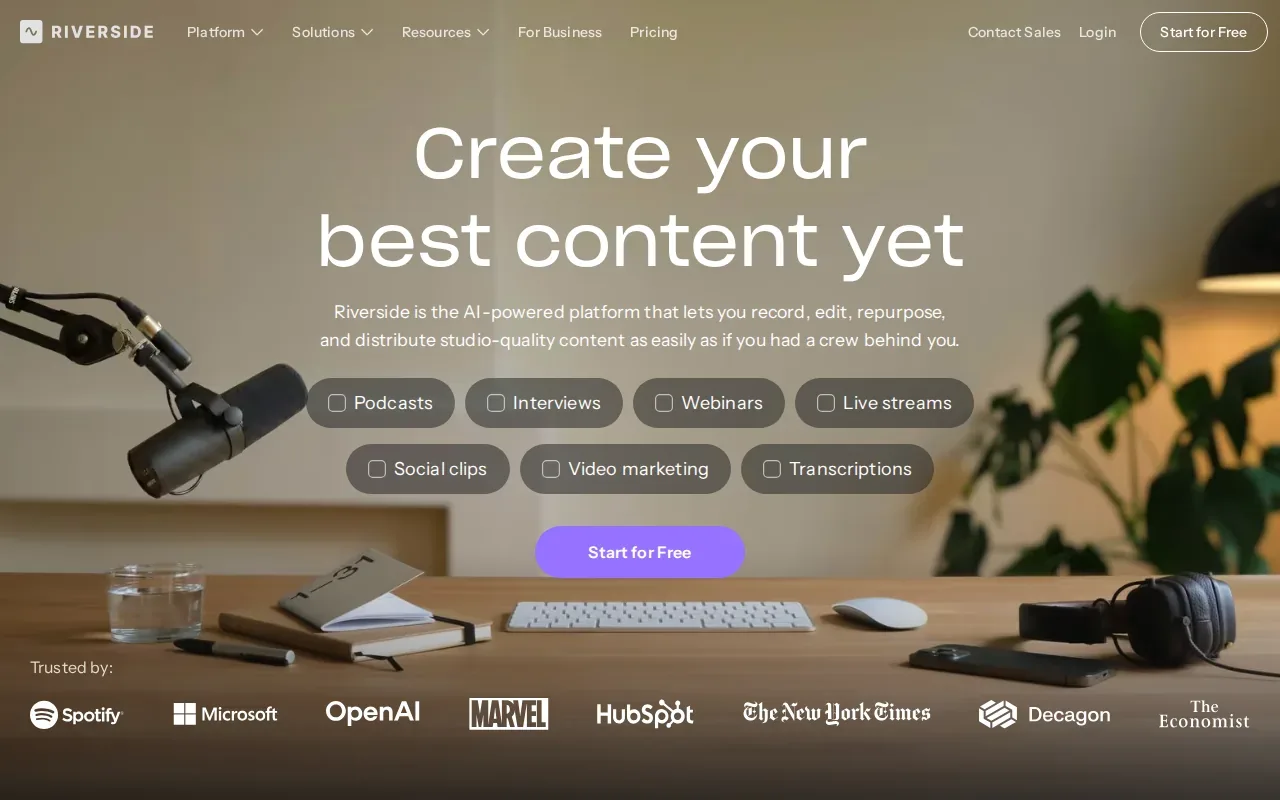
Riverside lets you record high‑quality video and audio in the cloud, then edit the tracks in a split‑screen web interface. The built‑in AI generates a transcript that you can scrub to cut out filler or mistakes, just like editing a text document. It also offers a “Magic Clips” feature that auto‑creates short clips from the interview, which you can fine‑tune before export.
It works well for interview‑style shows where you need studio‑grade sound without a physical studio. The platform syncs separate camera feeds, so you can switch angles during edit.
2. Descript: transcript‑based editing for spoken‑word content
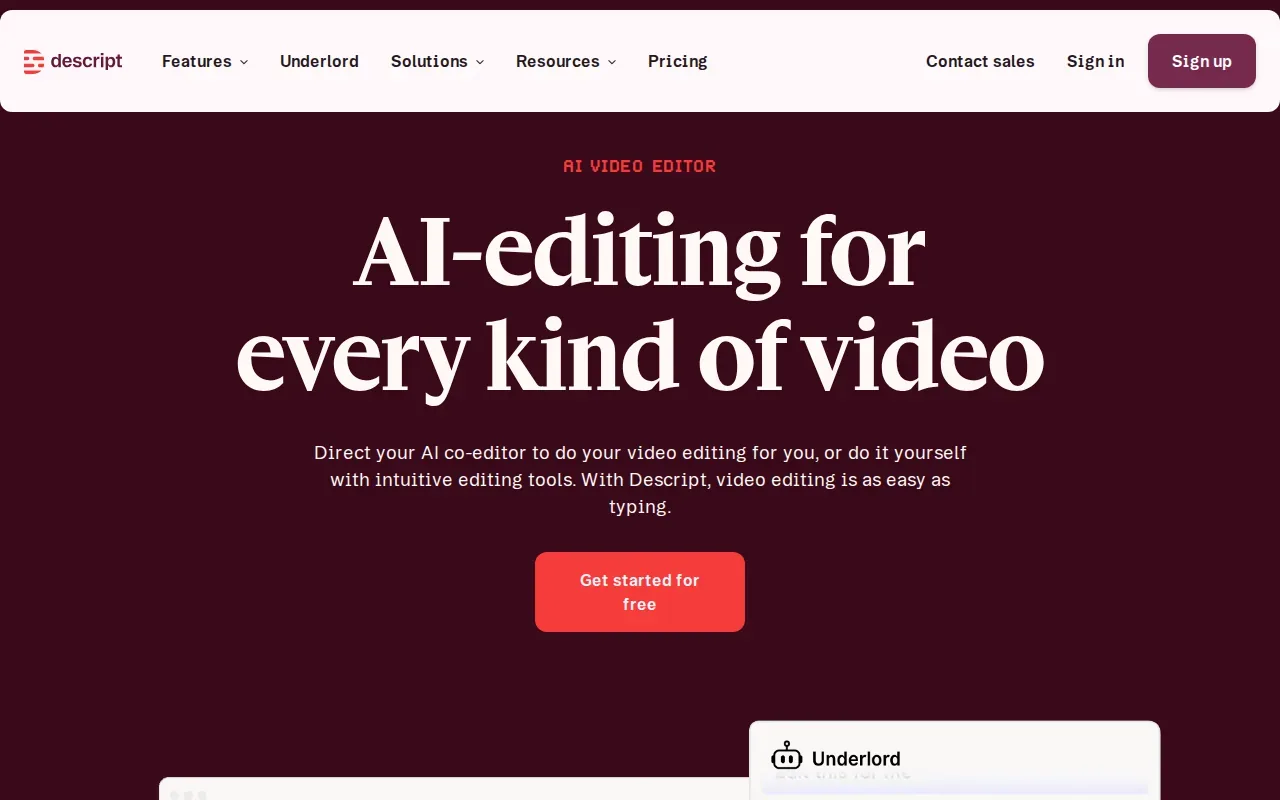
Descript treats video like a Google Doc. Upload your episode, let the AI transcribe it, then delete or rearrange words to cut the video. One‑click “Remove filler” scrubs ums and pauses, and the “Studio Sound” filter cleans up background noise. Captions generate automatically, and you can publish directly to YouTube Shorts or TikTok from the app.
Ideal for creators who want a fast, text‑driven workflow without learning a timeline. The free tier lets you edit up to three hours of media, while paid plans add multitrack editing and overdub.
Its AI-powered features let you edit by editing text.
3. Podsqueeze: AI‑assisted repurposing for podcast episodes
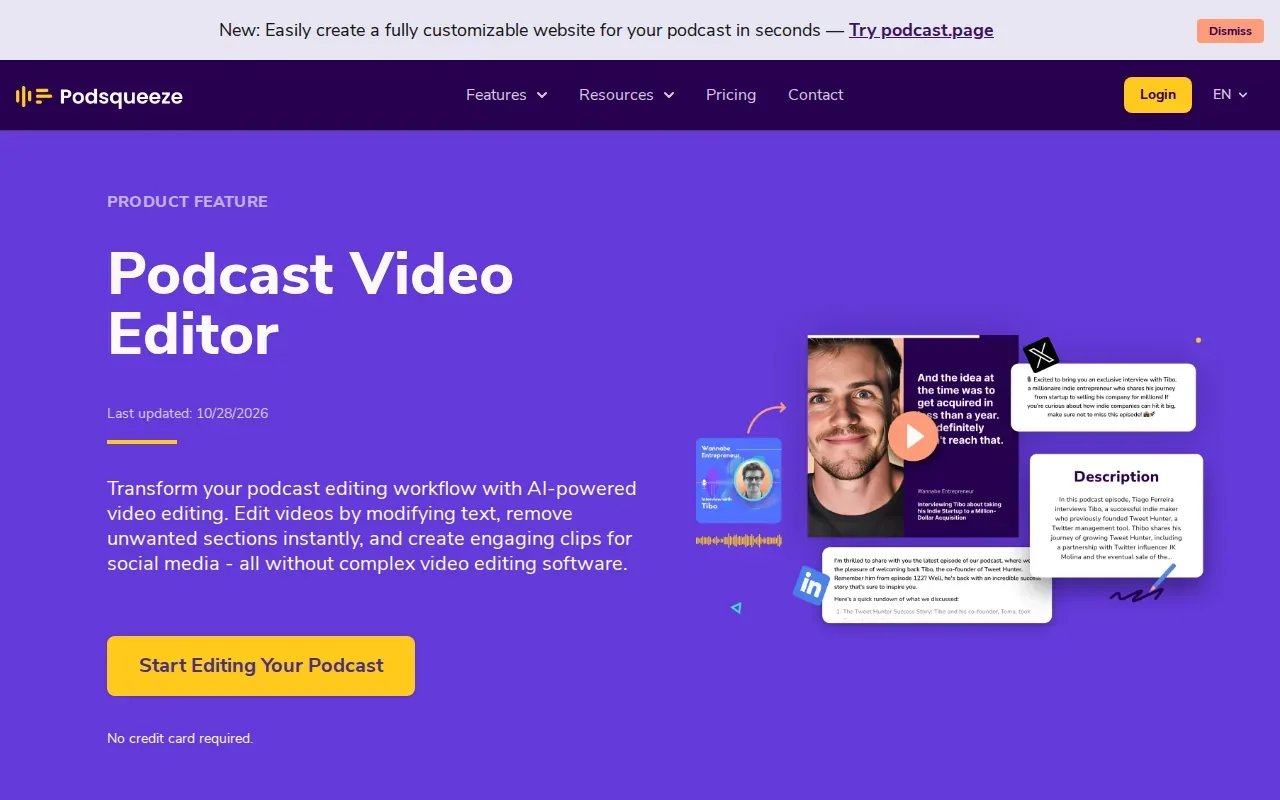
Podsqueeze focuses on turning full‑length podcasts into social‑ready clips. Its AI scans the transcript, flags high‑engagement moments, and creates vertical 9:16 clips with auto‑generated captions. You can tweak the start and end points in a simple drag‑and‑drop editor, then apply brand colors and fonts from saved templates. The platform supports multiple languages, which helps creators reach global audiences.
It shines for shows that need a steady stream of short clips but lack an in‑house editing team, though busy creators who want weekly clips handled for them may prefer done-for-you video repurposing services. Podsqueeze also offers a library of royalty‑free music tracks to add under the video.
4. Flixier: browser‑based editing for distributed teams
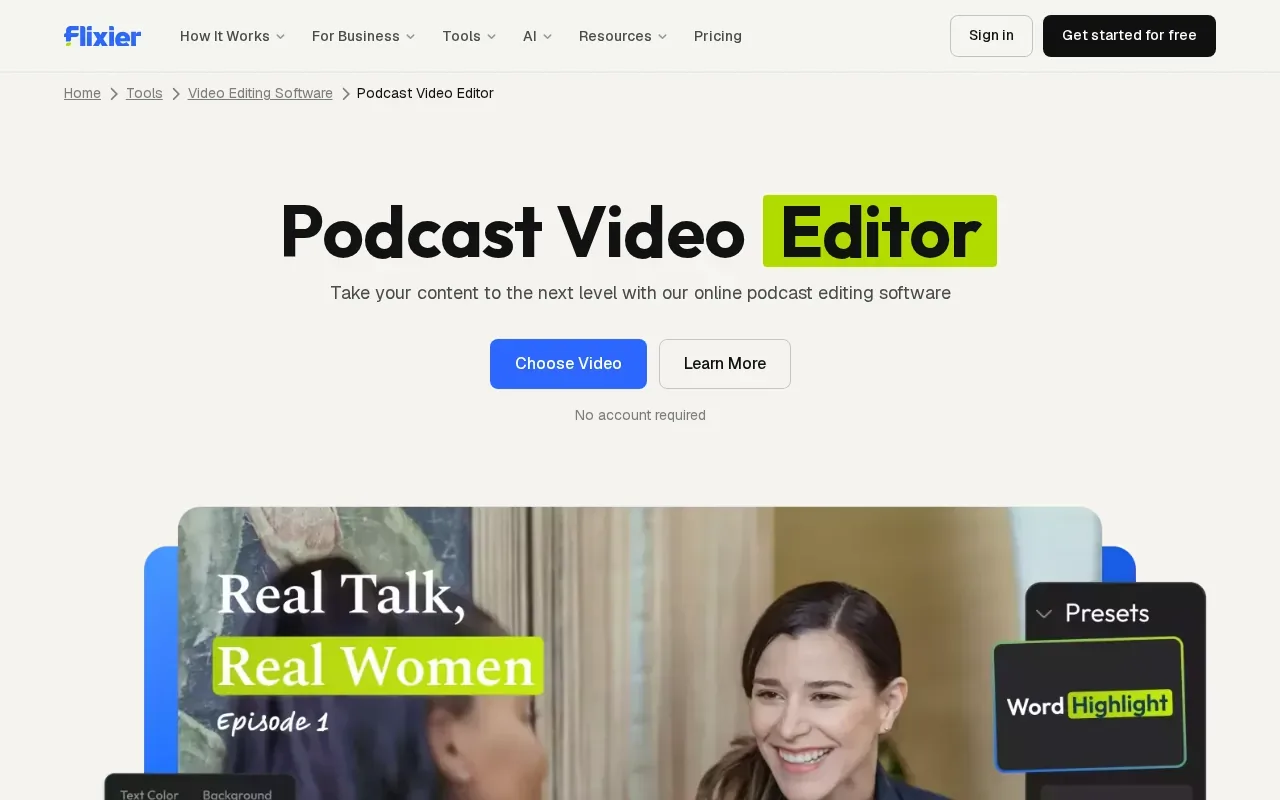
Flixier runs entirely in your browser, so there’s no software to install. The AI assistant Eva watches your footage, suggests cuts and adds captions with a single click. Because rendering happens in the cloud, even a modest laptop can export a full‑length video in minutes. Teams can share a brand kit, leave comments directly on the timeline, and approve clips without swapping files.
Great for agencies or multi‑creator teams that need collaboration and fast turn‑around. Flixier’s free plan lets you try the AI tools, while paid tiers unlock unlimited storage and custom branding.
Podcast Video Editor Comparison: Workflow, Effort, and Best Fit
| Tool | Workflow Style | Effort Level | Best Fit |
|---|---|---|---|
| Riverside | Online recording + web edit | Low – AI helps cut, but you review | Interview‑style shows with multiple cameras |
| Descript | Text‑based edit | Medium – learn transcript editor | Creators who like script‑style editing |
| Podsqueeze | AI‑assisted clip generation | Medium – tweak AI picks | Podcasters needing volume without a team |
| Flixier | Browser NLE with AI assistant | Medium – collaborate on timeline | Distributed teams that want cloud rendering |
What to Look For in a Podcast Video Editor for Weekly Content
First, check how the tool handles vertical 9:16 export. TikTok, Instagram Reels and YouTube Shorts all expect that aspect ratio, and a built‑in reframe saves you a manual crop step.
Second, look for AI that can generate or clean up captions. Accurate subtitles boost accessibility and keep viewers watching longer.
Third, consider turnaround time. A service that promises delivery in 2‑3 business days lets you keep a regular posting schedule.
Finally, evaluate pricing against your clip volume. Fixed‑volume subscriptions (like PenguinClip’s plans) often beat per‑clip rates once you hit a steady publishing cadence.
Our step‑by‑step workflow shows how to pair recording, editing and publishing.
FAQ
Can I edit a podcast video myself without learning a complex timeline?
Yes. Tools like Descript let you cut video by deleting words in a transcript, so you never touch a traditional timeline.
How fast can I get short clips after uploading my episode?
Done‑for‑you services such as PenguinClip deliver clips within 2‑3 business days, while AI‑assisted platforms often produce a first batch in under an hour.
Do these editors support captions for the hearing‑impaired?
All five options generate captions automatically; you can edit them for accuracy before export.
Is there a free way to try a podcast video editor?
Descript offers a free tier that includes up to three hours of transcription and basic editing, letting you test the workflow before upgrading.
What format should I use for my source video?
Most editors accept MP4, MOV or web‑uploaded YouTube links. Keep the original resolution high; the tools will re‑encode to vertical 9:16 for social platforms.
Conclusion
For creators who want zero‑effort weekly clips, PenguinClip is our recommendation among video editing services to outsource. If you prefer a hands‑on tool, Riverside, Descript, Podsqueeze or Flixier each fill a specific niche, give one a trial and see which matches your workflow.