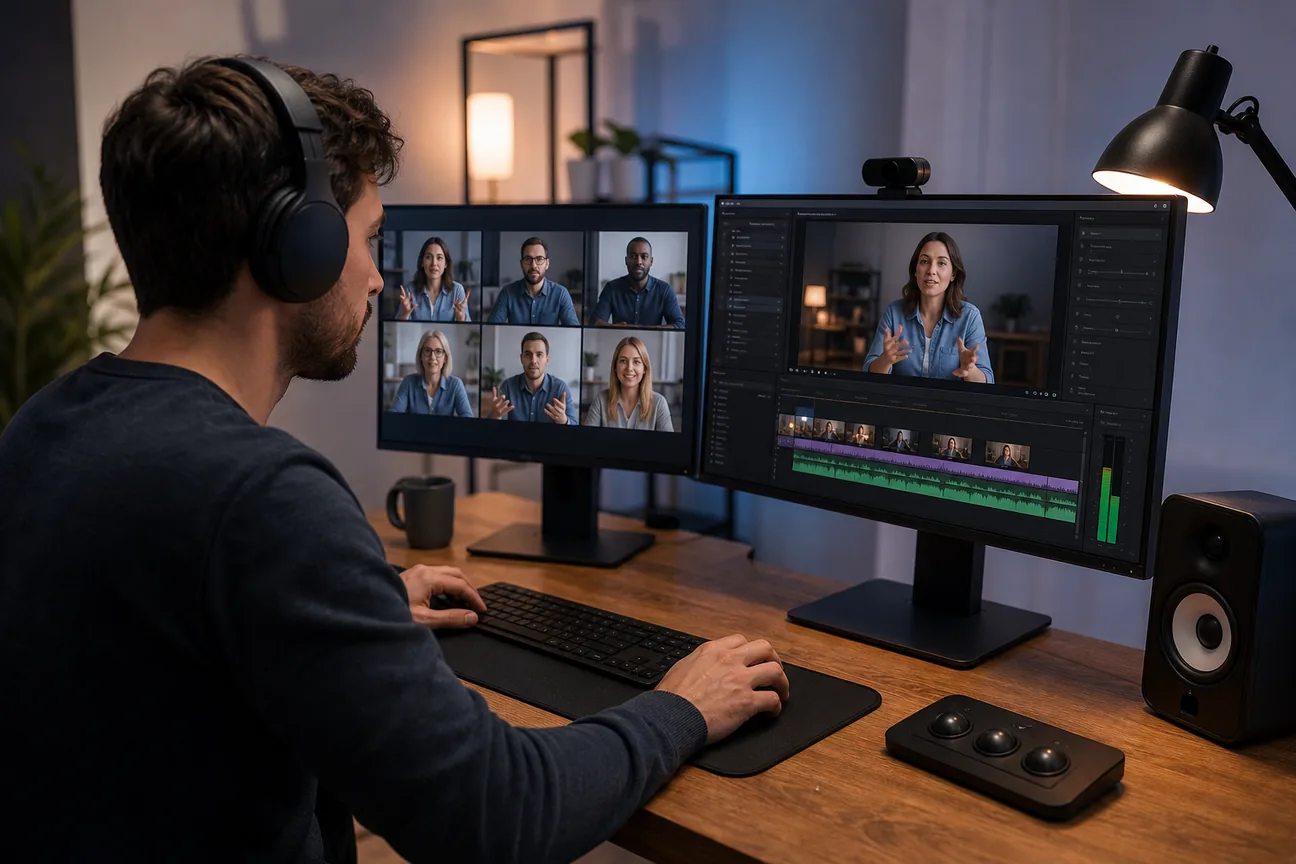
A webinar can have strong ideas and still feel rough when the recording is hard to watch. The best webinar video editing services help you polish the full session or turn its strongest moments into short clips. Here are five named options, with a clear look at what each one handles.
1. PenguinClip
PenguinClip is a done-for-you video clipping service that turns webinars and other long-form videos into polished vertical clips. It’s best for busy webinar hosts, podcasters, coaches, and marketing teams that want a steady flow of social content without editing each clip themselves.
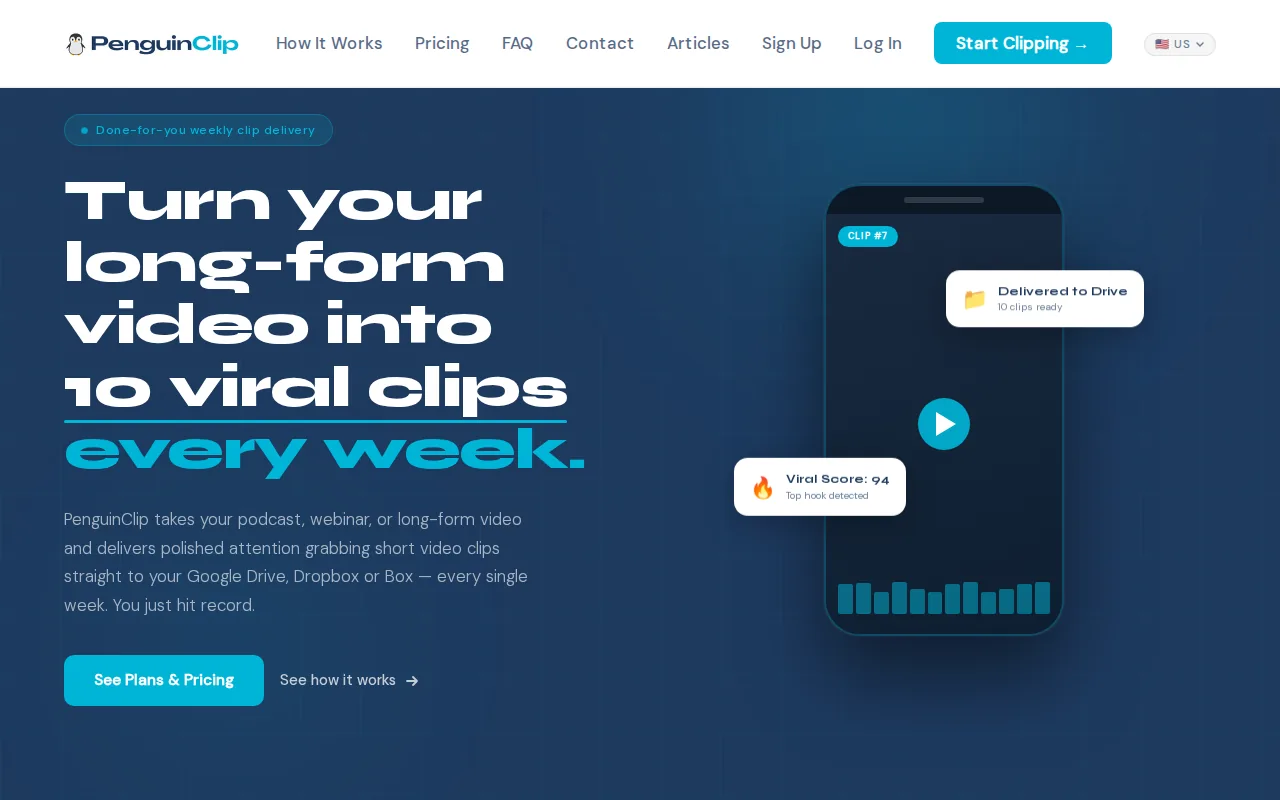
Our team selects moments, edits and captions clips, then assigns a viral score to help you judge what to post first. Finished files go to your chosen cloud storage, ready for your team to publish. You submit a long-form video, then get a weekly delivery instead of adding clip editing to every workday.
That routine suits interview podcasts, coaching sessions, sermons, and webinar recordings. A marketing team can pull a useful takeaway from a training session, while a solo host can keep publishing clips between full episodes. We handle the editing. You stay focused on the next recording.
PenguinClip plans include 9:16 vertical formatting, captions, titles, viral scores, and weekly delivery. The listed monthly plans range from $449 for 12 clips to $1,349 for 40 clips. You can compare PenguinClip plans and pricing against your publishing schedule.
One distinction matters: PenguinClip repurposes a webinar recording into short clips. It isn’t the same job as a live production crew or a full-length webinar editor. If weekly social posts are the goal, that focused workflow keeps the handoff simple.
2. DFW Live Stream: live webinar production with highlight clips
DFW Live Stream is a managed webinar production service with post-event highlight clips. It’s best for companies, associations, and recurring programs that need help producing the live event as well as preparing its recording for later use.
The service covers planning before the broadcast, presenter preparation, live production, and delivery of the finished program. DFW Live Stream says it can work with platforms such as Zoom, YouTube, websites, and RTMP destinations. Its producer handles live cues and technical changes so presenters can focus on the session.
After the event, the team can provide three to five edited vertical highlights as a Content Clips add-on. That can help a training team reuse a session without taking on the first round of clip selection and editing. It’s a different scope from a weekly clipping subscription: the live show comes first.
A single produced webinar of up to 90 minutes costs $1,595. Monthly production is $1,095 for one webinar or $1,995 for two, while the Content Clips add-on costs $295. DFW Live Stream gives a two-to-four-week turnaround, so plan well ahead if the recording has a fixed release date.
For a one-off executive presentation or a planned training series, the production layer may be as important as the edit. If your webinar already runs smoothly and you mainly need clips every week, a live production package may cover more than your workflow requires.
3. Editvideo.io: subscription editing with a dedicated editor
Editvideo.io is a subscription video editing service with a dedicated editor. It’s best for YouTubers and creators who want an ongoing editing relationship rather than handling each video as a separate project.
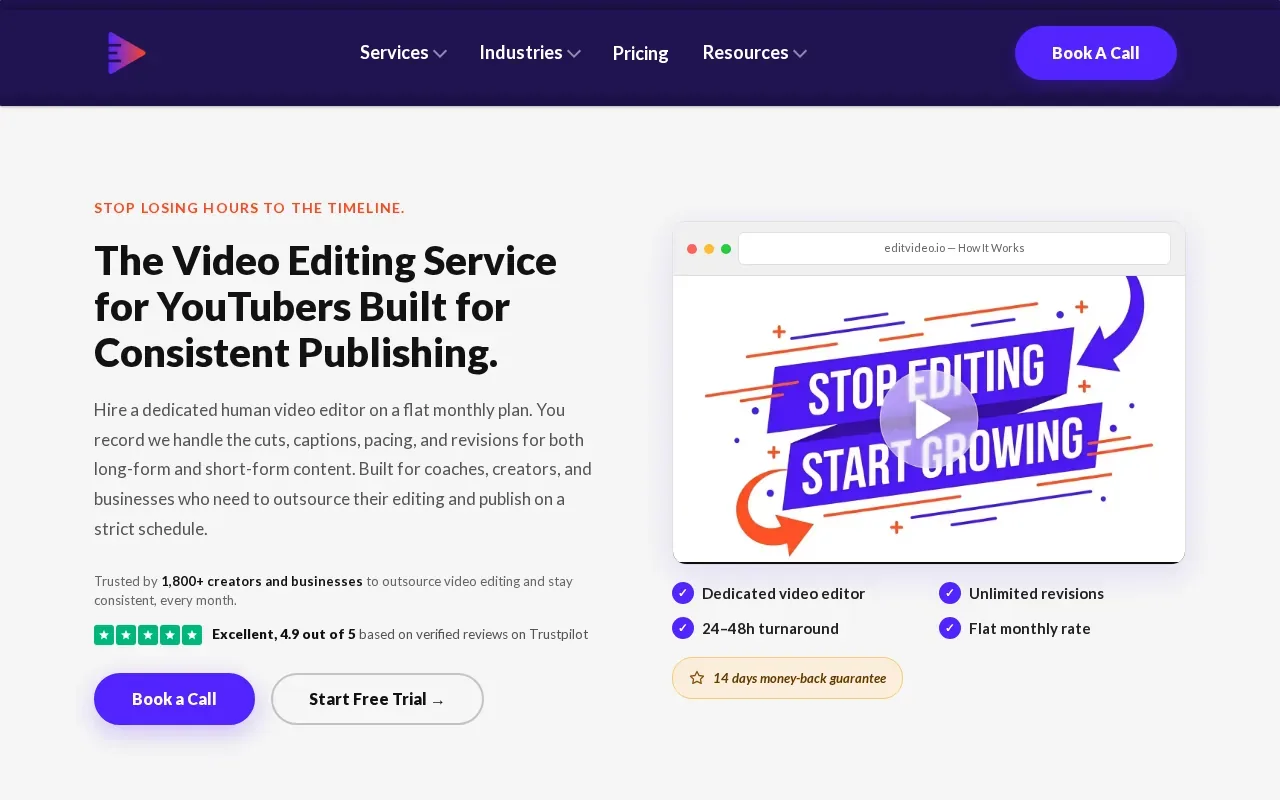
The service describes its model as flat monthly pricing with unlimited revisions, starting at $295 per month. A dedicated editor can be useful when your team has recurring editing needs and wants to give feedback across multiple projects. For webinar content, ask whether the editor’s scope matches the specific output you need, such as a cleaned-up full recording or short vertical clips.
Before choosing a monthly editing plan, write down the work that repeats. Is it trimming pauses from the full webinar? Adding captions? Pulling a set of short moments for social? Those are different jobs, even when they start with the same recording. A clear brief helps you compare the subscription with services built around weekly clipping.
Unlimited revisions can make an ongoing workflow feel more flexible, but it doesn’t replace a clear review process. Decide who approves the edit and what counts as a final change. That keeps feedback from stretching across a long chain of small requests.
If your webinar archive includes interviews, tutorials, or course lessons, a dedicated editor may fit work that goes beyond clips. For a broader view of done-for-you clipping services aimed at creators, our shortlist of video clipping services for YouTubers and podcasters focuses on that recurring format.
Choose this option when you want a monthly editor relationship and have a steady stream of video work to assign. Confirm the deliverables you need for webinar use before settling on the fit.
4. 85thAgency: fast-turnaround editing for agencies and creators
85thAgency provides video editing for agencies and creators, including short-form edits, YouTube videos, and ad creative. It’s best for teams that need fast turnaround across more than one kind of video asset.
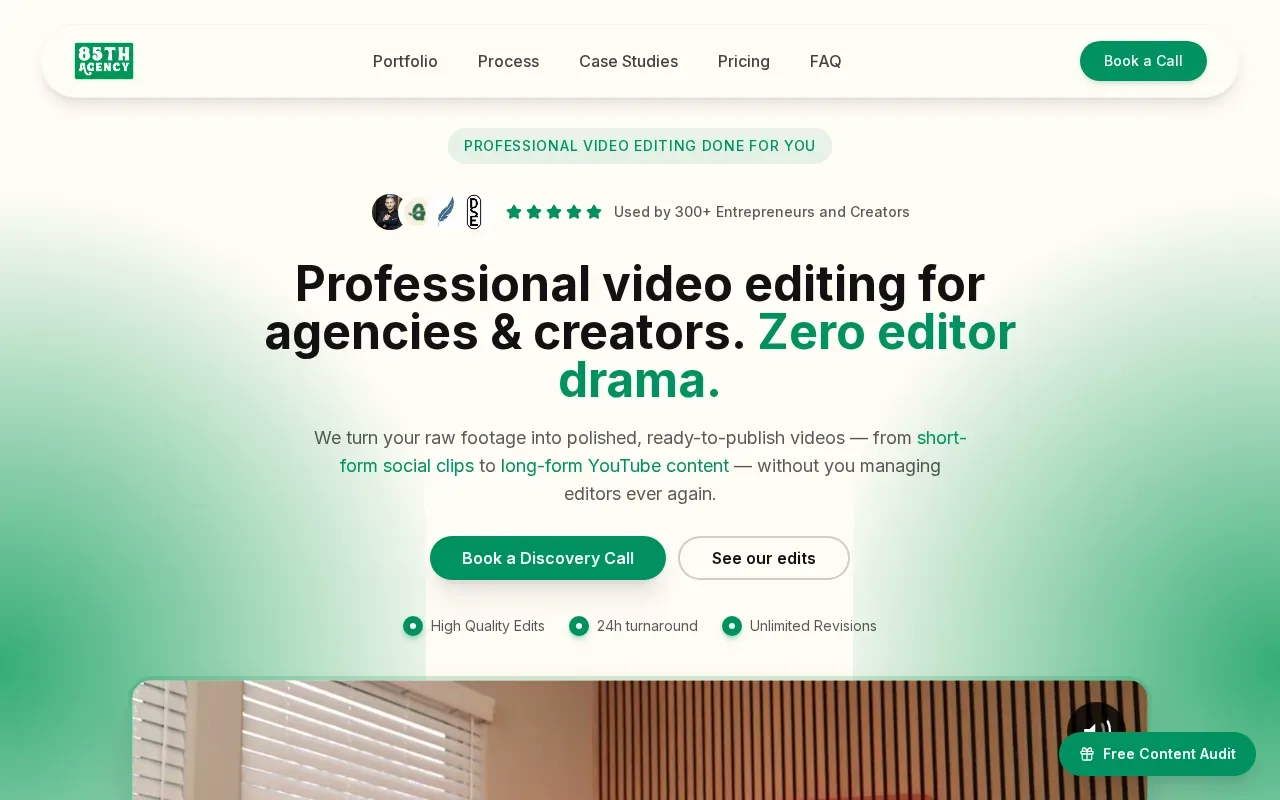
The stated turnaround is 24 to 48 hours. That speed can matter when an agency has a campaign calendar to keep or a creator wants new edits soon after publishing a long video. The service is broader than webinar clips alone, so it may suit teams assigning several kinds of editing work.
For a webinar project, decide what the deadline applies to and define the outputs before work begins. A full edited session, a social clip, and an ad cut need different review checks. Make sure your brief names the target format and where each file will be used.
Fast delivery helps only if the work is ready for the next handoff. Check a sample against your own needs: speech should be clear, captions should be easy to read, and the edit should keep the point intact. If your team uses a set brand style, share its rules before editing starts.
85thAgency may be a fit when your webinar is one part of a wider editing queue. If your only recurring task is weekly vertical clips, compare that broader service against a clipping plan built around recurring delivery.
5. Hype Clippers: short-form clipping with distribution
Hype Clippers turns long-form content into short-form clips and runs multi-platform distribution. It’s best for creators or teams that want clipping paired with help distributing the finished content.
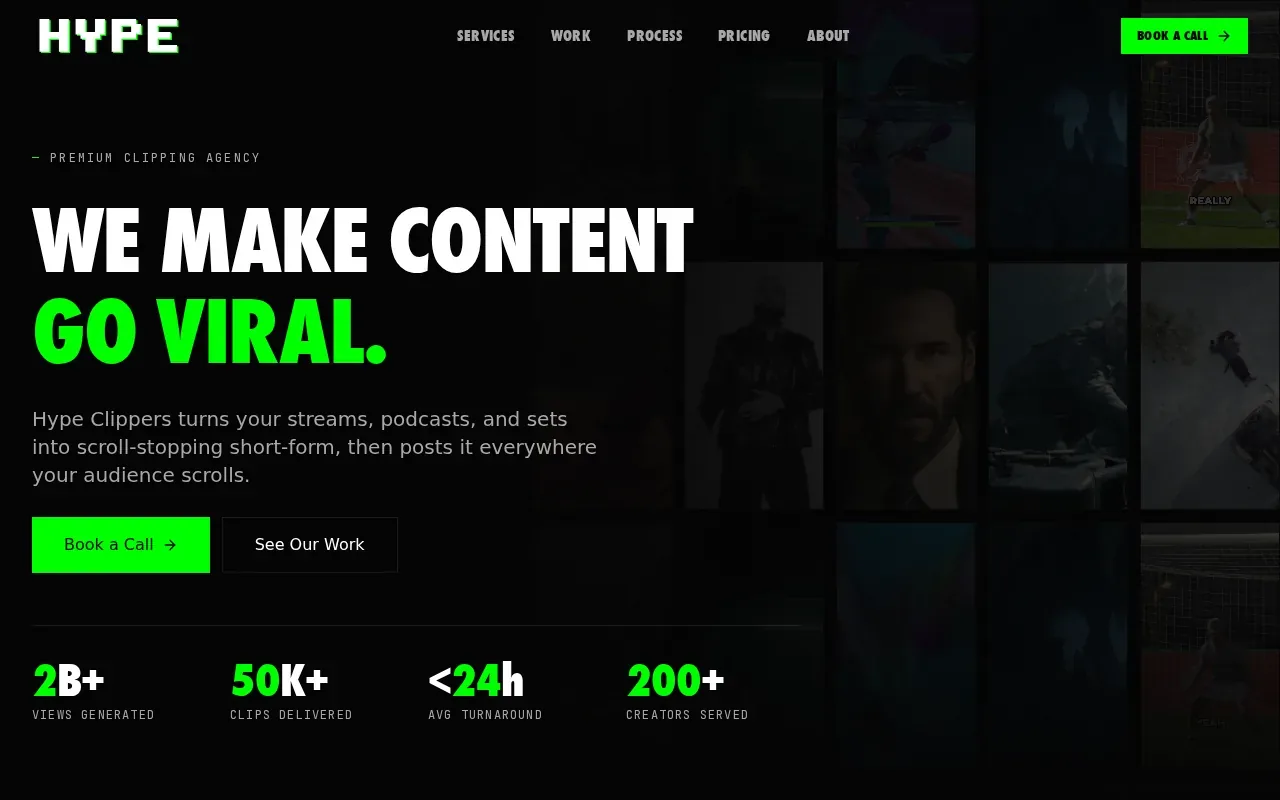
That distribution focus changes the work split. A team that only needs finished files may not need distribution support, while a team seeking help getting clips out across platforms may value having both parts in the same service. Hype Clippers is a Hype Company brand.
Before deciding, pin down what distribution means for your workflow. Confirm which platforms are part of the work and who handles final approvals. A webinar team might need a clip ready for a scheduled post, while an agency may need assets prepared for a client’s publishing calendar.
Short-form clips also need a clear purpose. One clip might share a speaker’s main point; another might invite viewers to watch the full session. Tell the editor who the clip is for and where it will appear. That direction gives the editing team a better basis for choosing a usable moment.
If you’re comparing social-focused services, our overview of social media video editing services can help you sort weekly clip production from broader publishing support.
Hype Clippers belongs on a shortlist when distribution is part of the task, not an afterthought. If you only want files delivered to your own cloud folder, compare the delivery process closely before choosing.
6. Riverside: AI-assisted webinar post-production
Riverside is a webinar repurposing and editing option that uses AI-assisted post-production. It’s best for webinar hosts who want editing automation and a quick turnaround for each video.
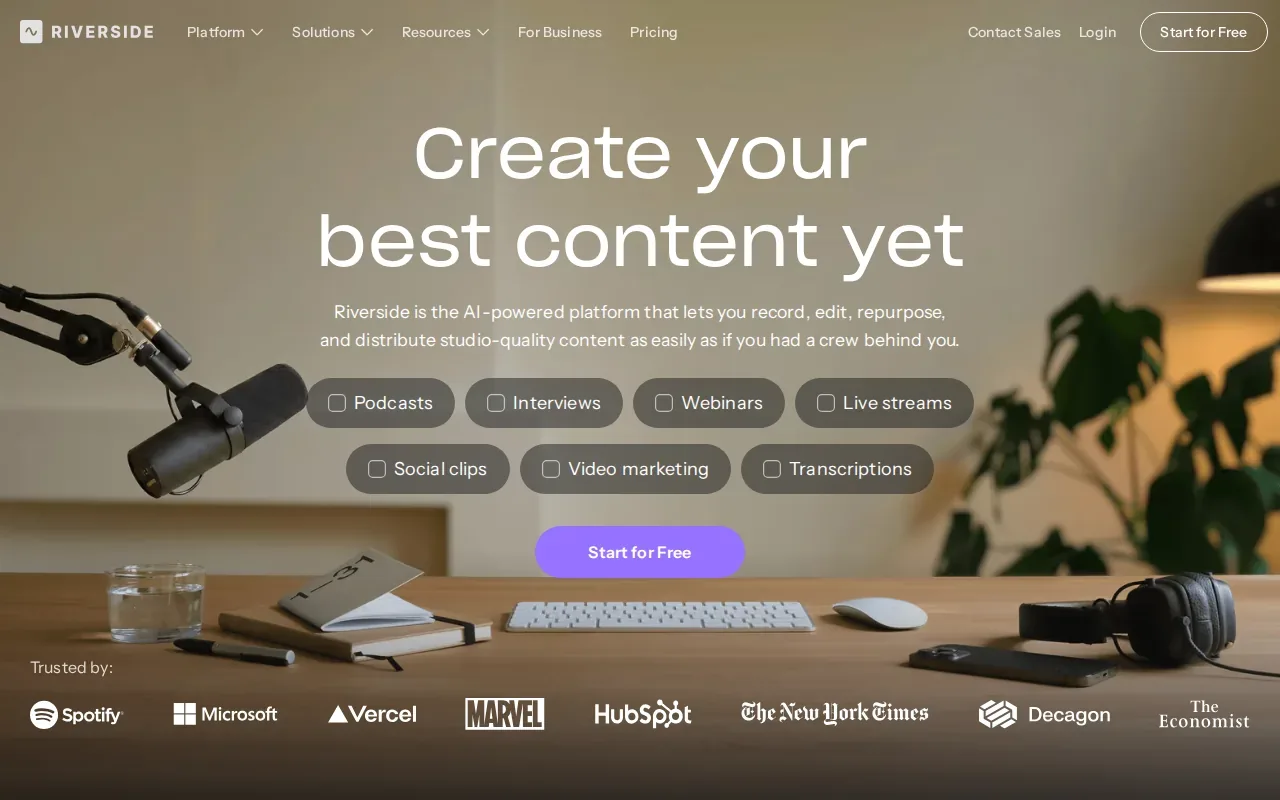
Riverside says its AI tools can cut post-production time from eight to 20 hours to two to four hours per video. Treat this as the company’s description rather than a promise for every recording or workflow.
Automation can help with editing speed, but speed isn’t the only thing to review. Check whether the final cut keeps the speaker’s meaning, whether captions are accurate, and whether the file suits the platform where you’ll publish it. AI can speed up steps; someone still needs to approve the result.
| Decision point | Riverside fit | What to check |
|---|---|---|
| Editing pace | Two to four hours per video, as described by Riverside | Does that timing match your release schedule? |
| Editing method | AI-powered editing | Can you review and adjust the result to your standards? |
| Publishing need | Webinar repurposing and editing | Do you need short clips, a full-session edit, or both? |
For accessible video, captions need to convey the spoken content, not just appear on screen. Captions can help viewers who can’t hear the audio. Build a human caption check into your review, especially for names and technical terms.
Choose Riverside when automation and fast processing matter most. If your team wants a recurring service that delivers ready-to-post clips to cloud storage, compare that handoff with your weekly publishing routine.
Frequently Asked Questions
What should a webinar video editing service include?
A webinar editing service should match the files you need after the session. That may mean a cleaned-up full recording or short vertical clips for social. Ask how it handles captions, brand assets, review rounds, file delivery, and turnaround. Those details make it easier to compare a full-service production team with a clipping-focused provider.
How much do webinar video editing services cost?
Costs depend on the work included and whether you pay per webinar or by subscription. DFW Live Stream charges $1,595 for one produced webinar of up to 90 minutes, while its monthly options cover recurring production. PenguinClip uses monthly plans for recurring clip delivery. Compare the outputs and schedule, not just the payment model.
How long does webinar editing take?
Turnaround varies by service and scope. Riverside describes a two-to-four-hour process for each video, while DFW Live Stream gives a two-to-four-week turnaround for its produced webinar service. PenguinClip delivers clips weekly. Ask what starts the clock and whether review time is included before setting a publication date.
Can a webinar recording be turned into social media clips?
Yes. A recording can be repurposed into short vertical clips that share useful moments from the session. The editor needs to know the intended platform and audience, since a clip meant to promote the full webinar may need a different opening from one meant to stand alone. Check caption accuracy before publishing.
Should I edit webinars myself or hire a service?
DIY editing gives your team direct control, but it also takes staff time and calls for a repeatable editing setup. A service shifts some of that work outside your team. If clips are a weekly task, compare the ongoing time you spend with the cost and delivery schedule of a recurring service.
Conclusion
For busy hosts who want weekly, ready-to-post webinar clips, PenguinClip is the clearest fit in this shortlist. If live event production or a fast AI editing workflow is your main need, compare those options against the work you actually need done. To plan a recurring clip schedule, review PenguinClip’s current plans and choose a volume that matches your publishing pace.